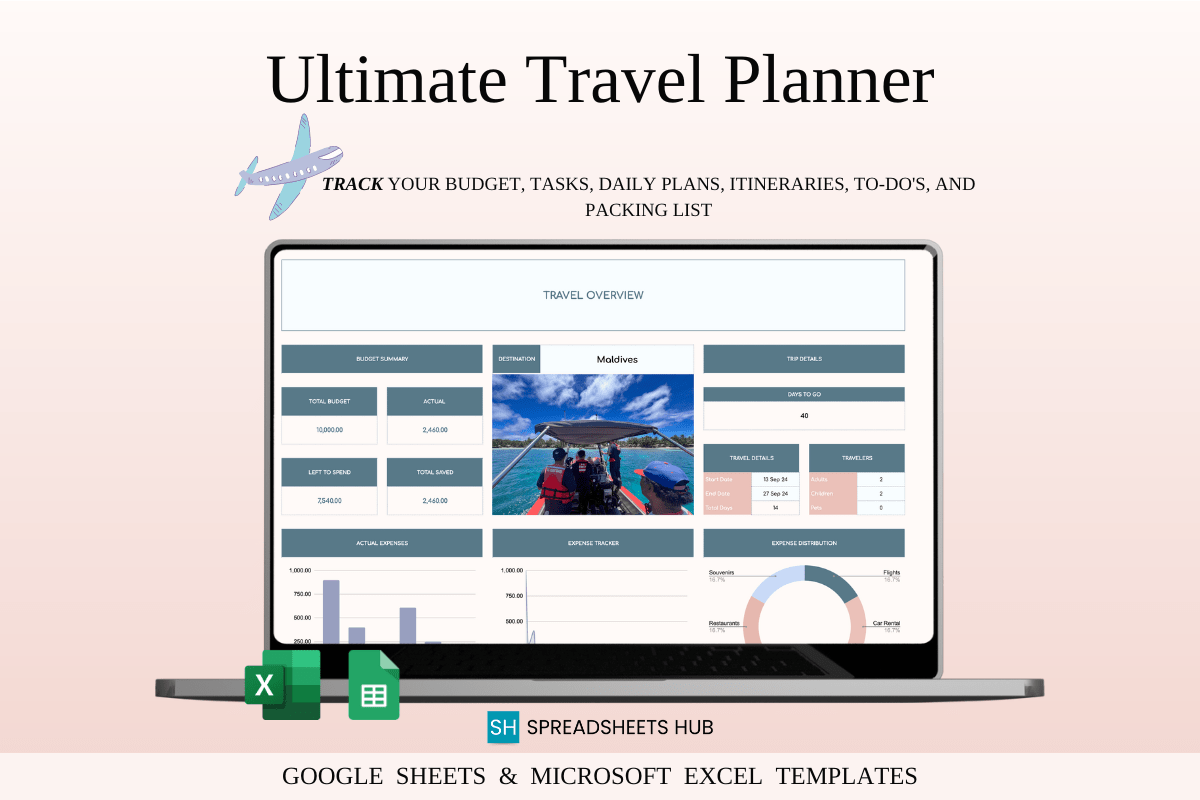
Plan every detail of your trip in one place with this travel planner spreadsheet for Excel and Google Sheets. Perfect for solo travelers, families, or business trips, it helps you build itineraries, manage budgets, and track tasks with ease. Use the prebuilt dashboards to research destinations, plan days, and pack smart. Includes step-by-step instructions and sample files so you can start fast.
Key Features
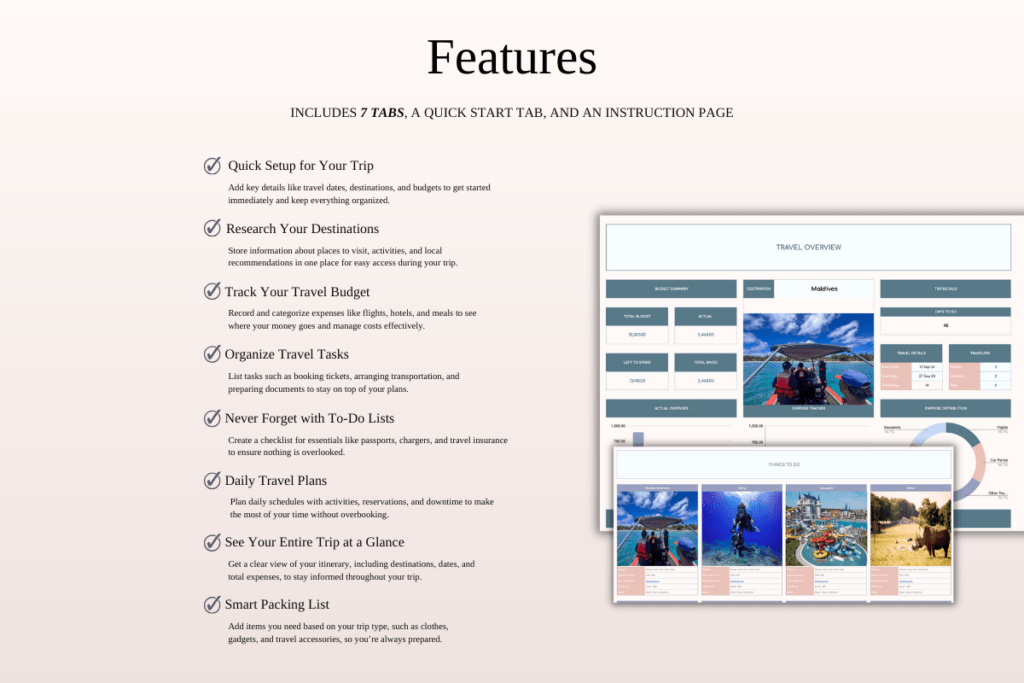
- All-in-one dashboards for research, itinerary, budget, tasks, and packing
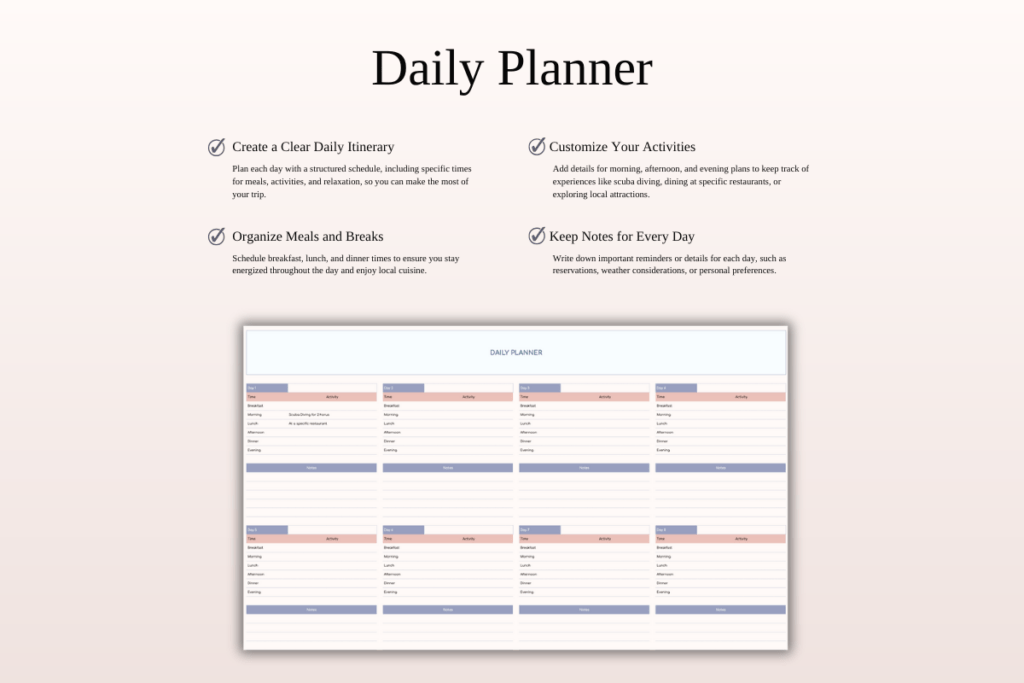
- Daily planner to map each day and maximize your time
- Budget dashboard to plan and monitor trip expenses
- Task list to track bookings, deadlines, and to-dos
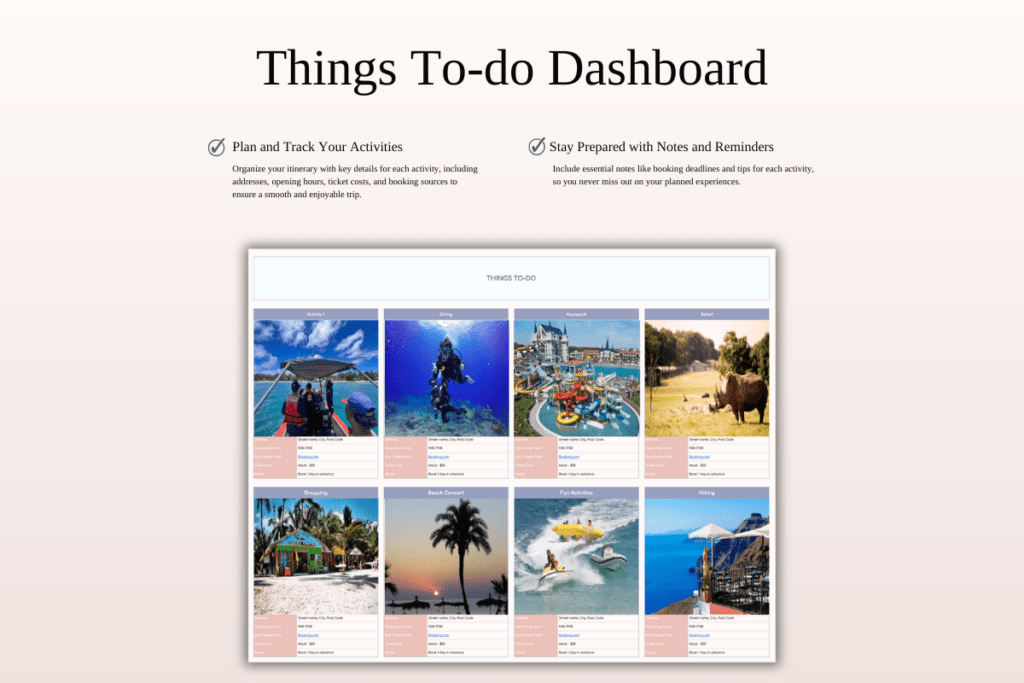
- Things to do list to prioritize must-see attractions
- Packing checklist to avoid last-minute misses
- Overview snapshot for dates, destinations, and highlights
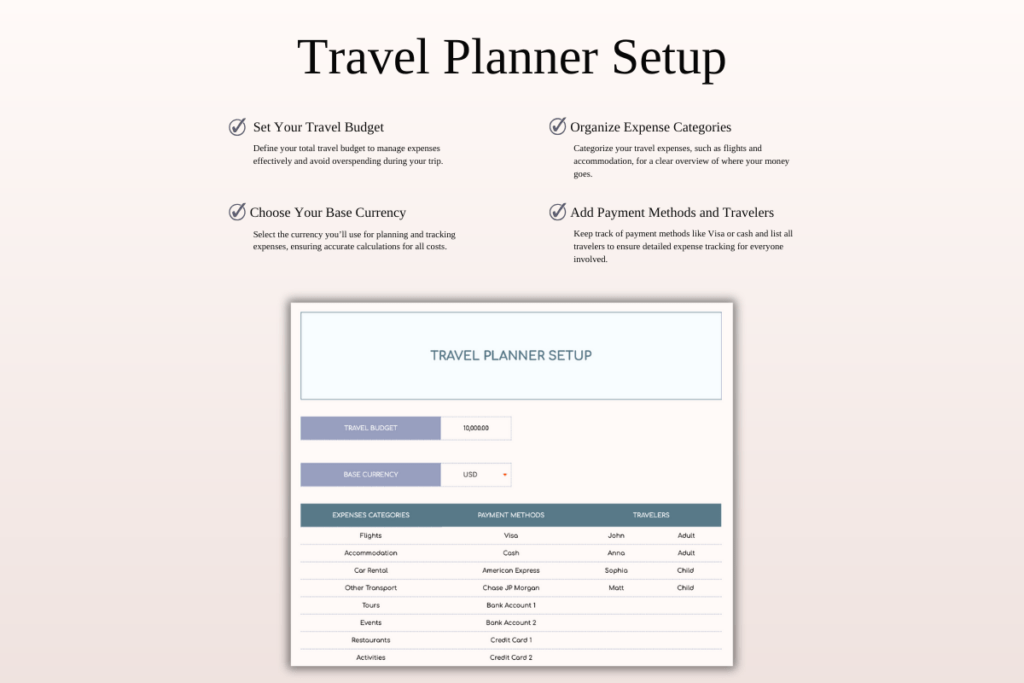
- Easy setup with guided instructions and sample data
What’s Included
- Excel files: blank template and sample with mock data
- Google Sheets files: blank template and sample (via access link)
- Step-by-step instructions PDF
- Link to a short video tutorial
How It Works
- Purchase and download the ZIP/PDF instantly.
- For Google Sheets: open the PDF link, sign in to your Google account, and make a copy to your Drive.
- For Excel: download the Excel file to your device and open in Microsoft Excel.
- Start customizing your itinerary, budget, tasks, and packing lists.
Important Notes
- Digital download only; no physical product will be shipped.
- All sales are final due to the nature of digital items.
- Colors may vary by screen and device.
- Best editing experience on a desktop or laptop.
- Requires Microsoft Excel or a Google account for Google Sheets.
Frequently Asked Questions
Does it work with both Excel and Google Sheets?
Yes. You’ll receive Excel files plus a link to copy the Google Sheets version.
Can I use it on a phone or tablet?
Yes, it opens in the Excel or Google Sheets app, but desktop offers the best editing experience.
Are refunds available?
No. Digital products are non-refundable once delivered.
How do I access the Google Sheets template?
Open the included PDF, click the link, and make your own copy to your Google Drive.
License & Usage Rights
License grants personal and commercial use for one individual or business. You may modify the template for your own planning or client projects. Reselling, sharing, or redistributing the files or claiming them as your own is not permitted.