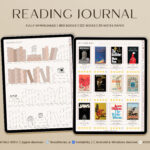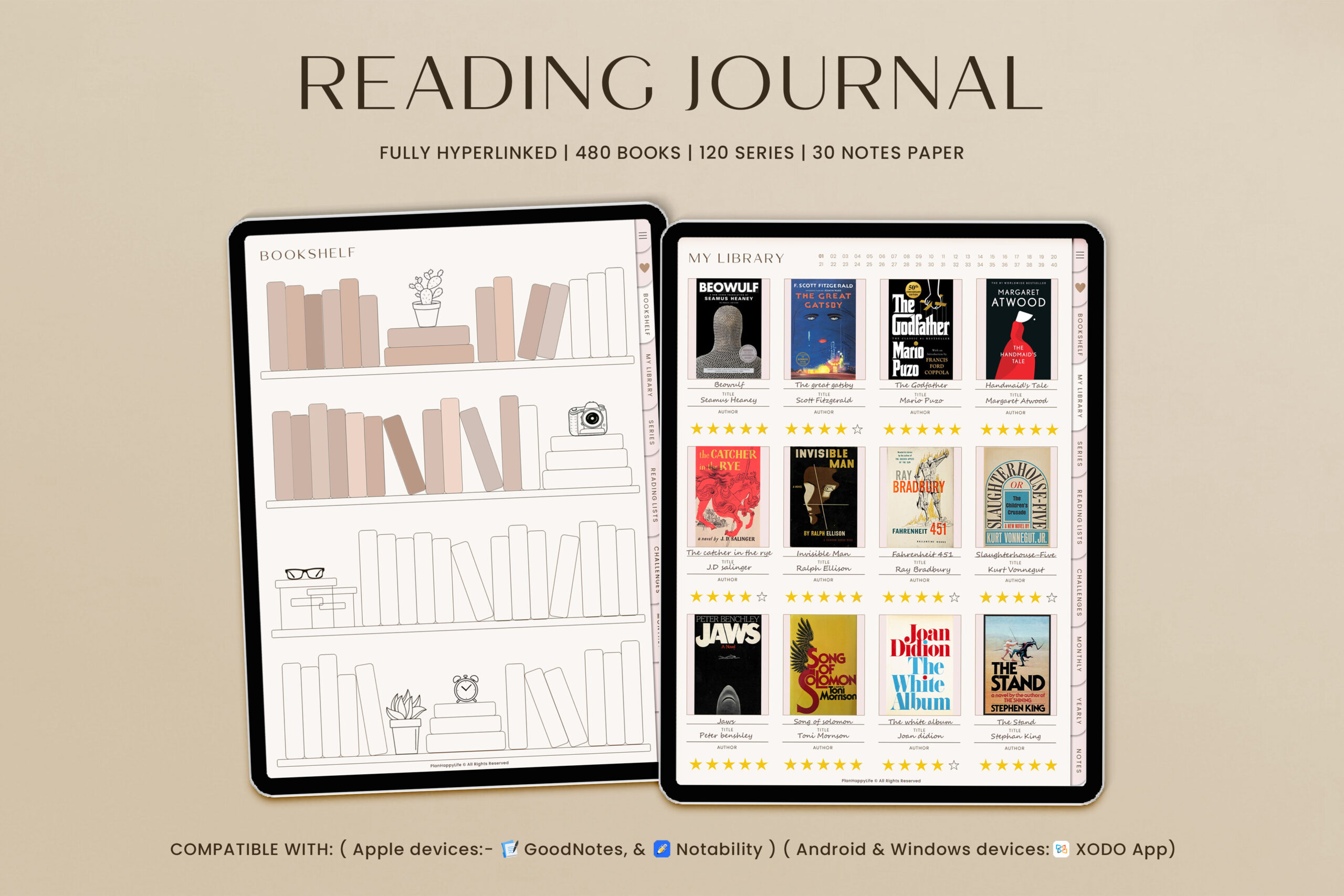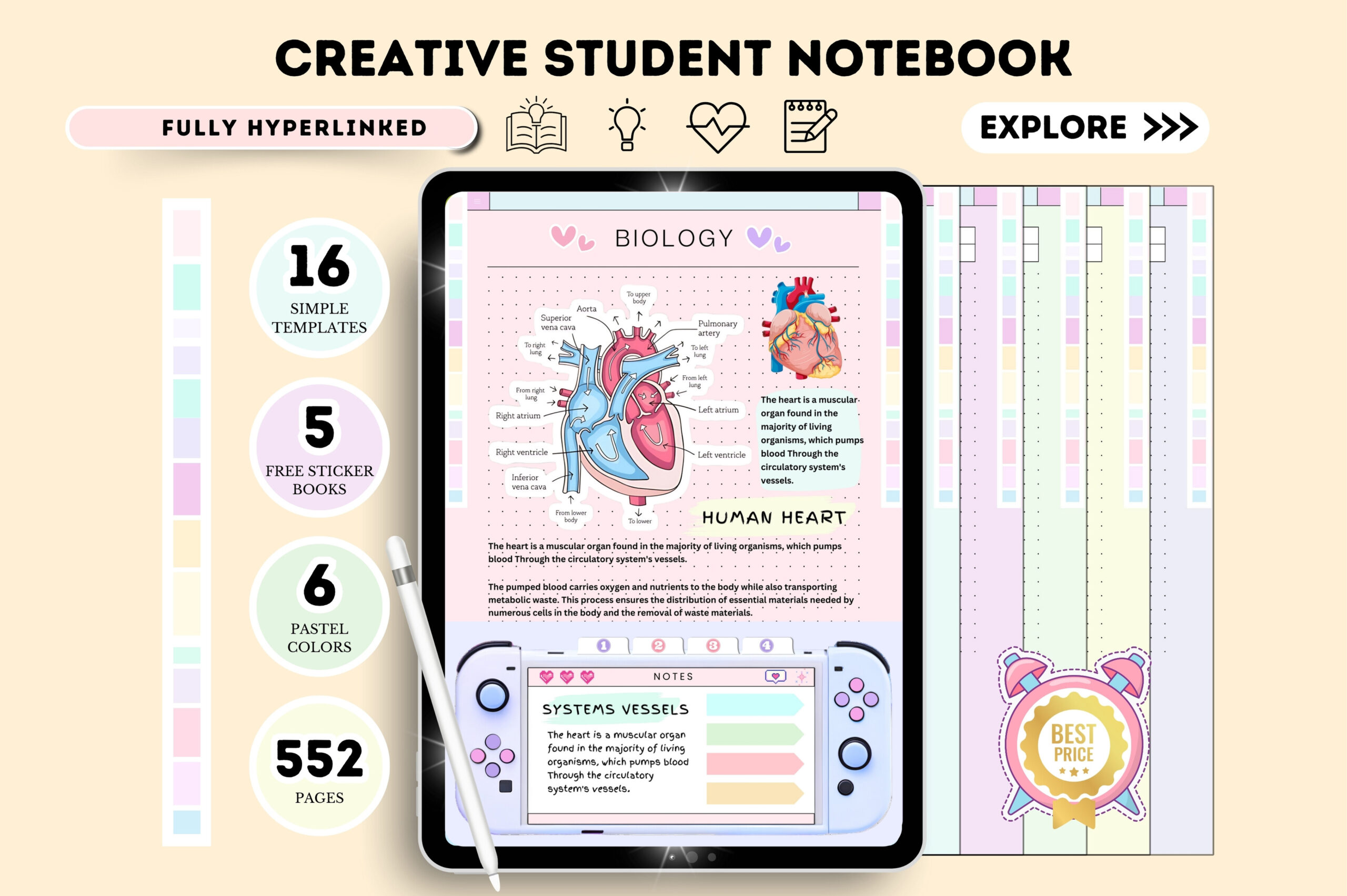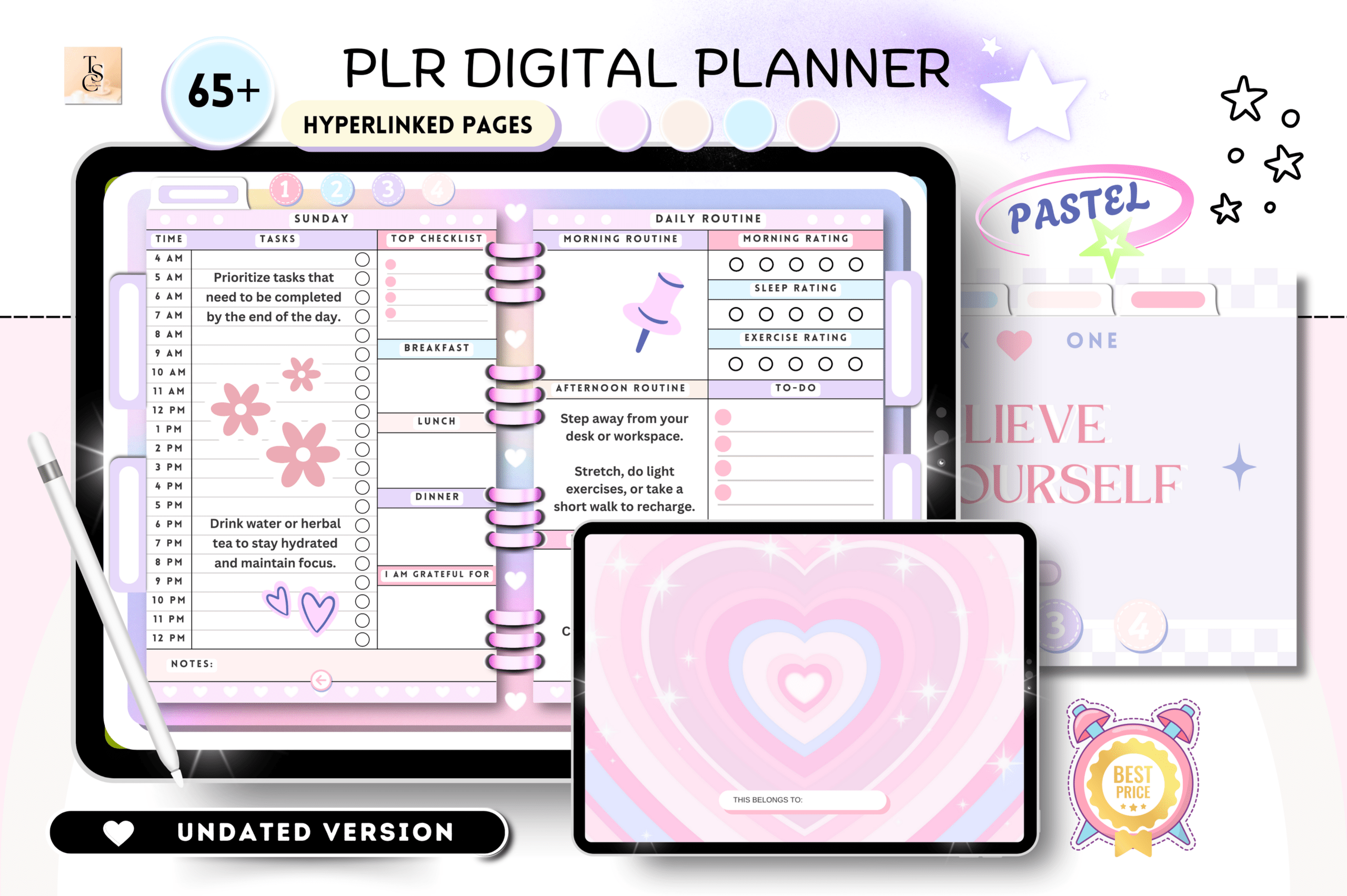
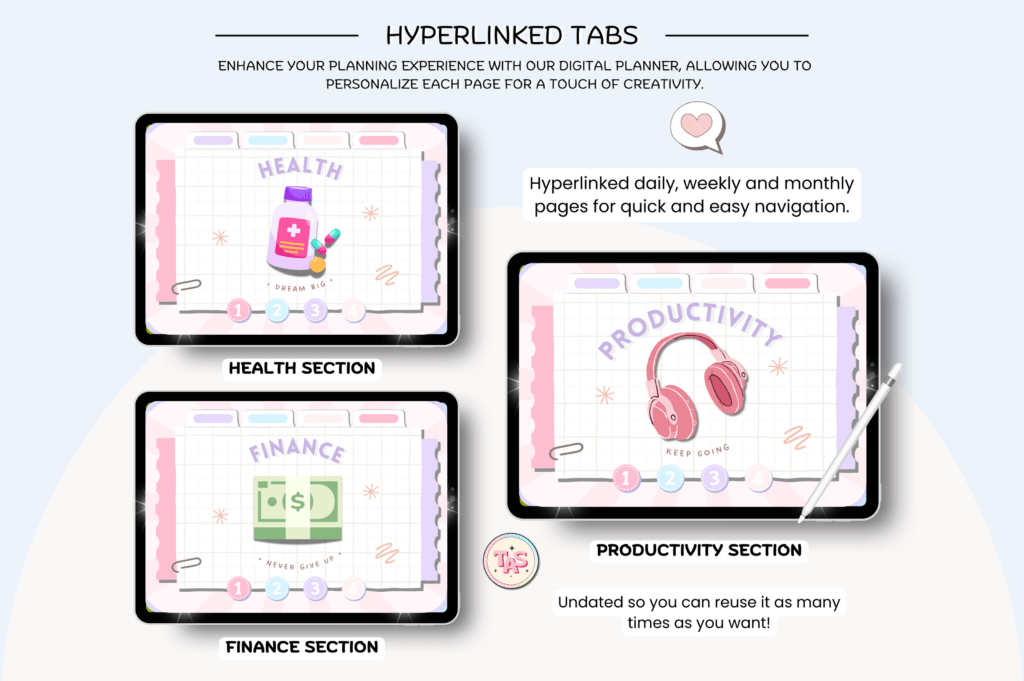
Launch or grow your digital product shop with this PLR Undated Digital Planner. It’s fully hyperlinked for fast navigation across daily, weekly, and monthly pages. Customize in Canva Pro, export to PDF, and use in apps like GoodNotes or resell as a finished product. Ideal for creators, coaches, and small businesses who want a ready-to-edit planner that sells.
Key Features
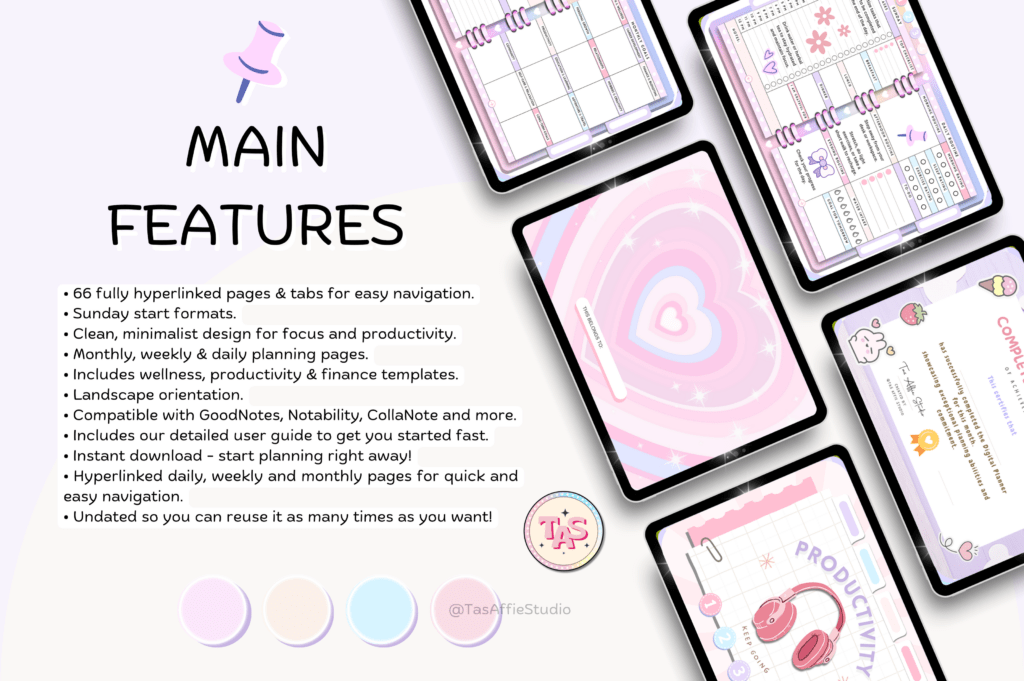
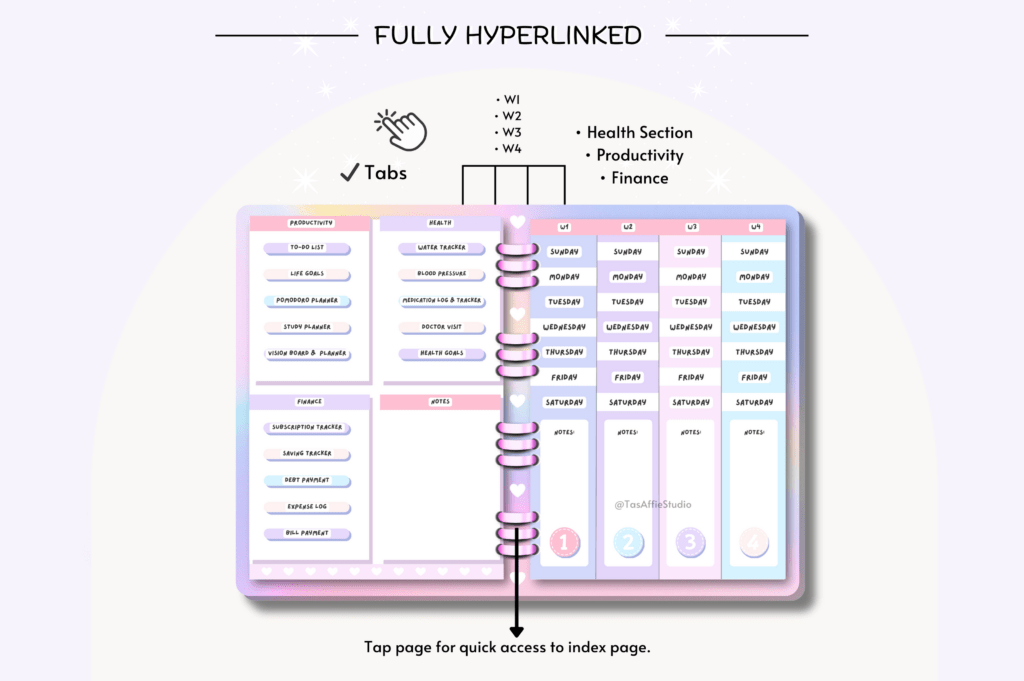
- Hyperlinked tabs and icons for quick, intuitive navigation
- Undated layout for year-round reuse
- 66-page planner covering daily, weekly, and monthly planning
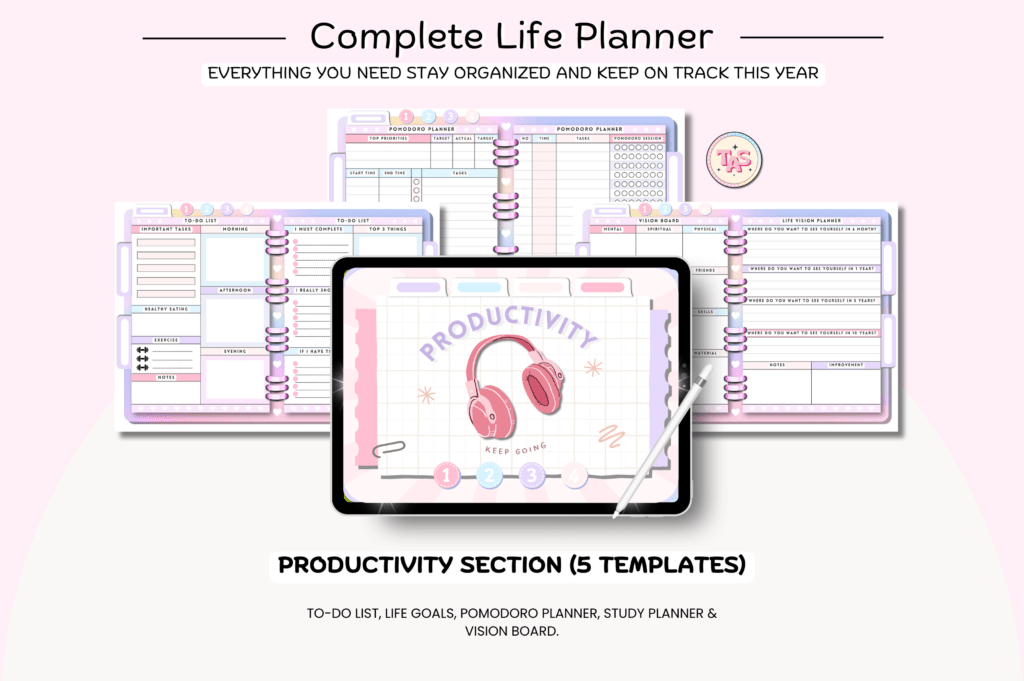
- Includes productivity, health, and finance trackers
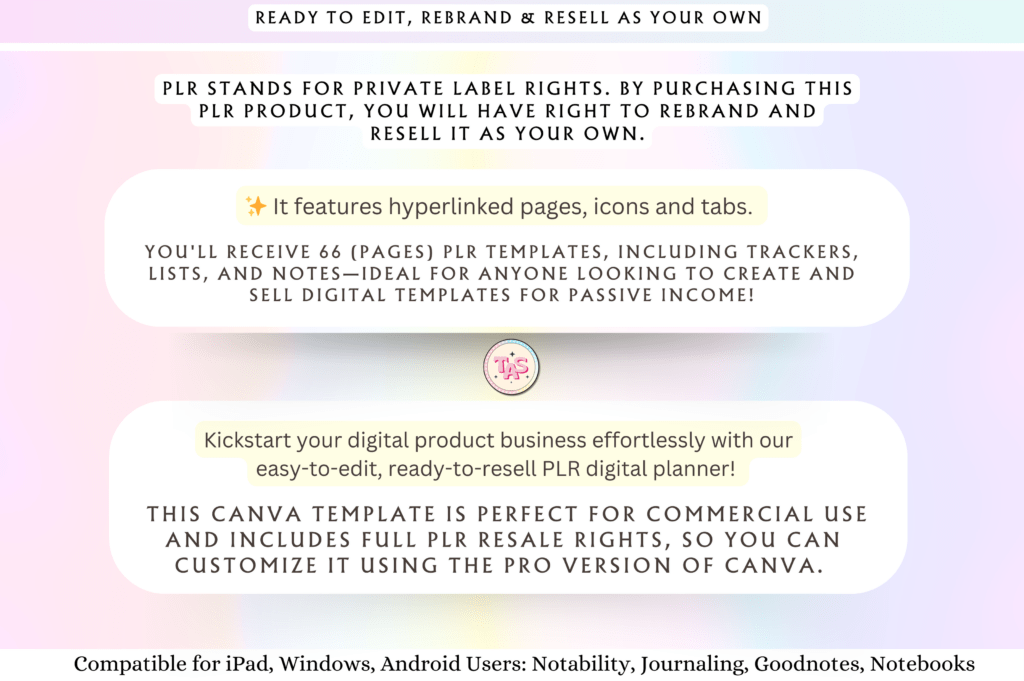
- Editable in Canva Pro to rebrand and customize
- Ready-to-use PDF for GoodNotes, Notability, and more
- PLR rights to sell as a finished product
- Clean structure with trackers, lists, and notes pages
- Fast setup with included instructions and guide
What’s Included
- 66-page hyperlinked undated digital planner (PDF)
- Canva template access link (requires Canva Pro)
- Instructions and quick-start guide
- Pages include: daily and weekly planners, weekly skincare and meal trackers, productivity tools (to-do, life goals, Pomodoro, study planner, vision board), health logs (water, blood pressure, medication, doctor visits, health goals), and finance trackers (subscriptions, savings, debt, expenses, bills)
How It Works
- Open the Canva Pro link to access the template.
- Customize colors, fonts, and pages to match your brand.
- Export the planner as a hyperlinked PDF.
- Import the PDF into GoodNotes, Notability, Noteshelf, XODO, Samsung Notes, or any PDF annotation app.
- Resell the finished planner to your customers (modify before selling).
Important Notes
- Canva Pro is required to access and edit the template.
- Digital product only; no physical item is shipped.
- Designed for PDF annotation apps on tablets and devices.
- Do not resell as PLR or Master Resell Rights; modify before selling as a finished product.
Frequently Asked Questions
Do I need Canva Pro?
Yes. A Canva Pro account is required to access and edit the template.
Which apps does the PDF work with?
GoodNotes, Notability, Noteshelf, XODO, Samsung Notes, and most PDF annotation apps.
Can I resell this as-is?
No. You must customize it first and sell only as a finished product, not as PLR or MRR.
Is the planner dated?
No. It’s undated so you can reuse it indefinitely.
License & Usage Rights
Includes PLR for personal and commercial use. You may customize, rebrand, and sell unlimited finished planners. You may not resell or distribute the template as PLR/MRR, or claim the original template as your own. Modify before selling.