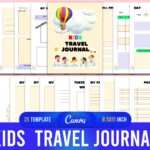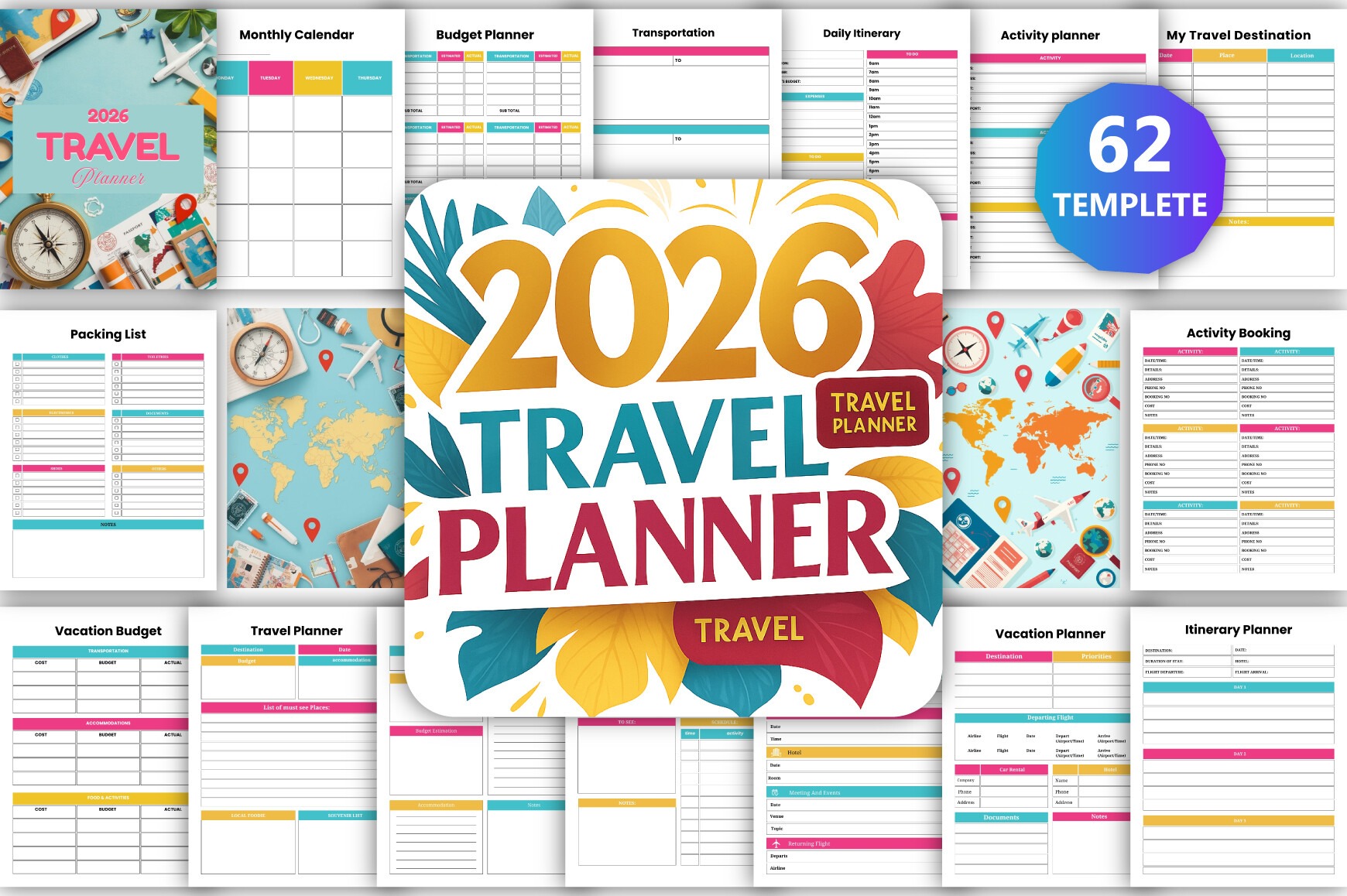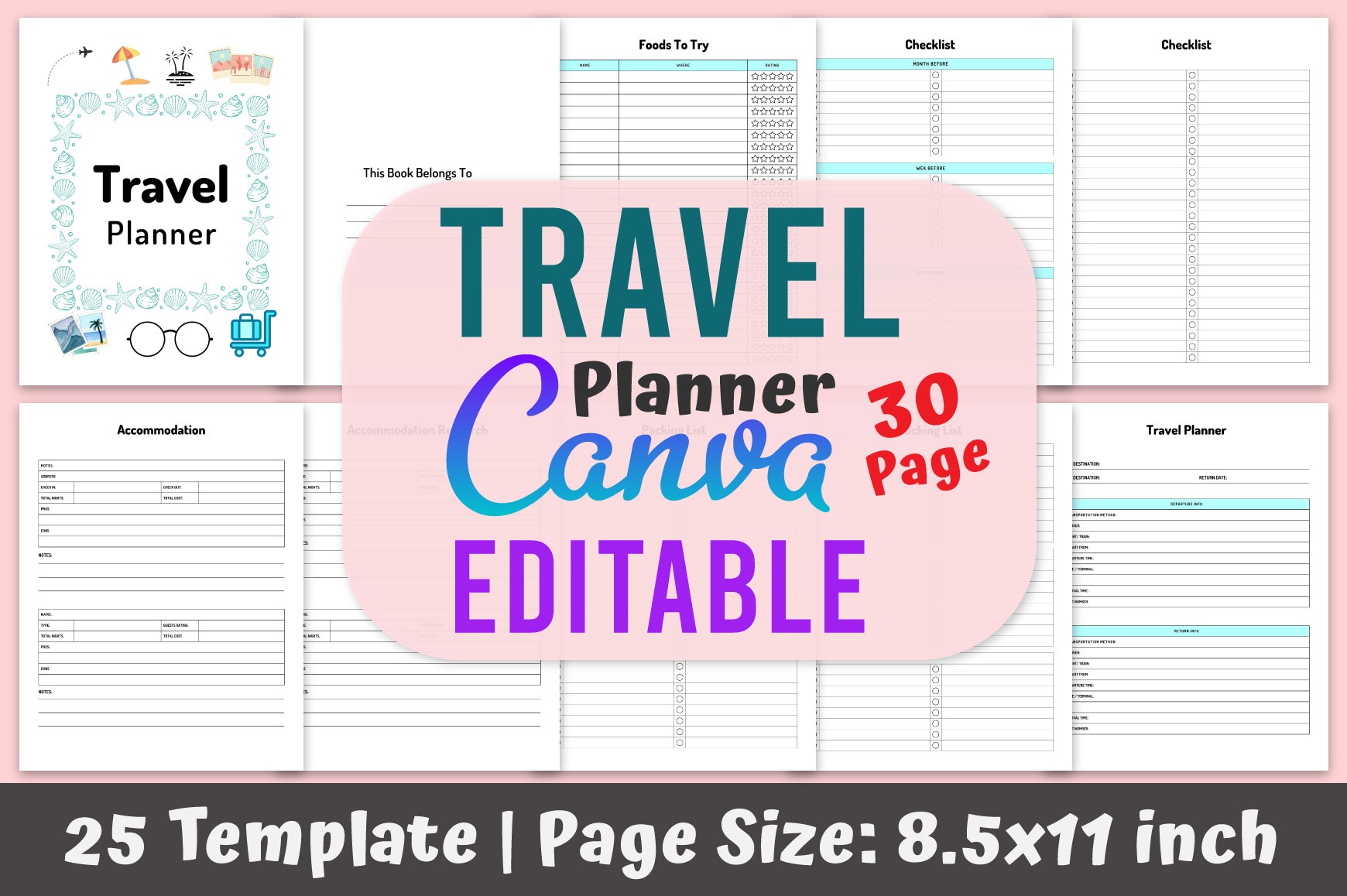
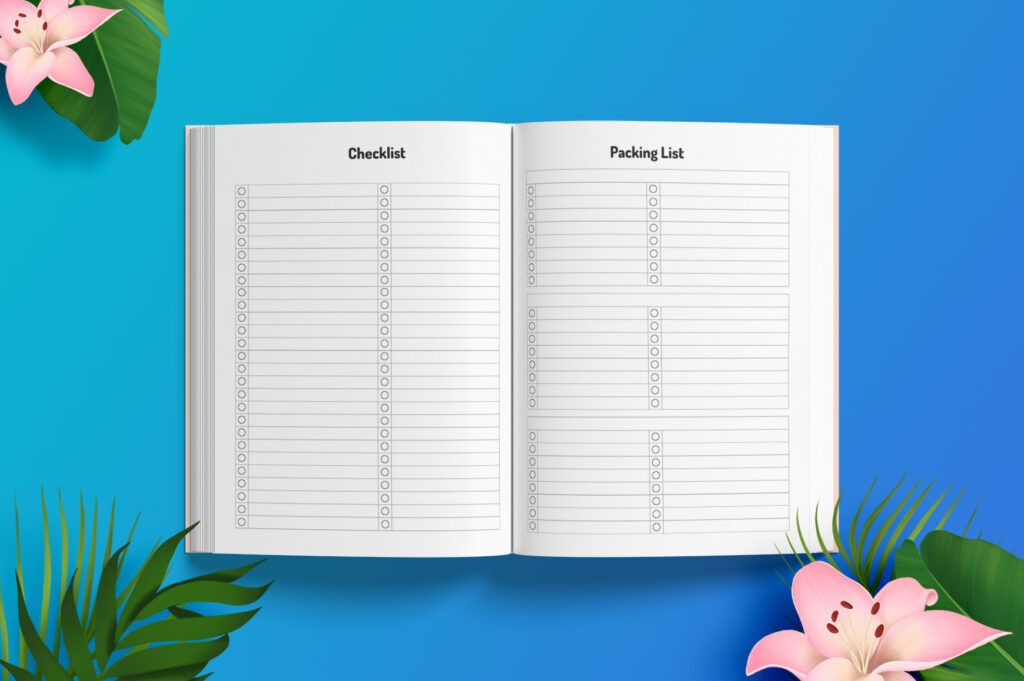
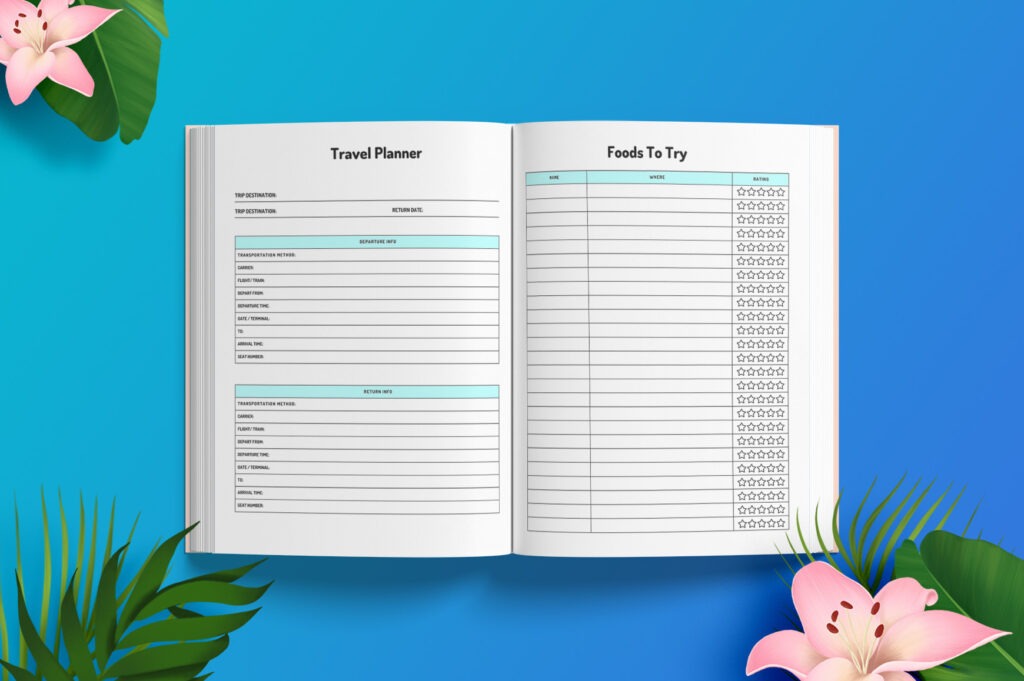
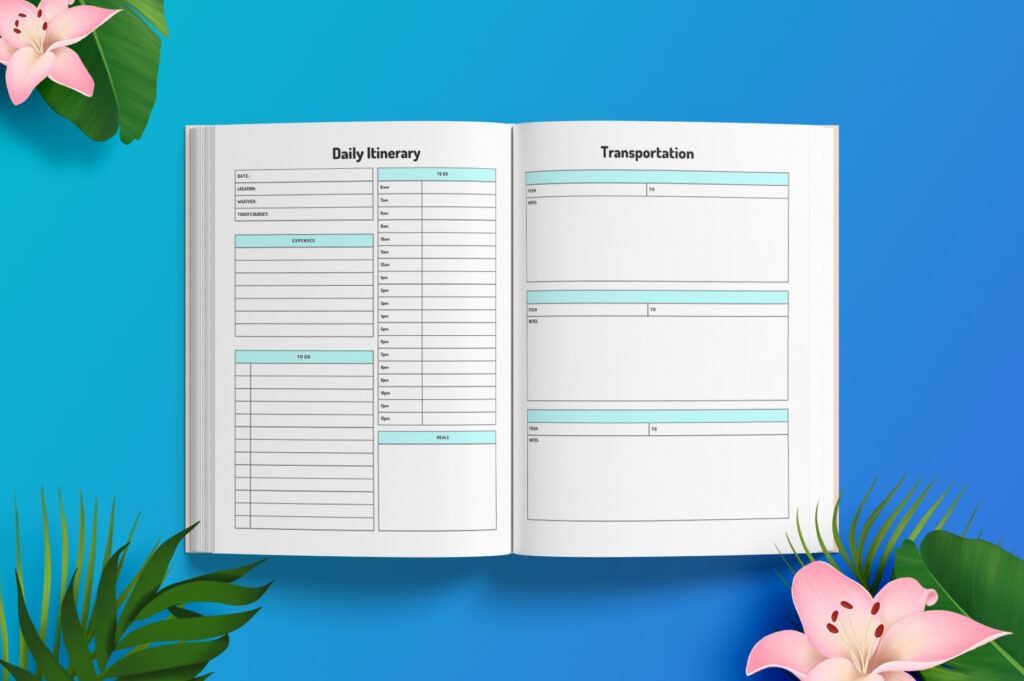
Plan every detail of your next trip with this fully editable Travel Planner Canva template. Ideal for travelers, bloggers, and sellers who need a polished, print-ready planner. Customize colors, layouts, and pages in minutes using a free Canva account. Export as a high-quality PDF for printing or upload to KDP.
Key Features
- Fully editable in Canva: change colors, fonts, pages, and layout
- US Letter (8.5×11 in) size, no bleed for easy printing and KDP setup
- High-resolution CMYK, 300 DPI for crisp, professional output
- 30 pages across 25 templates to cover every part of your trip
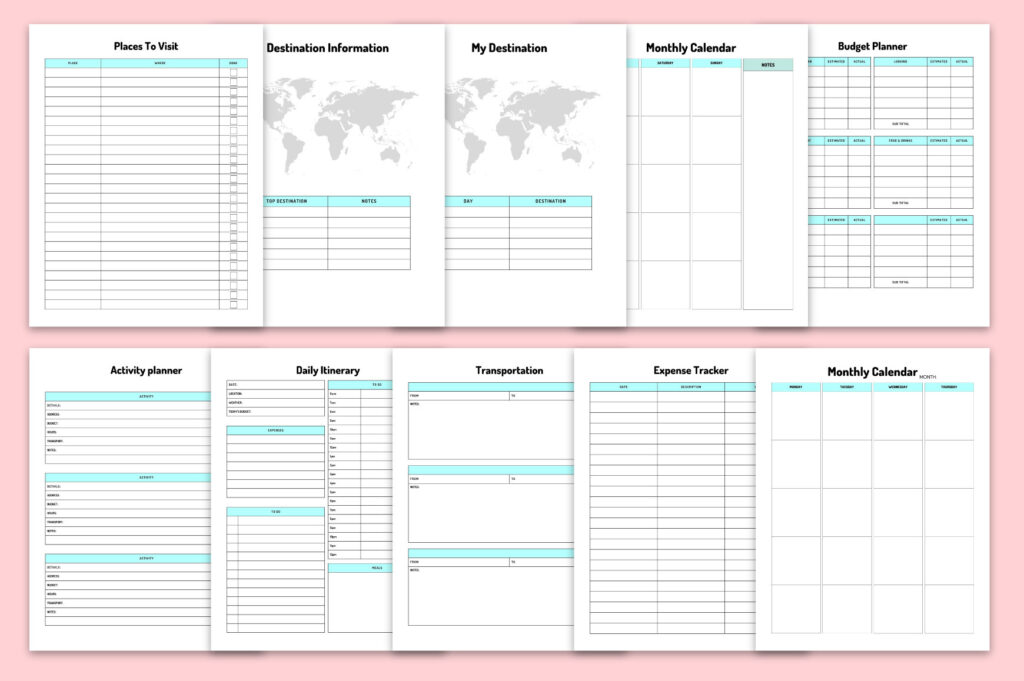
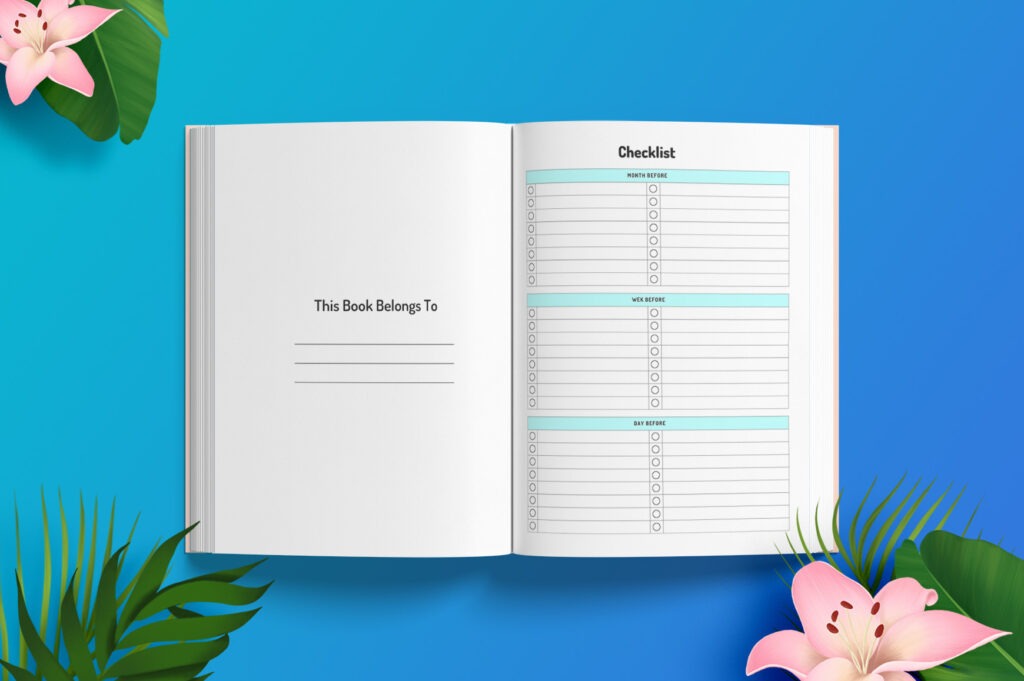
- Includes itinerary, budget, packing, checklists, lodging, and more
- Print-ready PDF plus editable Canva link for complete control
- Tested for Amazon KDP to speed up publishing
- Organized, minimalist design for easy use on the go
What’s Included
- Editable Canva link (25 template layouts, 30 total pages)
- High-quality, print-ready PDF (US Letter 8.5×11 in, no bleed)
- CMYK color, 300 DPI output
- Pages for itinerary, budget and expense tracking, packing and checklists, transportation, accommodations, calendar, activities, places to visit, foods to try, destination info, journal, notes, to-dos, and more
How It Works
- Purchase and download the PDF with your Canva access link.
- Open the link in your free Canva account.
- Customize colors, text, and pages to fit your trip or brand.
- Export as a high-quality PDF (CMYK, 300 DPI).
- Print at home or upload the finished PDF to KDP (no bleed).
Important Notes
- Digital product only; no physical item will be shipped.
- Works with a free Canva account; no Pro subscription required.
- US Letter (8.5×11 in), no bleed. Adjust settings if you need a different size.
- Colors may vary slightly between screens and printers.
Frequently Asked Questions
Do I need Canva Pro?
No. The template works with a free Canva account.
Can I change the page size or colors?
Yes. You can edit page size, colors, fonts, and layouts in Canva.
Is this compatible with Amazon KDP?
Yes. It’s tested for KDP and set up as a no-bleed US Letter PDF.
Is this a physical planner?
No. It’s a digital template and PDF for you to edit, print, or publish.
License & Usage Rights
Commercial license included for creating finished, flattened end products (e.g., printed planners or finalized PDFs for KDP) for personal or client use. You may not resell, share, or redistribute the editable Canva template or source files, or claim them as your own.