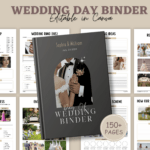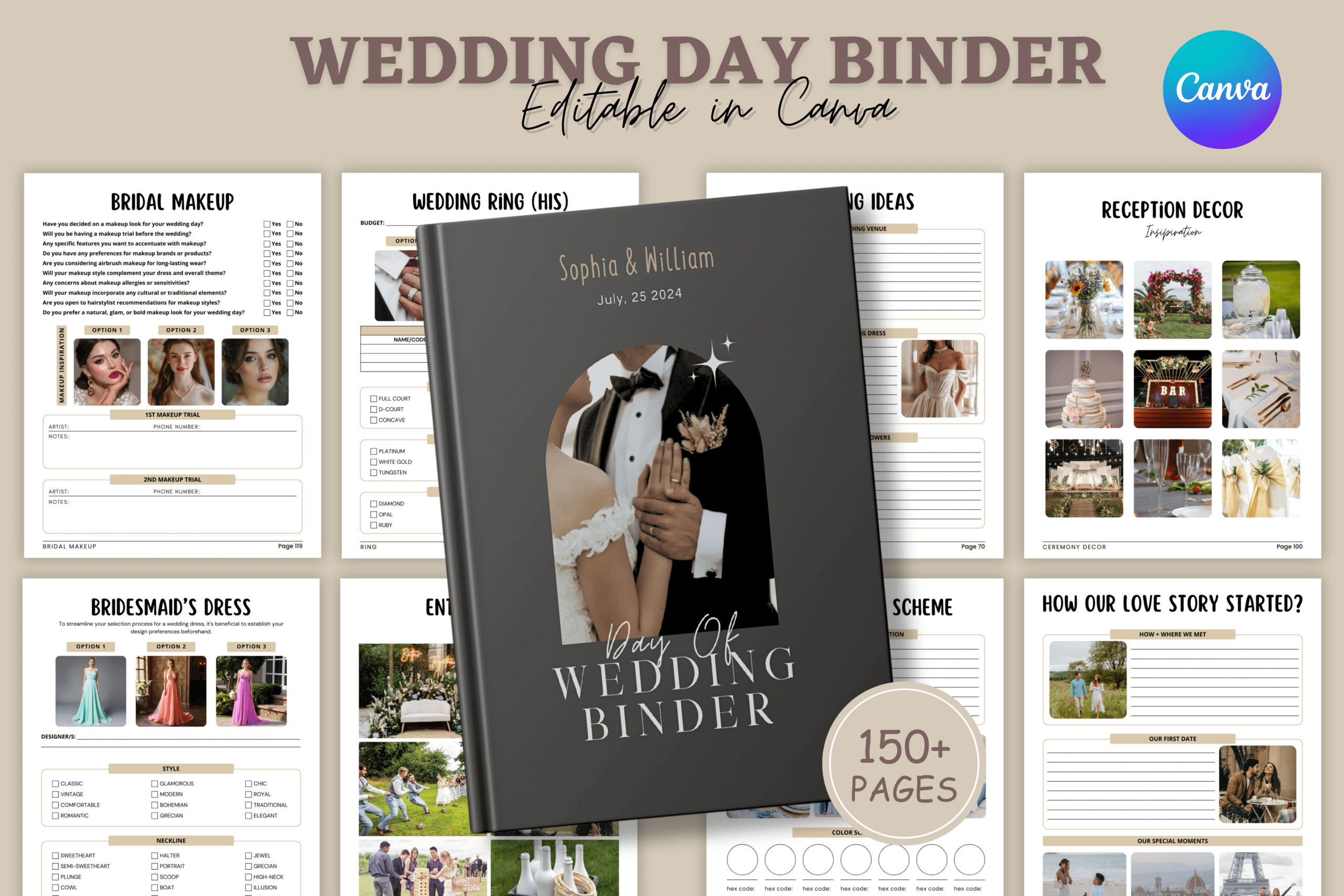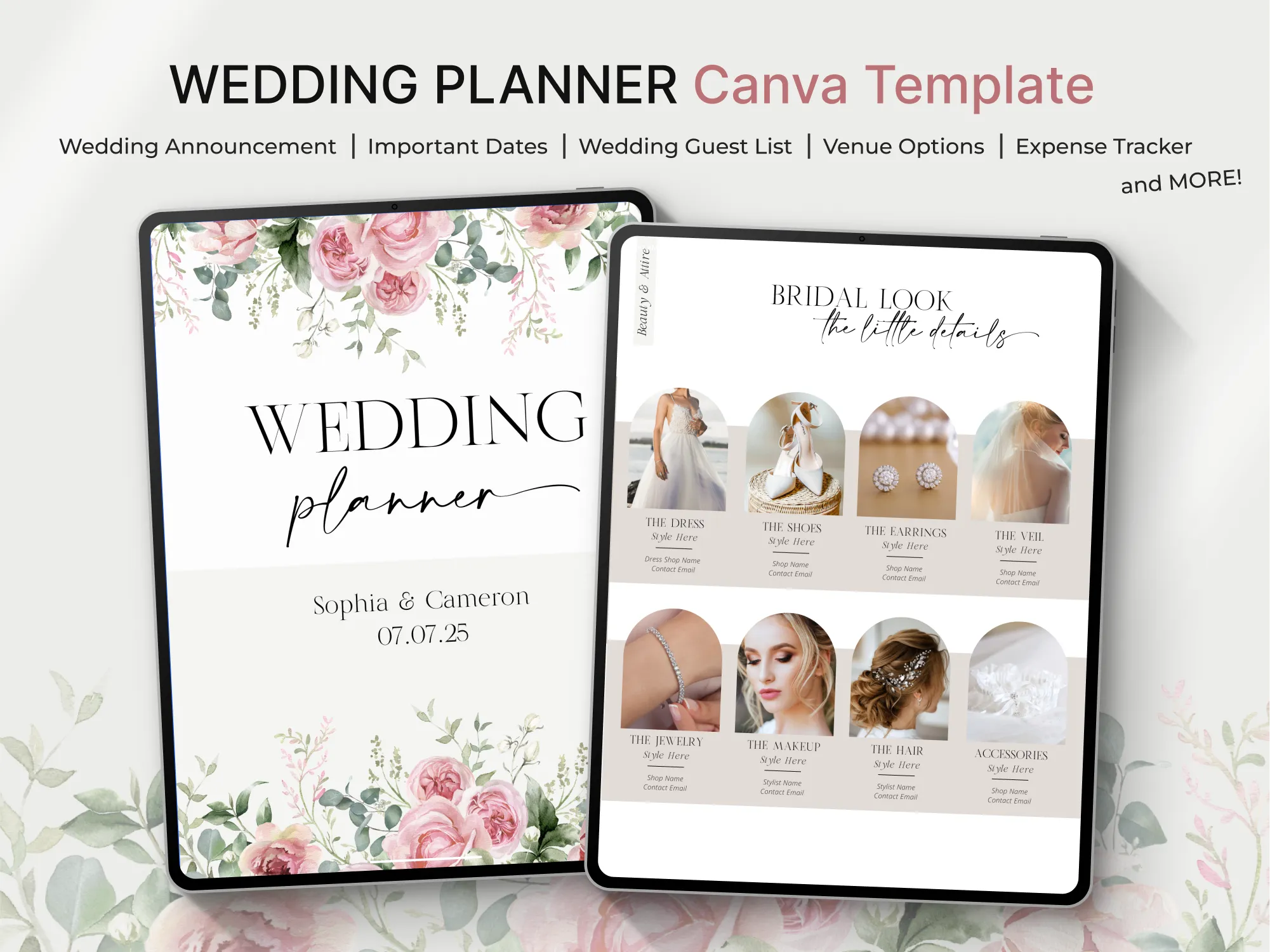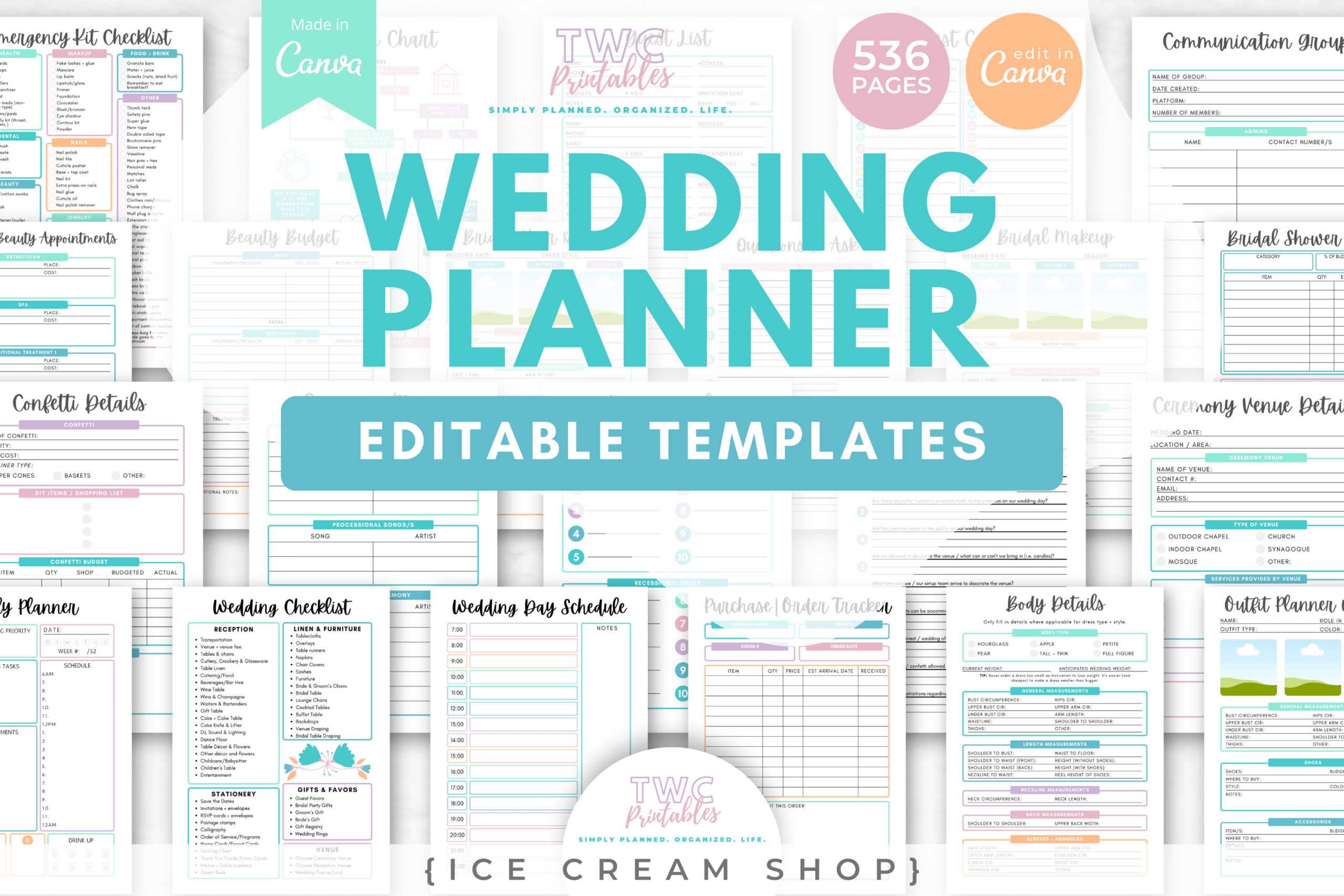
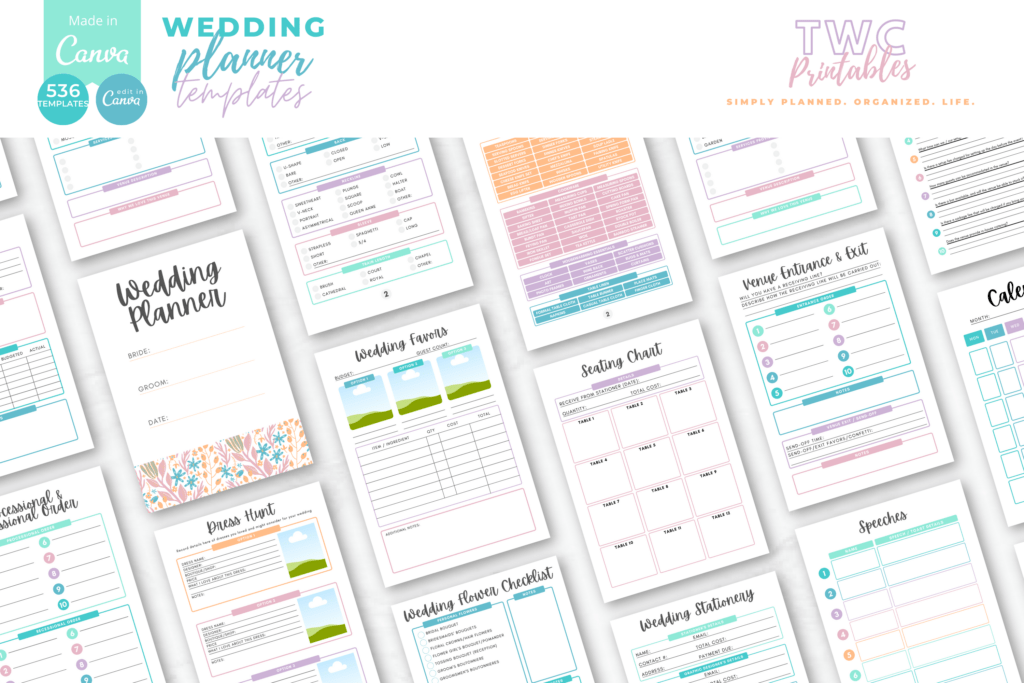
Plan your wedding from A to Z with this fully editable Canva wedding planner kit. Perfect for brides, wedding planners, and printable sellers. You get 536 templates in A4 and US Letter for timelines, budgets, guests, seating, vendors, and more. Customize in Canva, then print to build a polished planner binder—beginner guide included.
Key Features
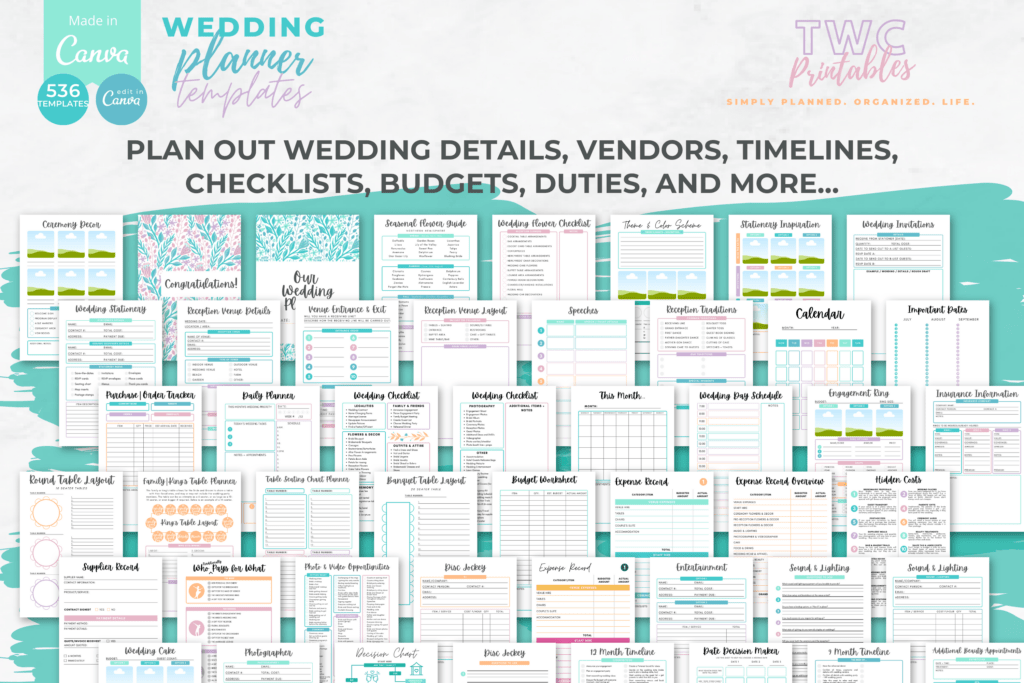
- 536 editable templates covering every planning stage
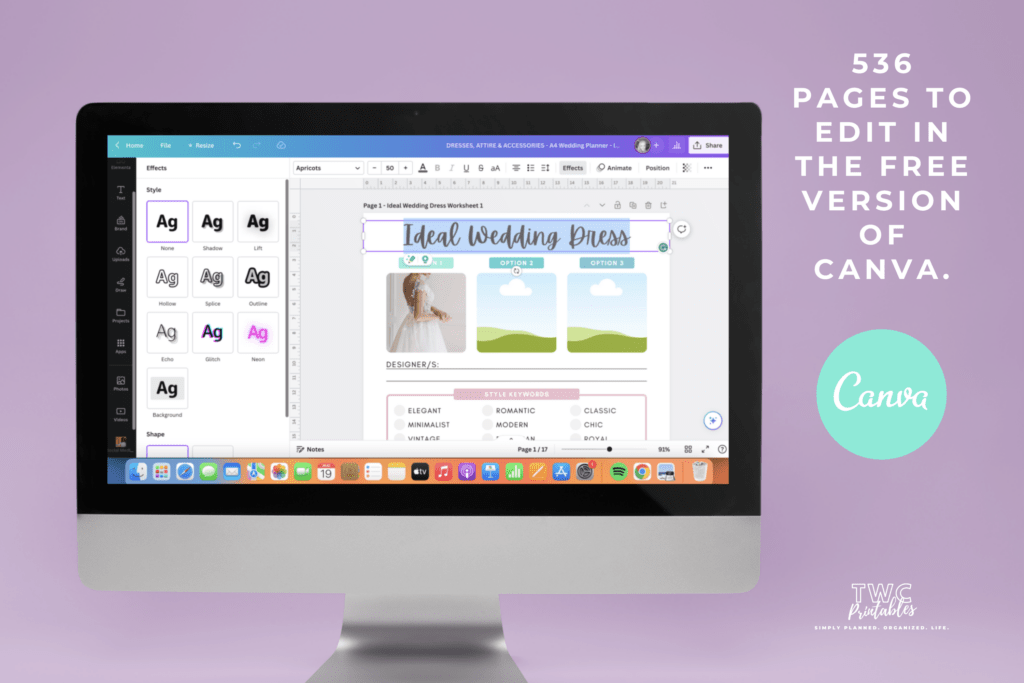
- 100% customizable in Canva: fonts, colors, layouts, and elements
- Print-ready sizes: A4 and US Letter
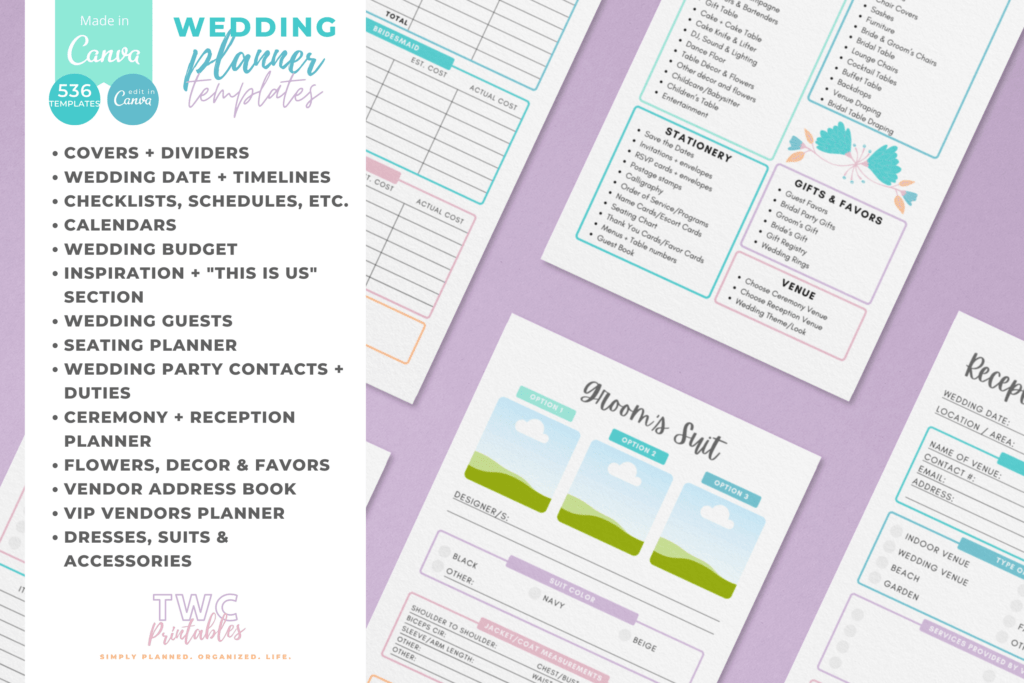
- Prebuilt timelines, checklists, calendars, and schedules
- Budgeting, guest lists, seating charts, and vendor management
- Sections for ceremony, reception, decor, attire, beauty, and stationery
- Extras for bridal shower, registry, honeymoon, and day-of emergency kit
- Bonuses: venue workbook, popular song lists, vendor comparisons, kids’ activities
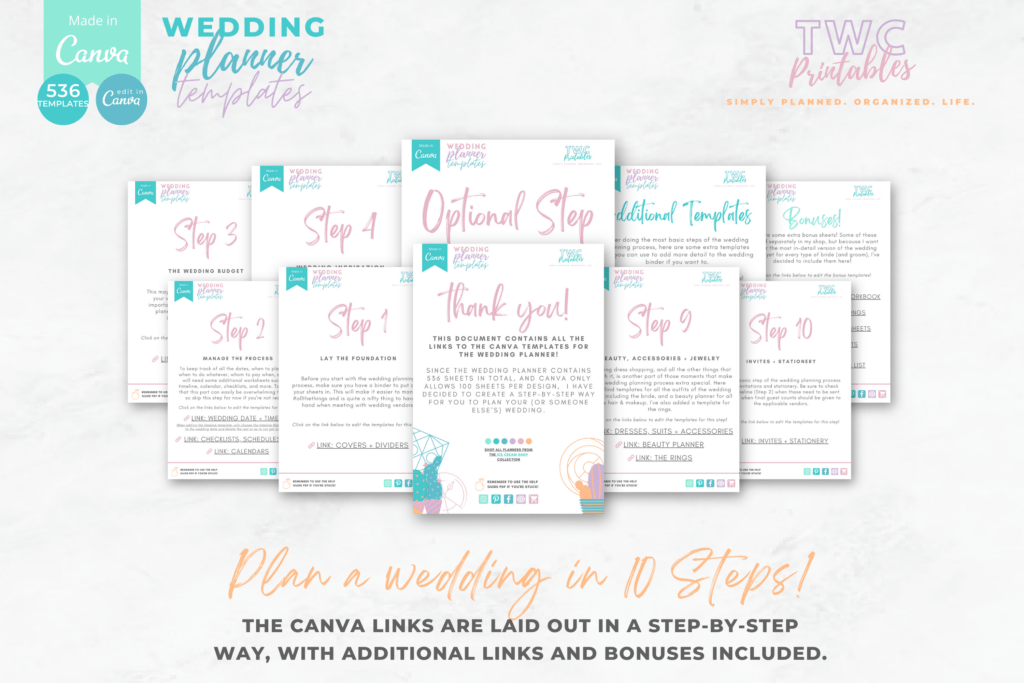
- Beginner-friendly with a step-by-step Canva help guide
- Cohesive Ice Cream Shop color palette for a consistent look
What’s Included
- 536 Canva templates
- Sizes: A4 and US Letter
- Design palette: Ice Cream Shop
- Core sections: covers/dividers, timelines, checklists, calendars, budget, inspiration, guests, seating, wedding party, ceremony/reception, flowers/decor/favors, vendor address book & VIP planners, attire/accessories, beauty, rings, stationery
- Additional planners: bridal shower, other wedding events, day-of emergency kit, gift registry, honeymoon
- Bonuses: venue workbook, popular wedding songs list, vendor comparison sheets, kids’ activity sheets, wedding planning resources (PDF)
- Files: PDF with Canva template links + Help Guide
- Optional: link to 10 free sample sheets via email sign-up (in Bonus PDF)
How It Works
- Purchase and download the PDFs (template link + help guide).
- Open the Canva link, log in with a free Canva account.
- Customize fonts, colors, and layouts; add text boxes if you want to type.
- Export as PDF (or PNG/JPG).
- Print at home or a local shop and assemble your binder.
Important Notes
- Digital product only; no physical items shipped.
- Not a fillable PDF by default—add text boxes in Canva to type.
- Best edited on desktop; the Canva app is limited.
- Canva template links cannot be resold or shared.
Frequently Asked Questions
Do I need Canva Pro?
No. All templates work with a free Canva account.
Can I change colors and fonts?
Yes. Every element, color, and font is fully editable in Canva.
Can I print in the US?
Yes. US Letter size is included, along with A4.
License & Usage Rights
Licensed for personal and commercial use to create finished, flattened end products (PDFs/JPGs/printed planners). You may not resell, share, or redistribute the Canva template links or source files.