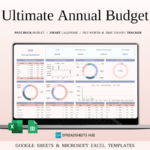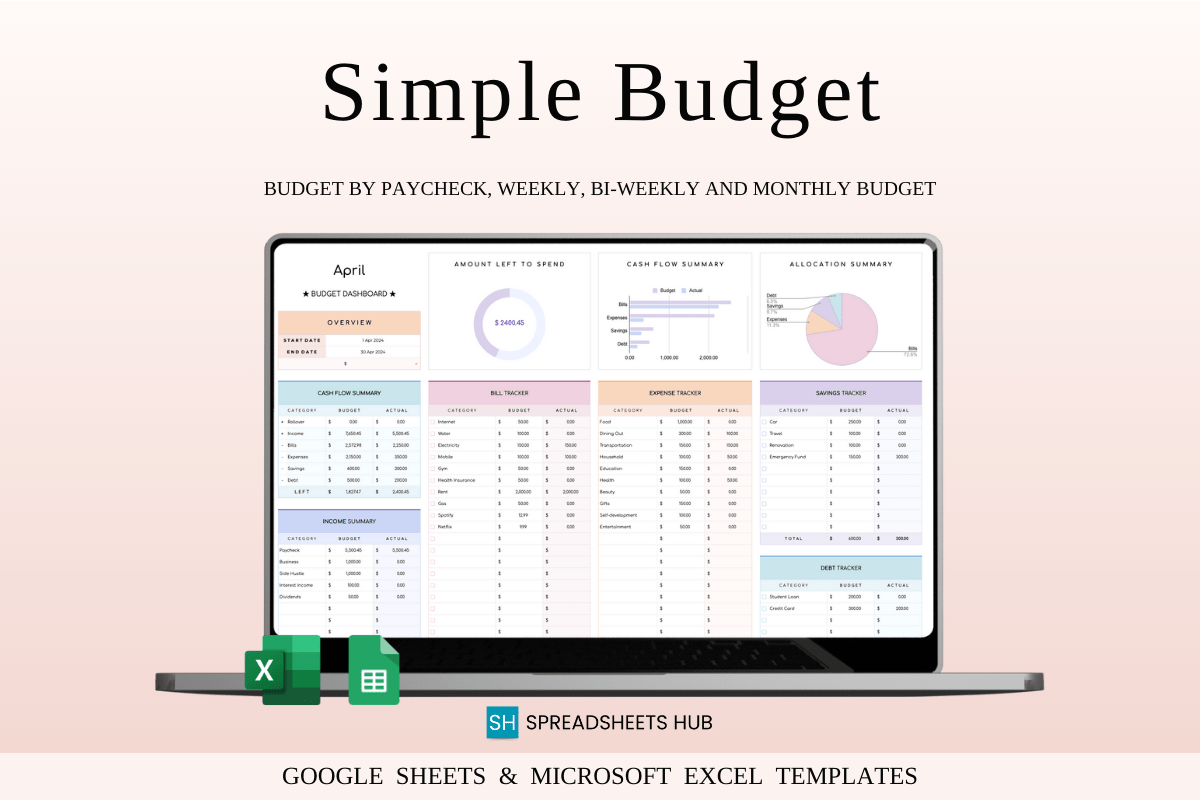
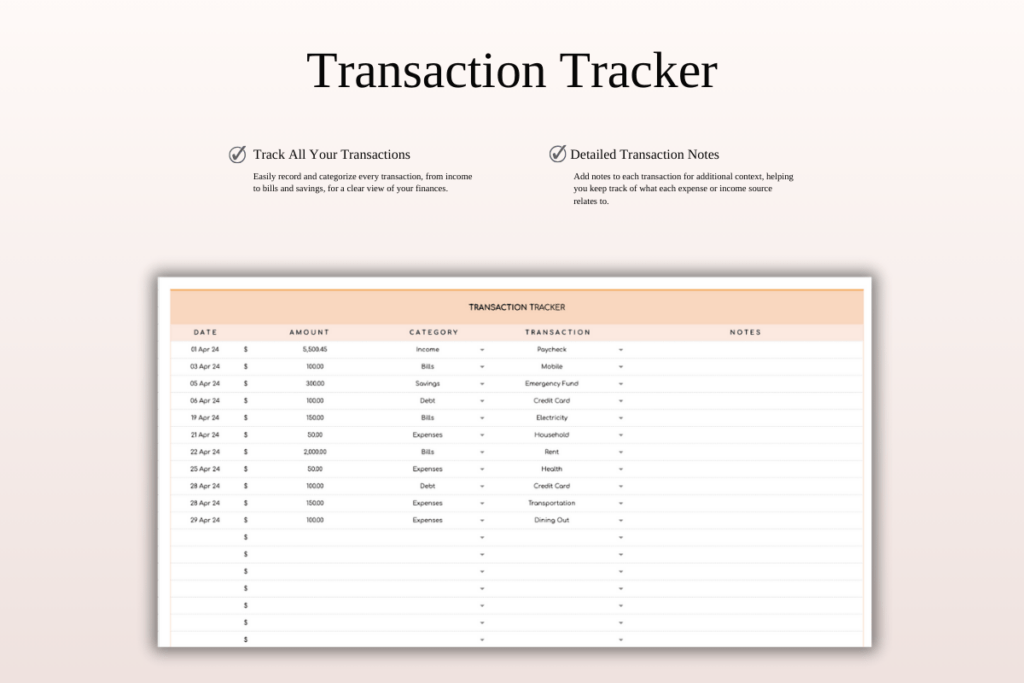
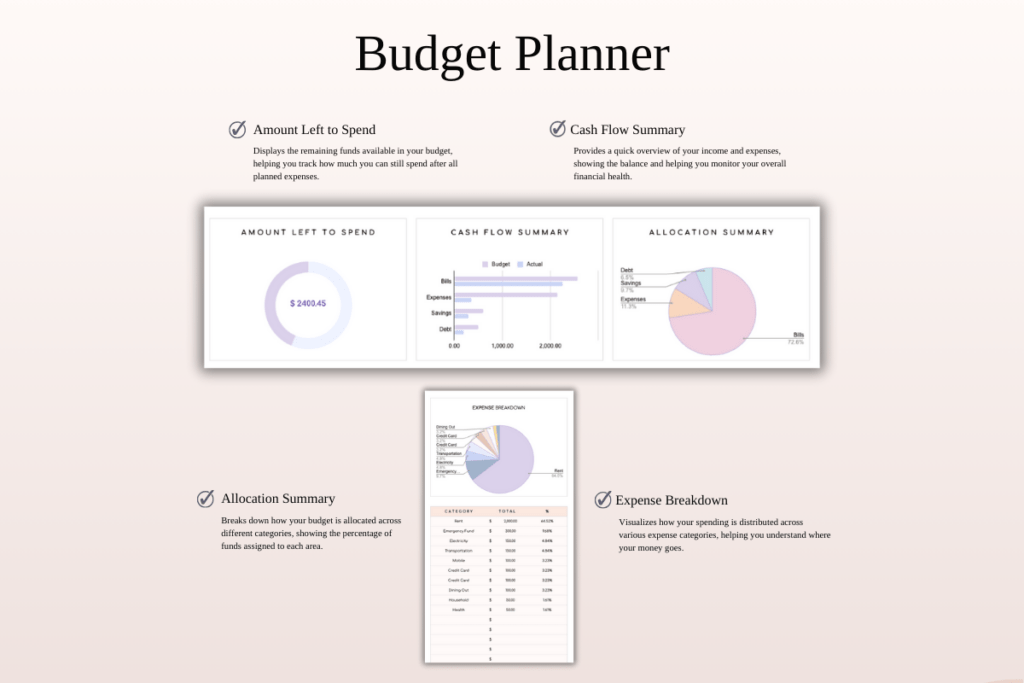
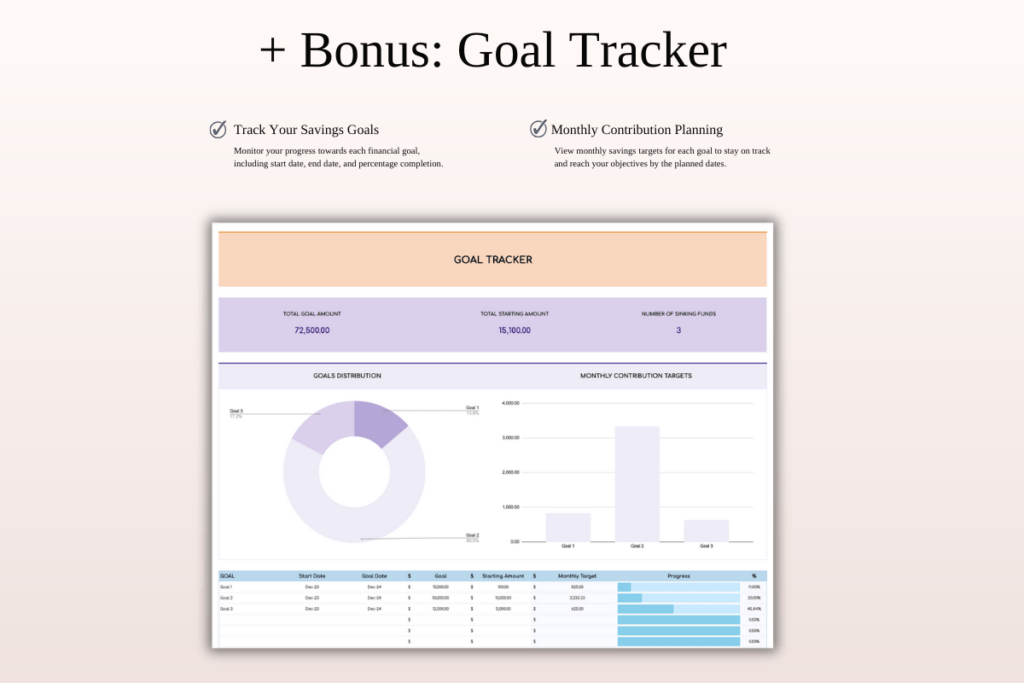
Make budgeting simple with this rainbow-themed spreadsheet for Excel and Google Sheets. Perfect for beginners and busy planners, it automates the math so you can focus on decisions. Log transactions, watch your cash flow, and stay on target with a clean one-tab layout plus a bonus goal tracker. Works with any currency and fully customizable.
Key Features
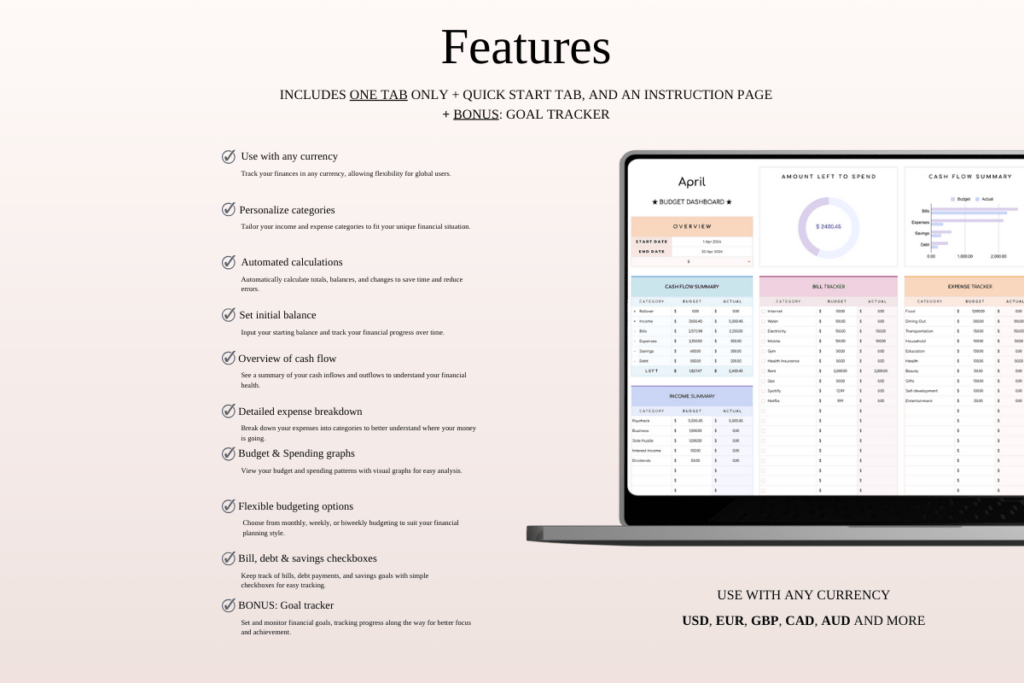
- One-tab budget dashboard + bonus goal tracker
- Works in Microsoft Excel and Google Sheets
- Automatic calculations for income, expenses, and balances
- Use any currency and rename categories
- Track monthly, weekly, or biweekly budgets
- Visual cash flow and spending graphs
- Checkboxes for bills, debt, and savings
- Set and carry over starting balances
- Beginner-friendly with step-by-step video tutorial
What’s Included
- PDF with quick-start instructions and Google Sheets links
- Excel templates: blank and sample with mock data
- Google Sheets templates: blank and sample with mock data
- Video tutorial link
- Compatible with Mac, PC, phones, and tablets
How It Works
- Purchase and download the files instantly.
- Open the PDF to access instructions and the Google Sheets link.
- Google Sheets: sign in and Make a Copy to your Drive.
- Excel: download the .xlsx file and open in Microsoft Excel.
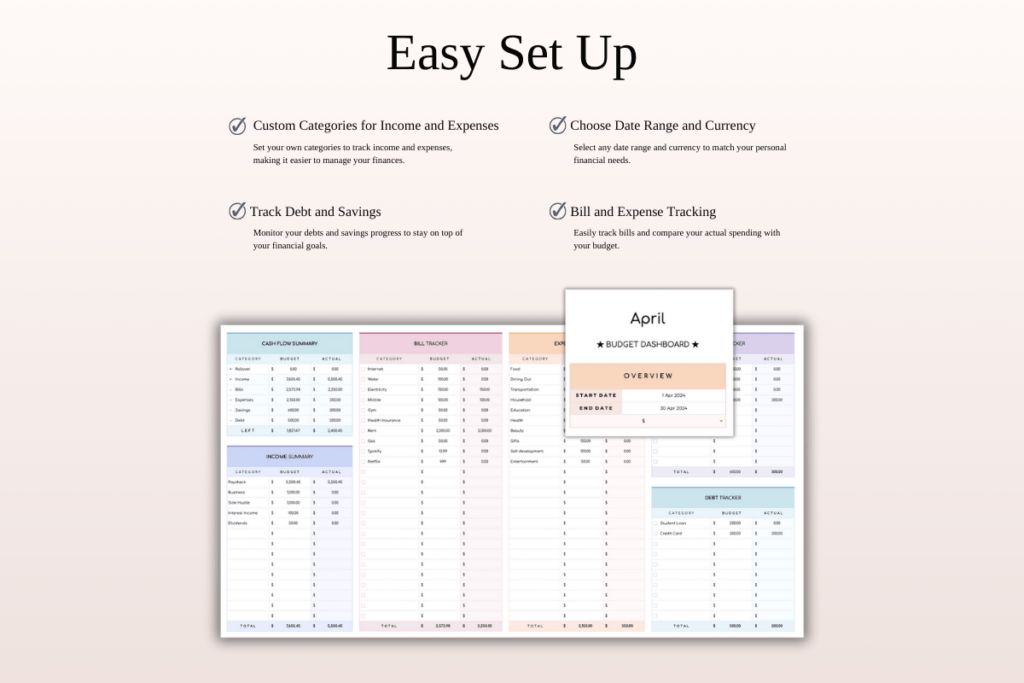
- Enter your starting balance, customize categories, and log transactions.
Important Notes
- Digital download only; no physical product will be shipped.
- All sales are final for digital items; refunds are not available.
- Colors may vary by screen and device.
- Best editing experience on a desktop or laptop.
- Requires a Google account for Sheets or Microsoft Excel software.
Frequently Asked Questions
Does it work with my currency?
Yes. You can use any currency symbol and format.
Can I add or rename categories?
Yes. All categories are fully editable.
Is it mobile-friendly?
You can view and edit on phones or tablets, but desktop is recommended for full features.
Can I reuse it each month?
Yes. Duplicate the tab or file to start a new period.
License & Usage Rights
Licensed for personal or commercial use within your own business. You may not resell, share, or redistribute the files or templates in any form. Copyright remains with the creator.