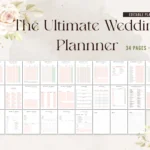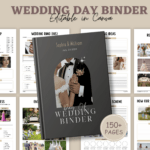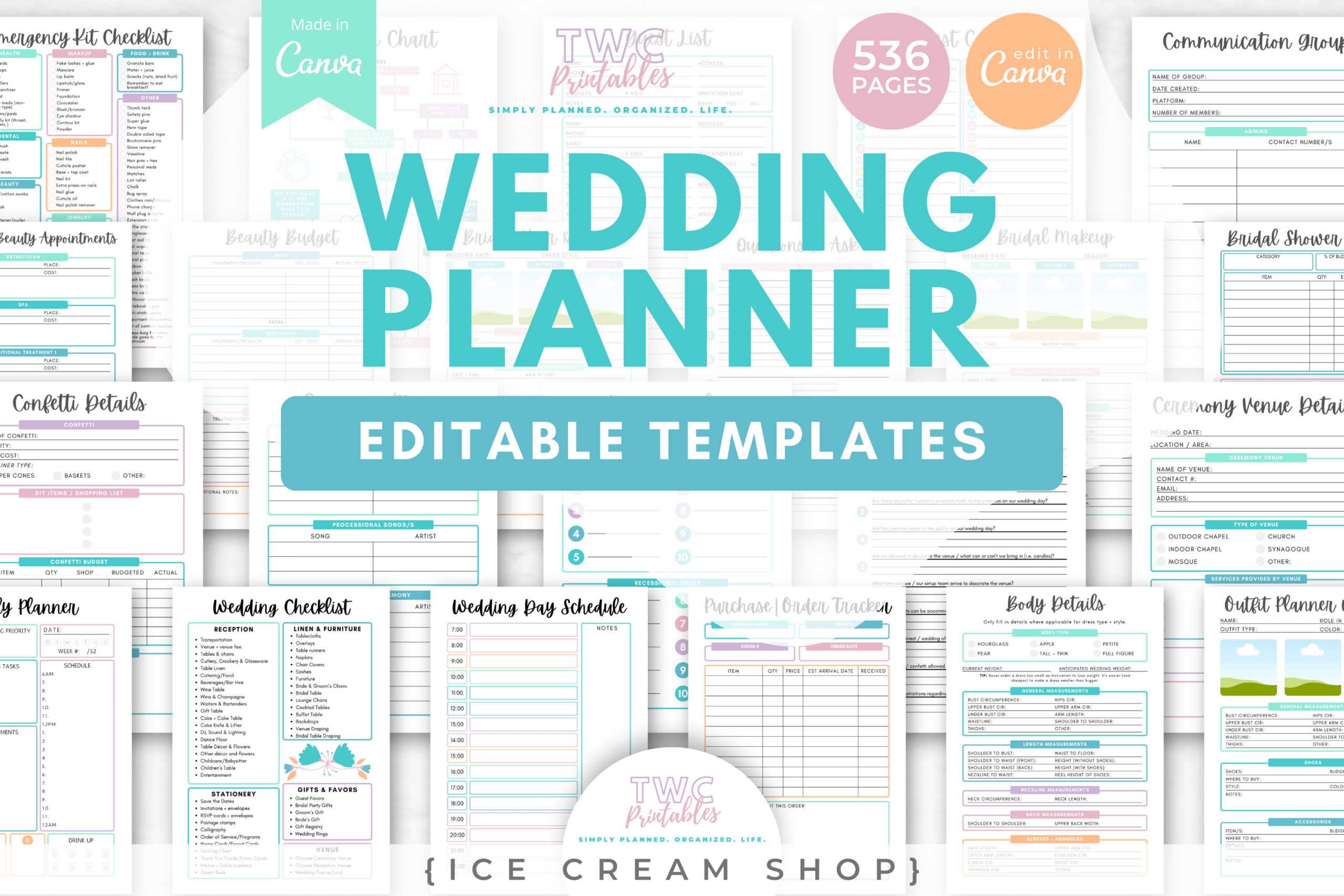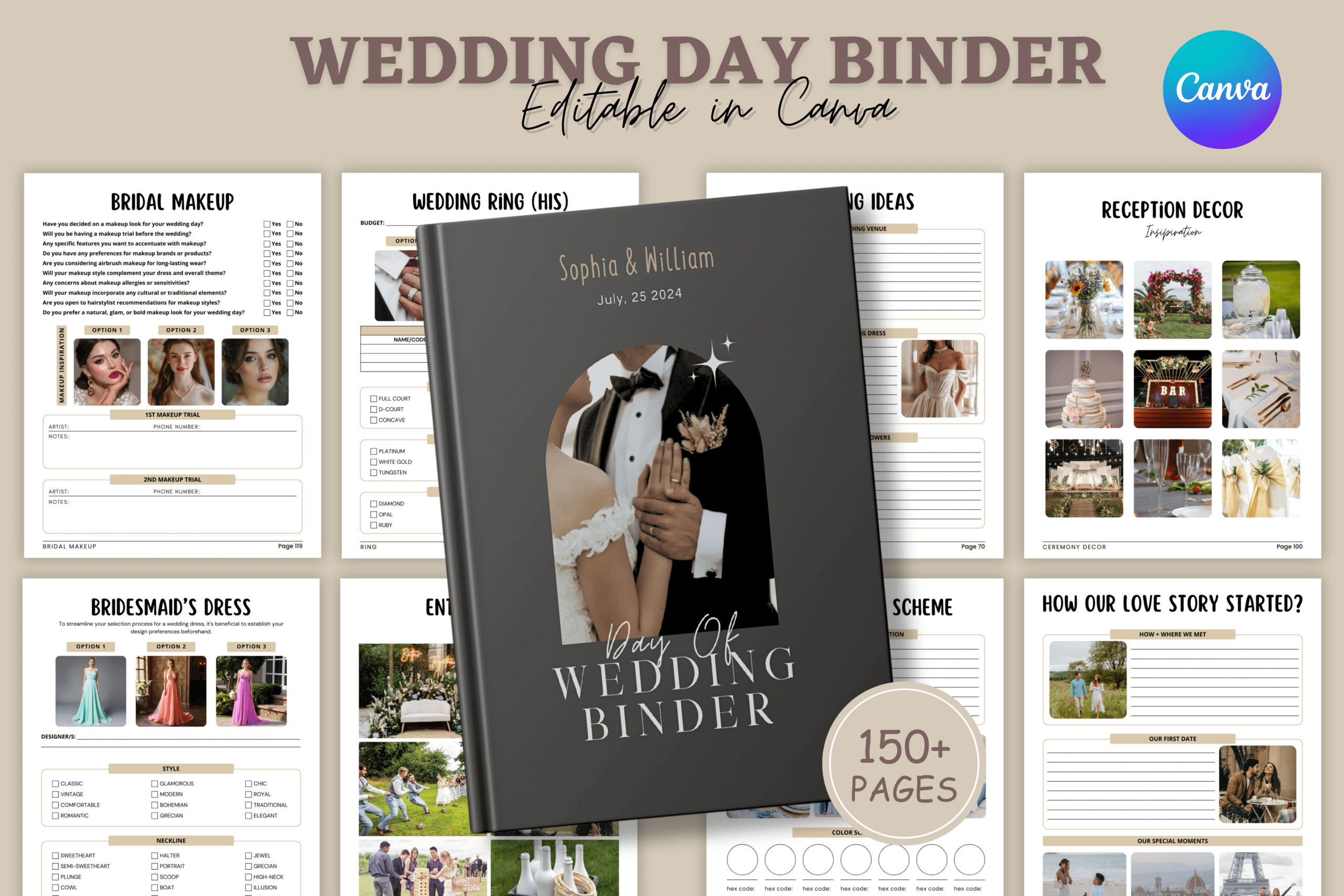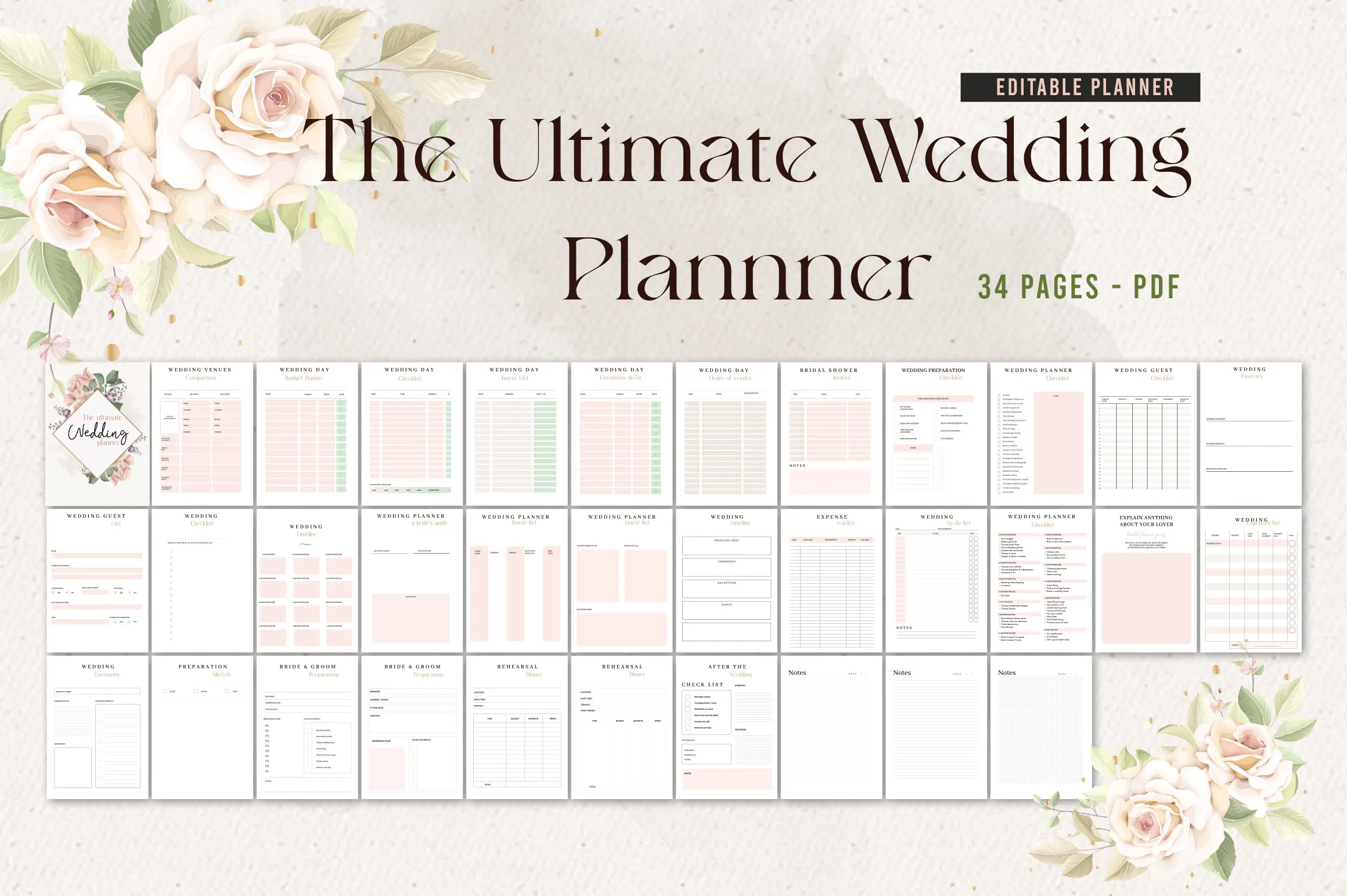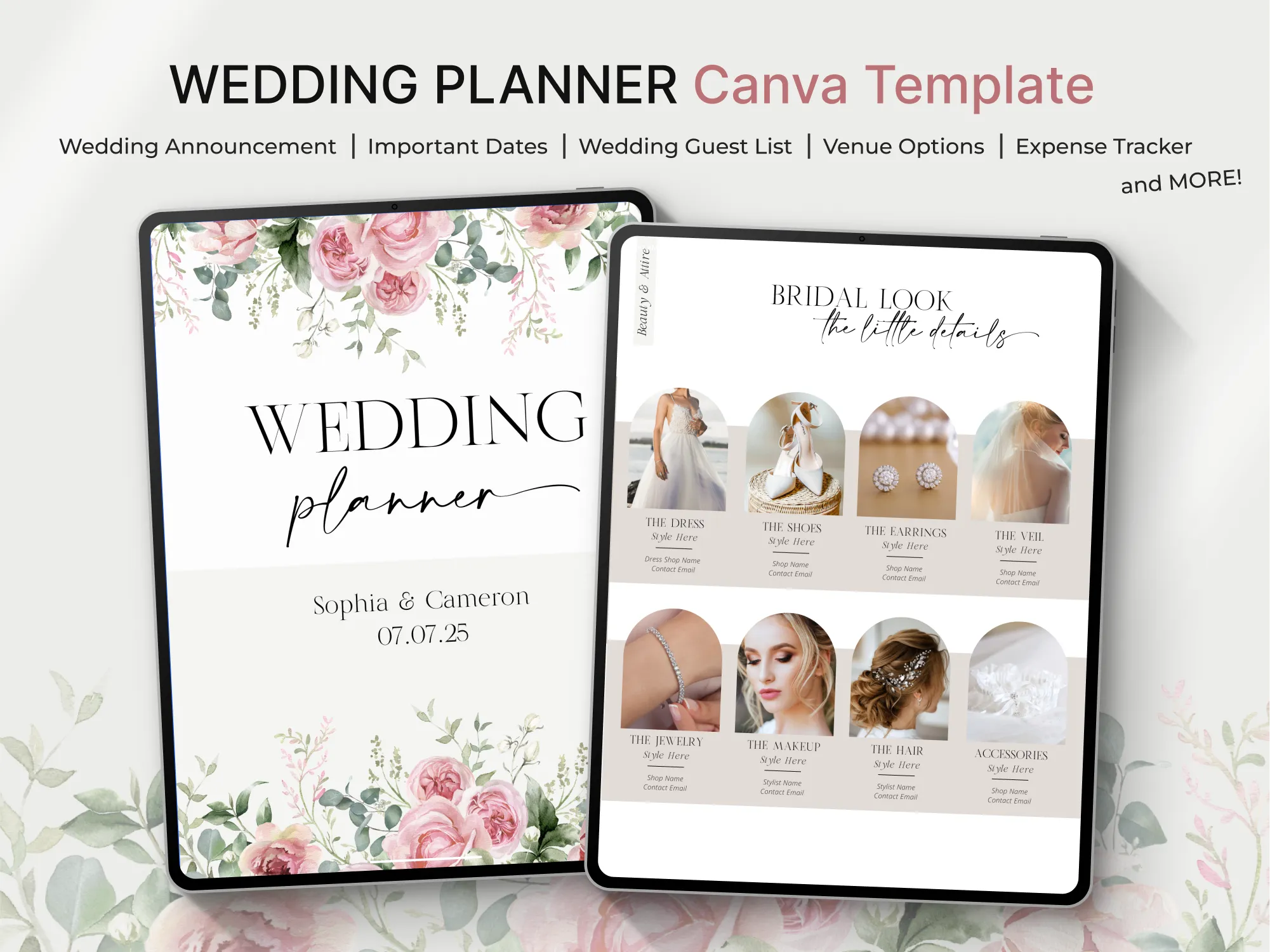
Plan your wedding with a complete, editable system in Canva. This 210-page planner covers every detail—from budget and guests to timelines and seating. Perfect for engaged couples, wedding planners, and digital sellers. Fully customizable and includes PLR so you can rebrand and resell.
Key Features
- 210 pages organized across 18 planning sections
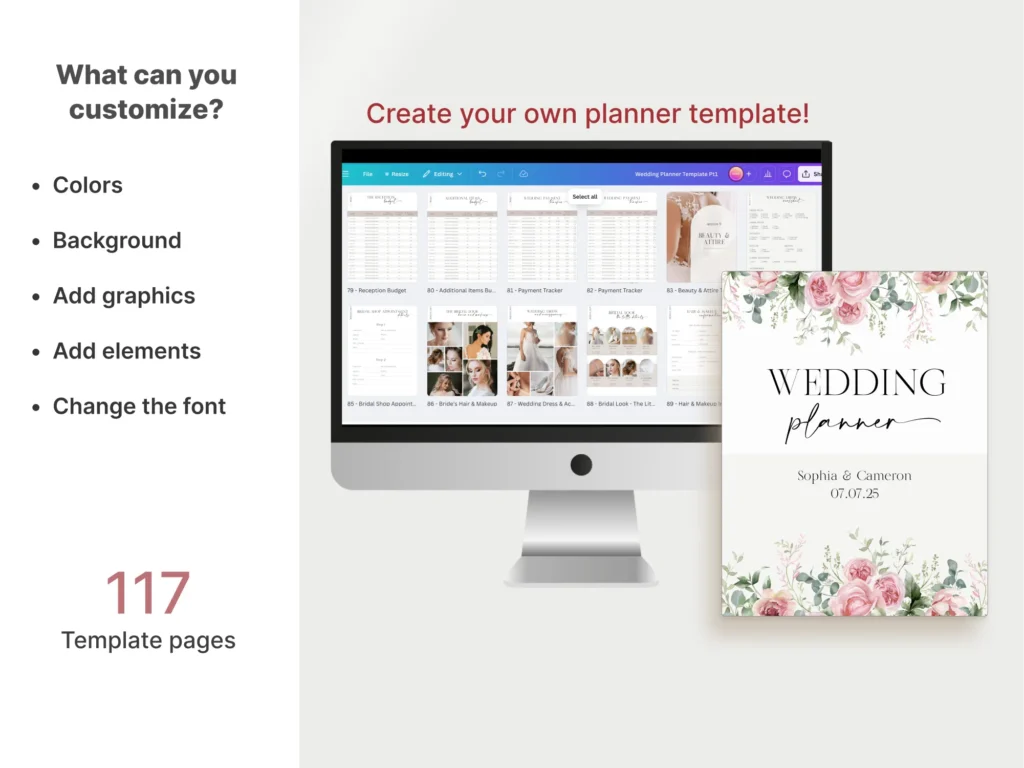
- Fully editable in Canva: colors, fonts, layouts, and pages
- Includes PLR: rebrand and resell the finished planner
- Comprehensive checklists to keep tasks on track
- Built-in budget, timeline, and seating tools
- Vendor, venue, and menu planning pages for smooth coordination
- Print-ready or share digitally with your team
- Professional, consistent layouts for a polished look
What’s Included
- Two Canva template links: Part 1 (115 pages) and Part 2 (95 pages)
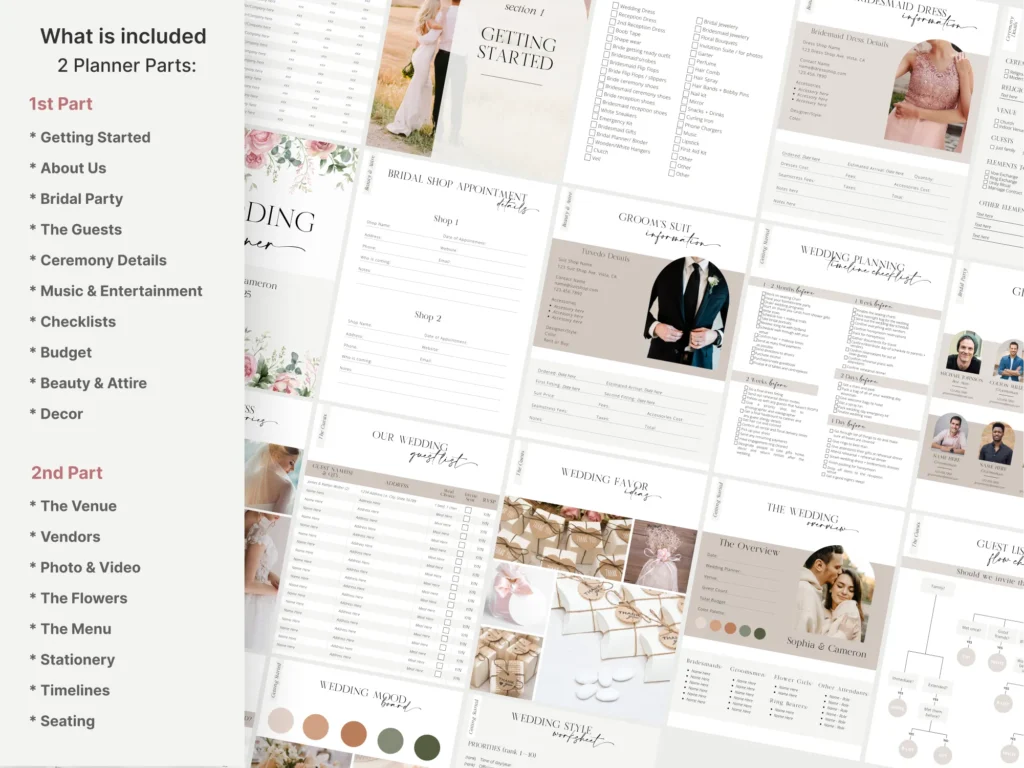
- Sections include: Getting Started, Bridal Party, Guests, Ceremony, Music & Entertainment, Checklists, Budget, Beauty & Attire, Decor, Venue, Vendors, Photo & Video, Flowers, Menu, Stationery, Timelines, Seating
- PLR rights for resale of the finished planner
How It Works
- Purchase to receive your Canva access links.
- Open the templates in Canva (Canva Pro recommended).
- Edit text, colors, and pages to fit your brand.
- Download as PDF to print or share digitally.
Important Notes
- Digital Canva template only; no physical item is shipped.
- Contains Canva Pro elements; a Canva Pro subscription is recommended for full access.
- PLR included for resale of the finished planner.
Frequently Asked Questions
Do I need Canva Pro?
Yes, Canva Pro is recommended because the templates include Pro elements.
Can I change fonts, colors, and layouts?
Absolutely. Every page is fully editable in Canva.
Is it printable?
Yes. Export as PDF from Canva and print at home or with a print shop.
What does PLR mean for this product?
You can edit, rebrand, and resell the finished planner to your audience.
License & Usage Rights
Includes commercial use with PLR. You may edit, rebrand, and sell the finished planner (e.g., as a PDF). Ensure you have the rights to any Canva Pro elements used.