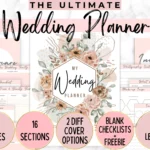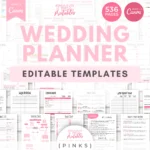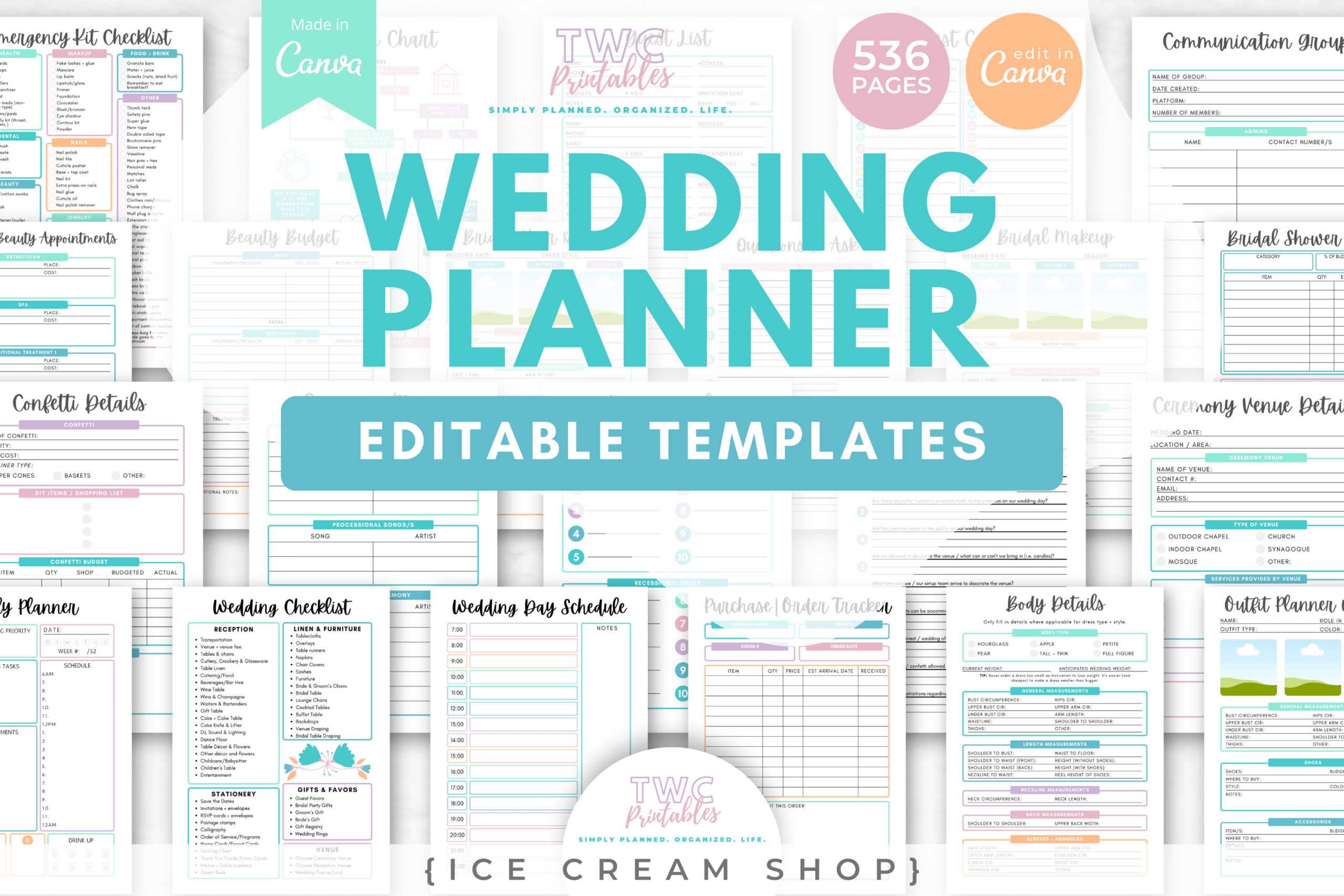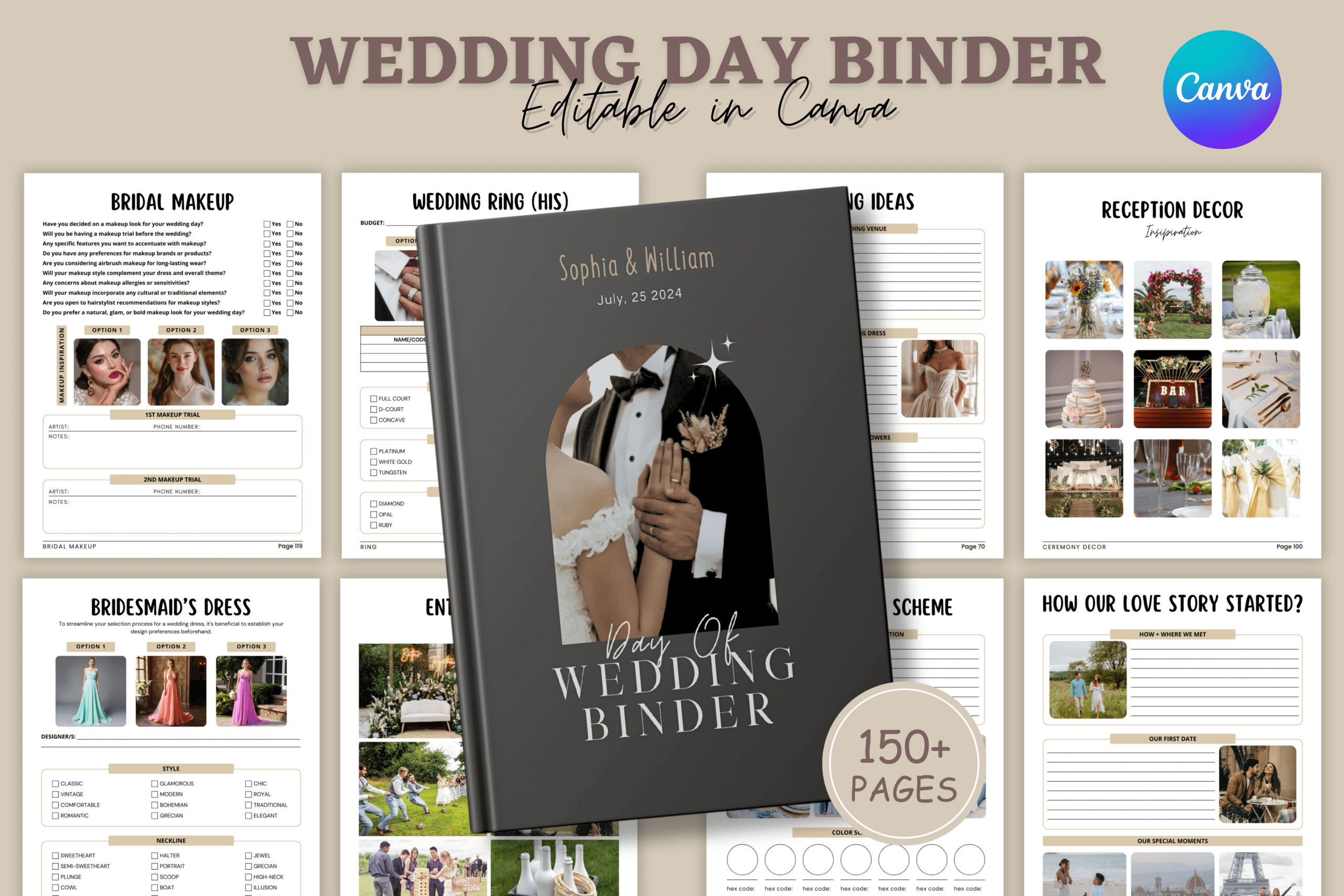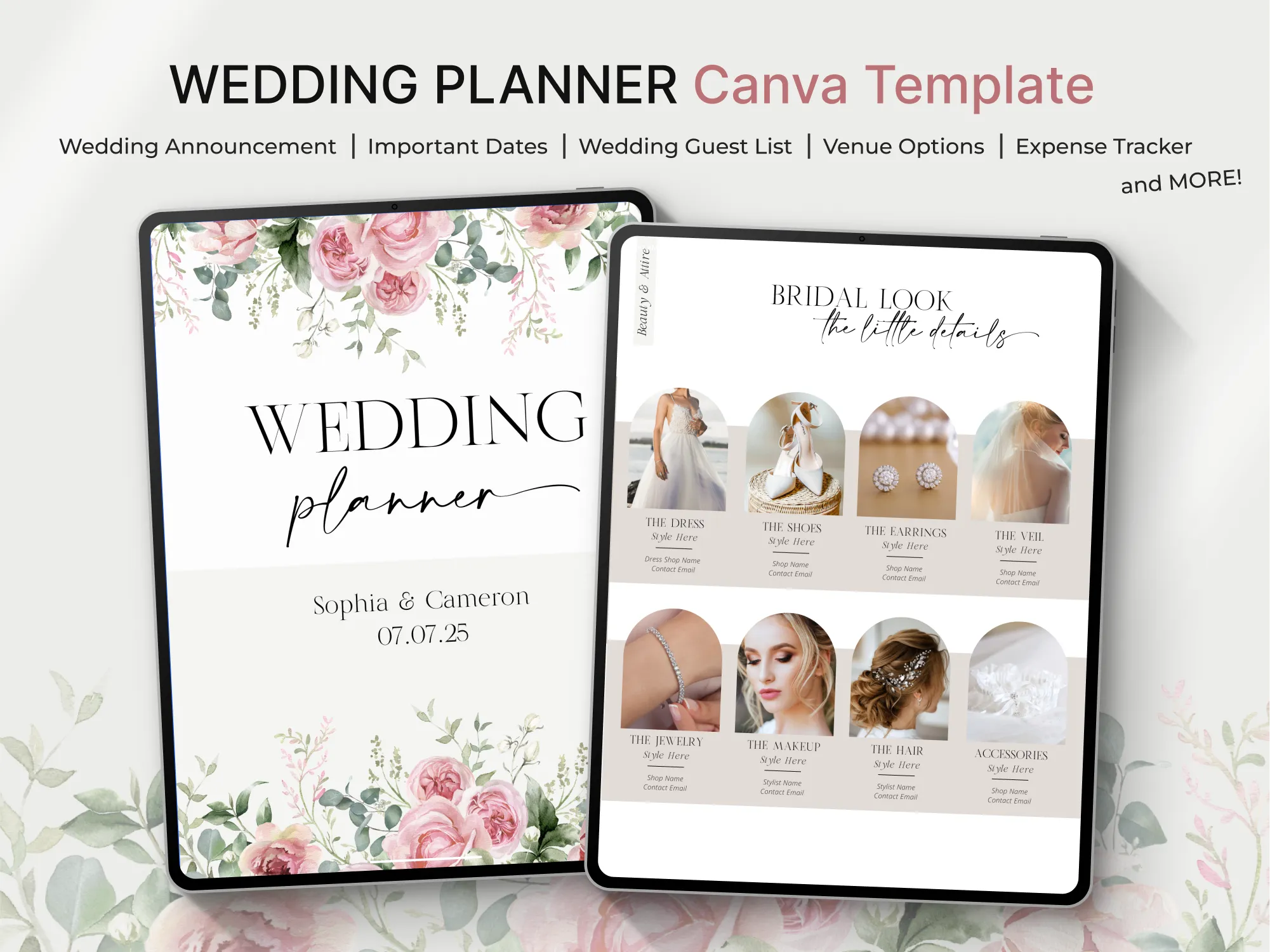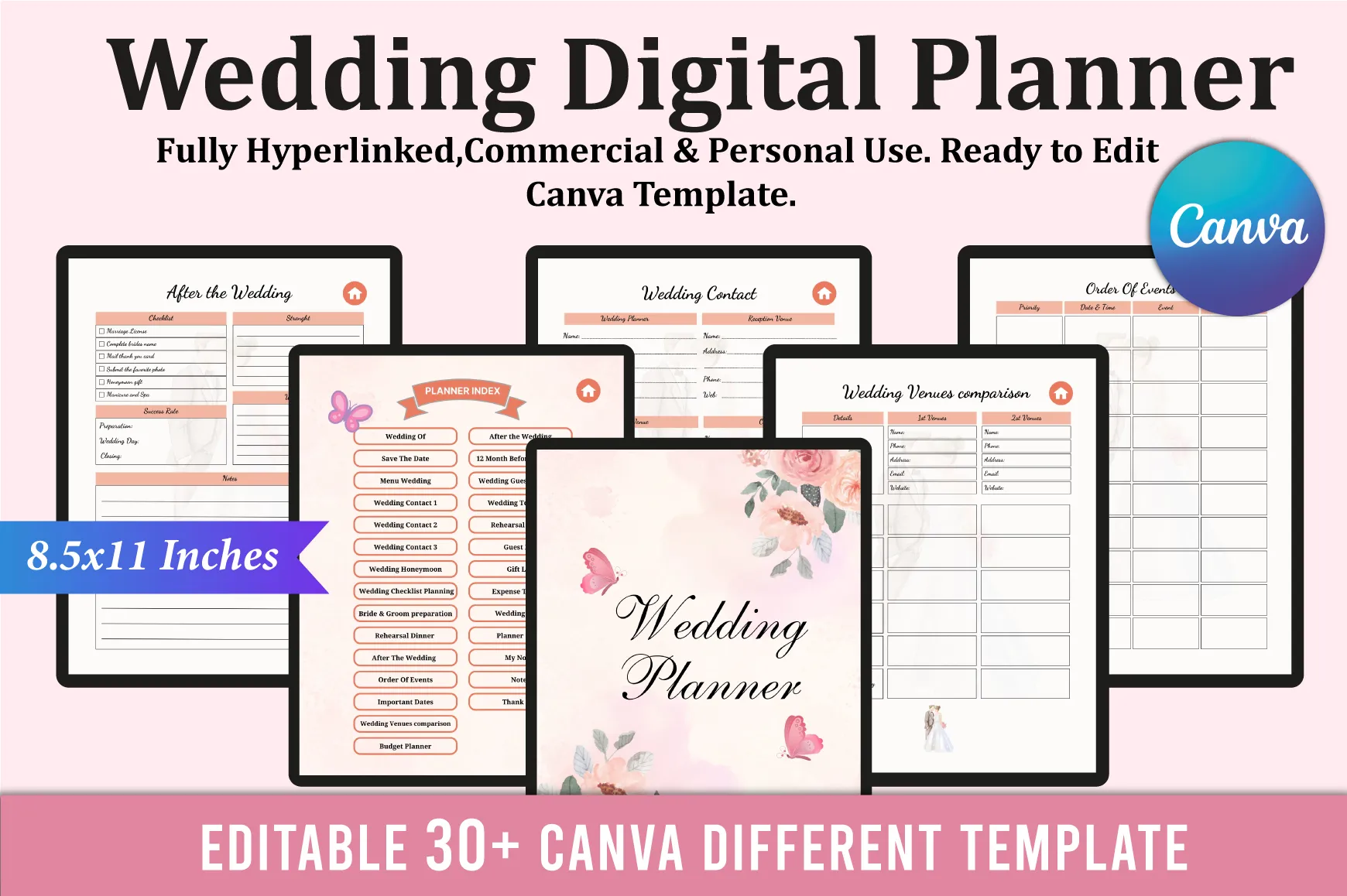
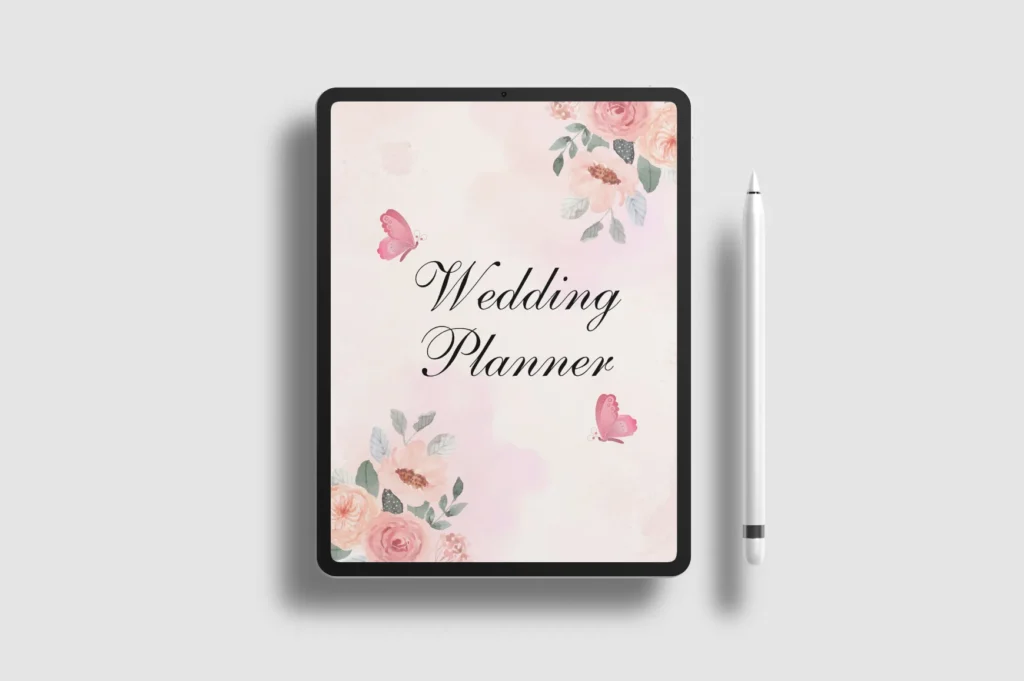
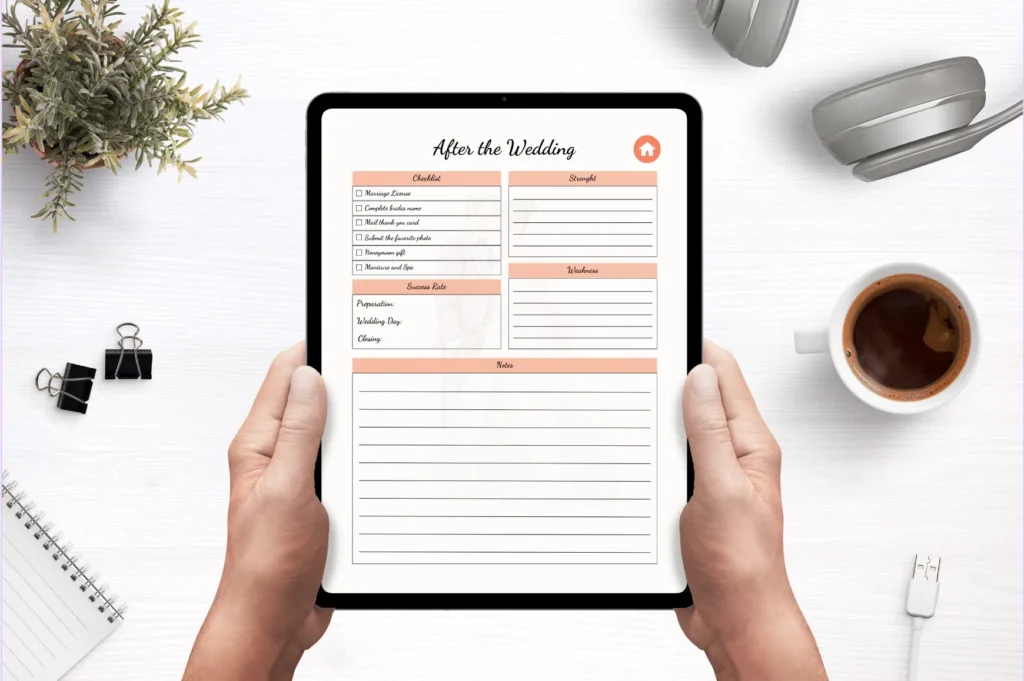
Plan every detail of your wedding in one organized, digital hub. This hyperlinked Canva wedding planner is ideal for engaged couples who want an easy, editable system on iPad. Navigate quickly, track budgets and guests, and manage timelines without the overwhelm. Customize in Canva to match your style and planning needs.
Key Features
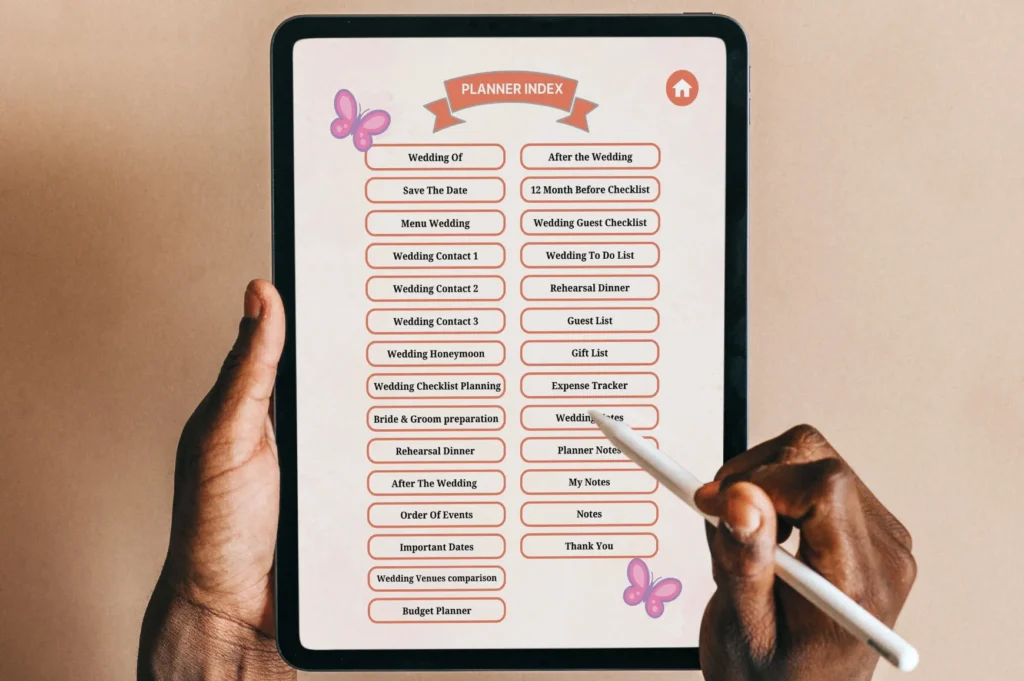
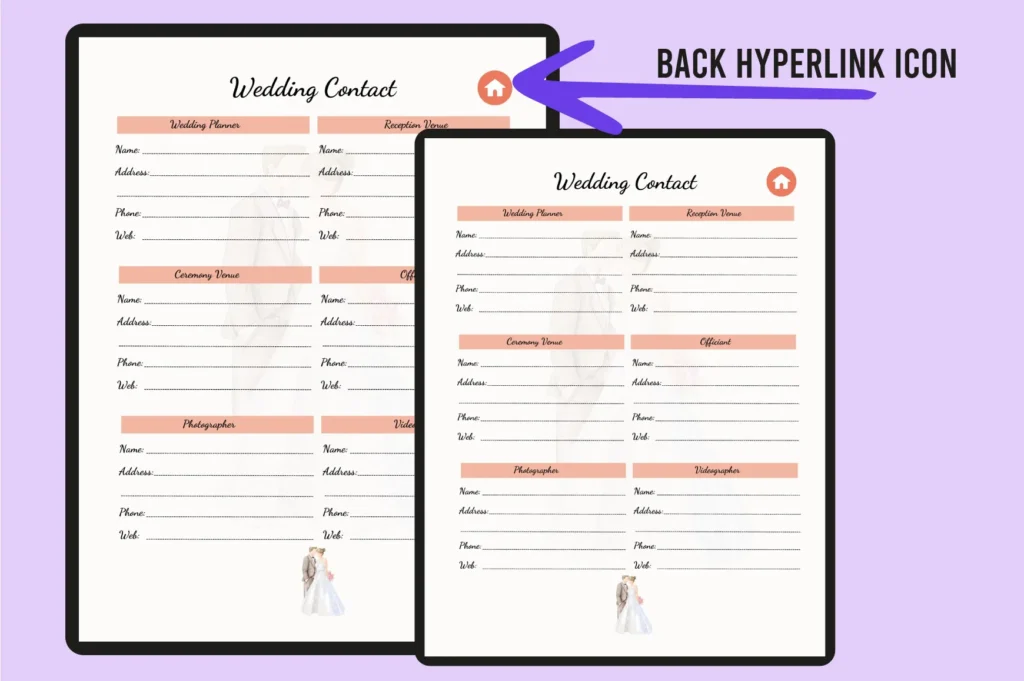
- Hyperlinked index for fast, intuitive navigation
- Fully editable in Canva to fit your theme and workflow
- iPad-friendly layout for on-the-go planning
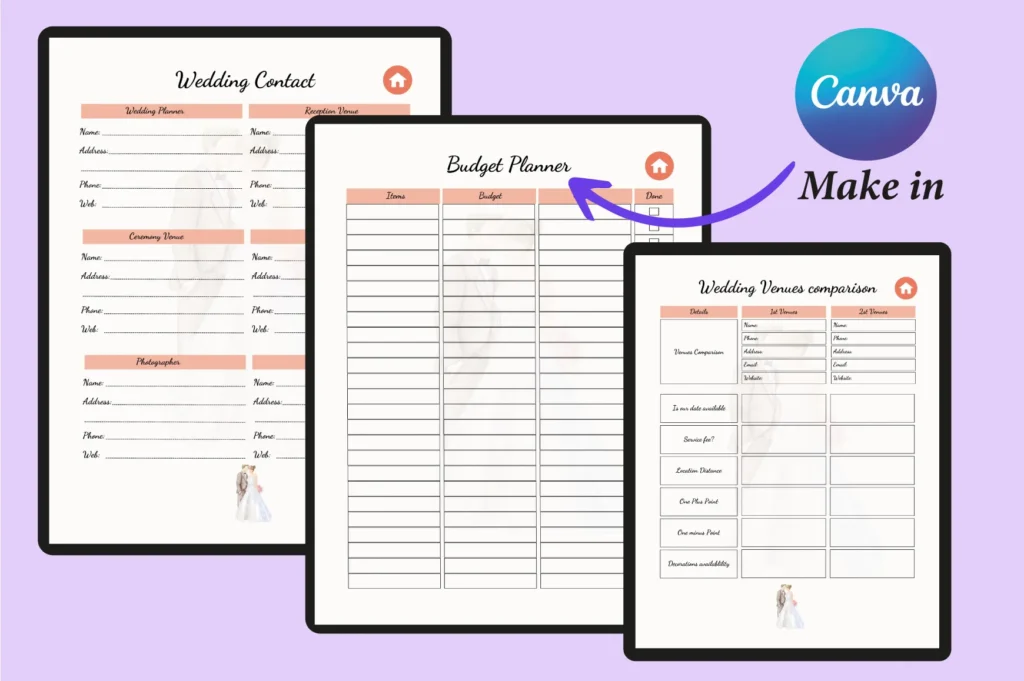
- Comprehensive sections for budget, guests, vendors, and timeline
- Checklists from 12 months out through post-wedding tasks
- Dedicated pages for rehearsal, honeymoon, and order of events
- US Letter (8.5×11 in) format; easy to export or print if needed
- 30+ coordinated page templates to keep everything consistent
What’s Included
- Editable Canva template link
- 30+ hyperlinked planner pages: index, checklists, budget, guest and gift lists, vendor contacts, venues comparison, order of events, notes, and more
- US Letter size (8.5 x 11 in), no bleed
How It Works
- Purchase and download the file containing your Canva link.
- Click the link to open the template in Canva.
- Edit text, colors, and pages to fit your plans.
- Use on your iPad via the Canva app, or export as a PDF.
Important Notes
- Do not delete main pages that hyperlinks point to (e.g., the planner index) or links will break.
- Digital product only; no physical item is shipped.
- Works with Canva; ensure you can access Canva on your device.
Frequently Asked Questions
How do I access the template?
After purchase, download the file and click the included Canva link to open and edit the planner.
Can I use this on my iPad?
Yes. Open the template in the Canva app on your iPad to view, edit, and navigate the hyperlinked pages.
Can I change fonts, colors, and pages?
Yes. The template is fully editable in Canva. Avoid deleting pages that hyperlinks lead to.
Can I print it?
Yes. It’s sized at US Letter (8.5×11 in). You can export from Canva as a PDF and print if desired.
License & Usage Rights
For personal and commercial use in end projects. You may not resell, share, or redistribute the template or Canva link as-is, nor claim the design as your own.