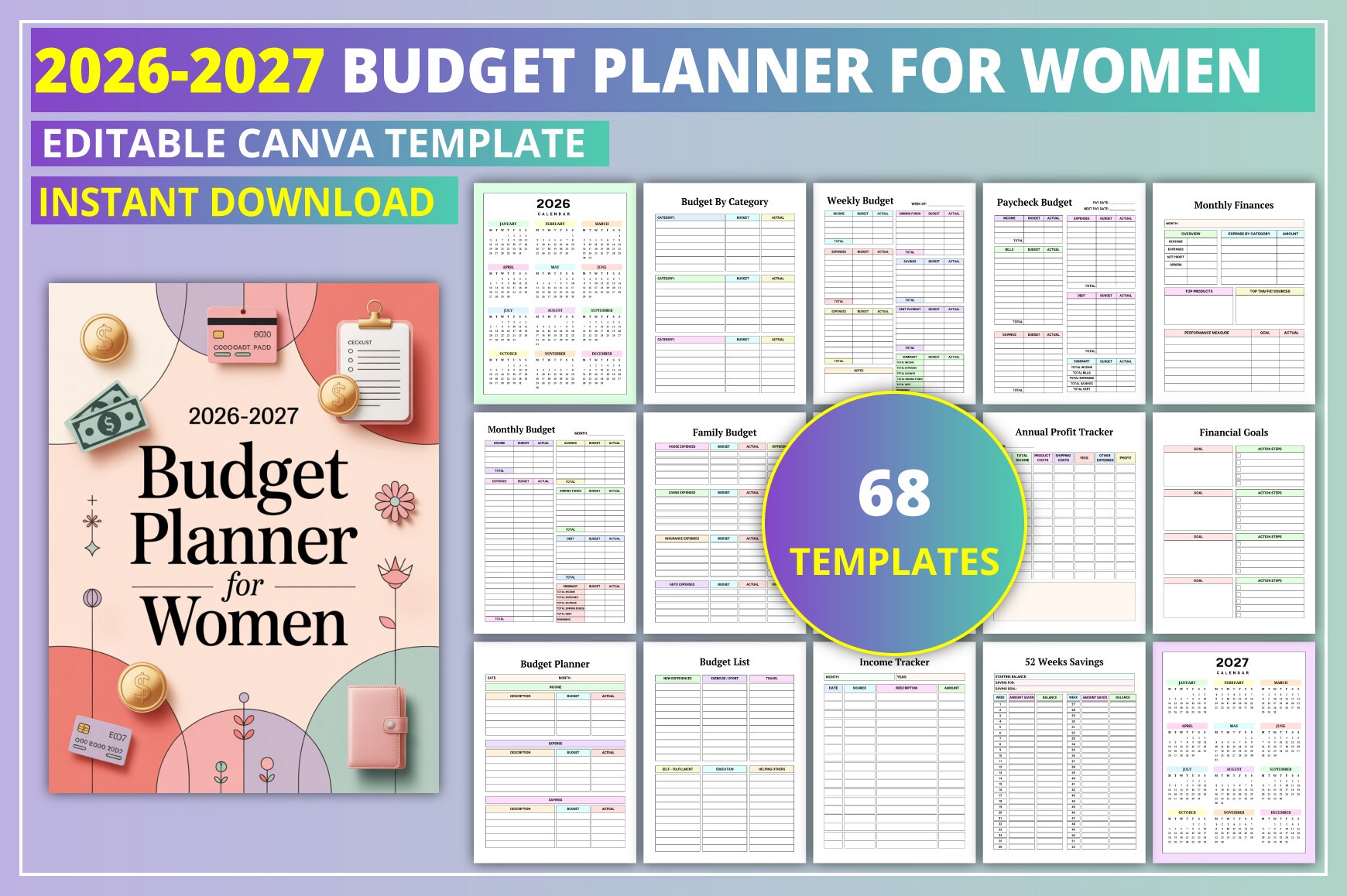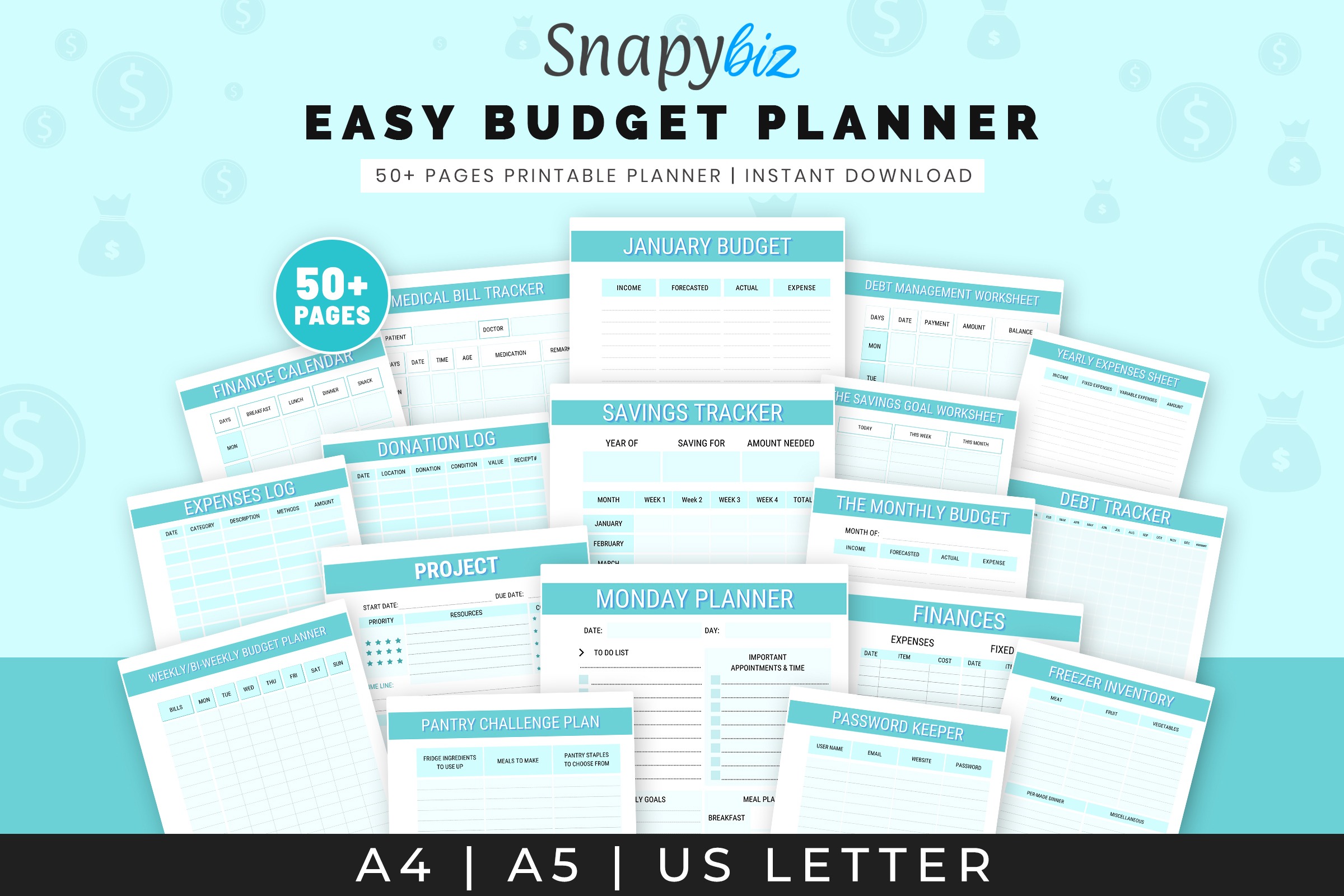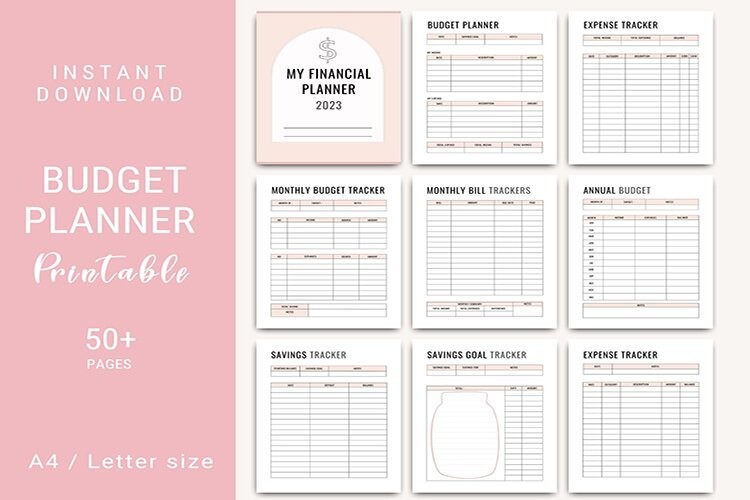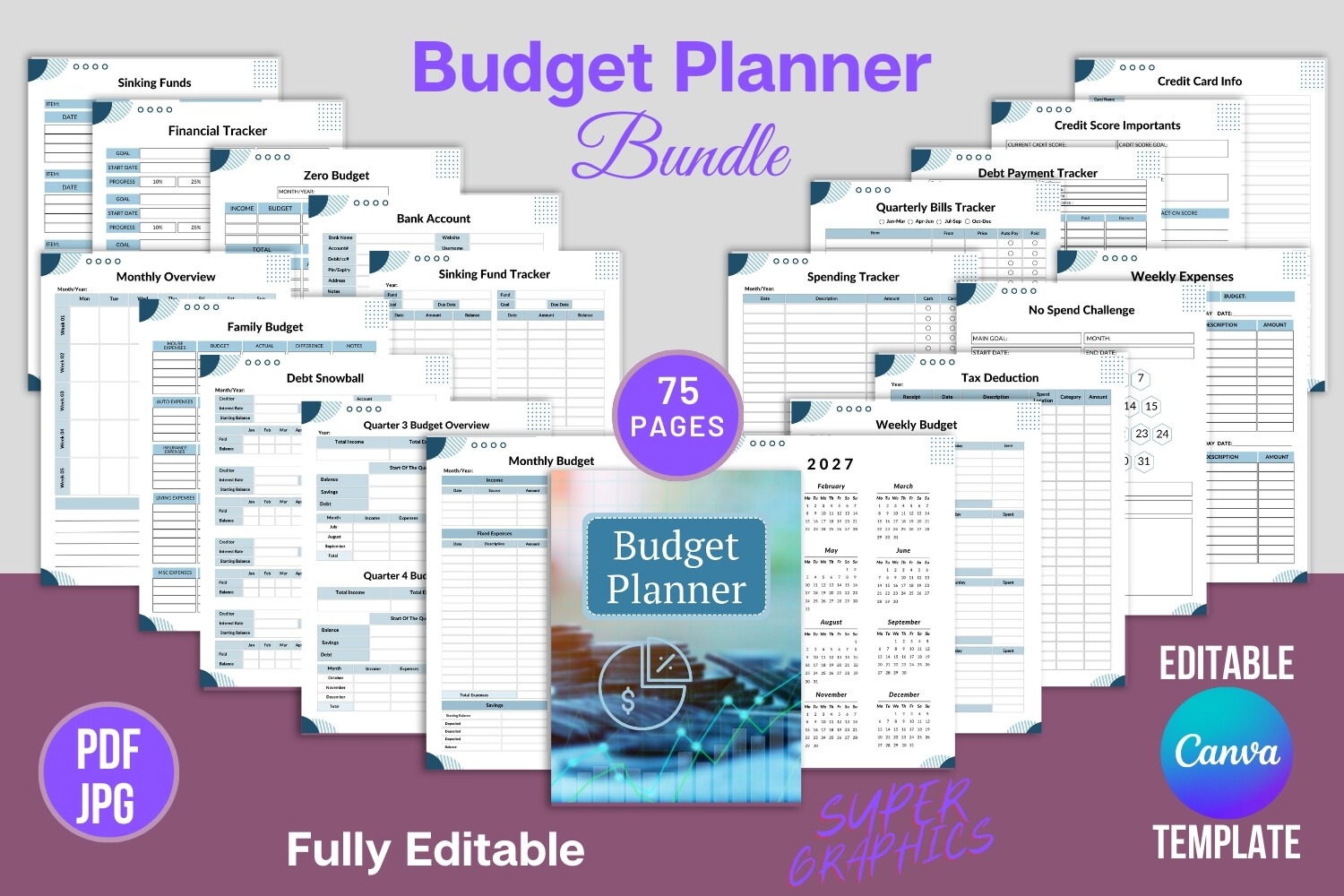
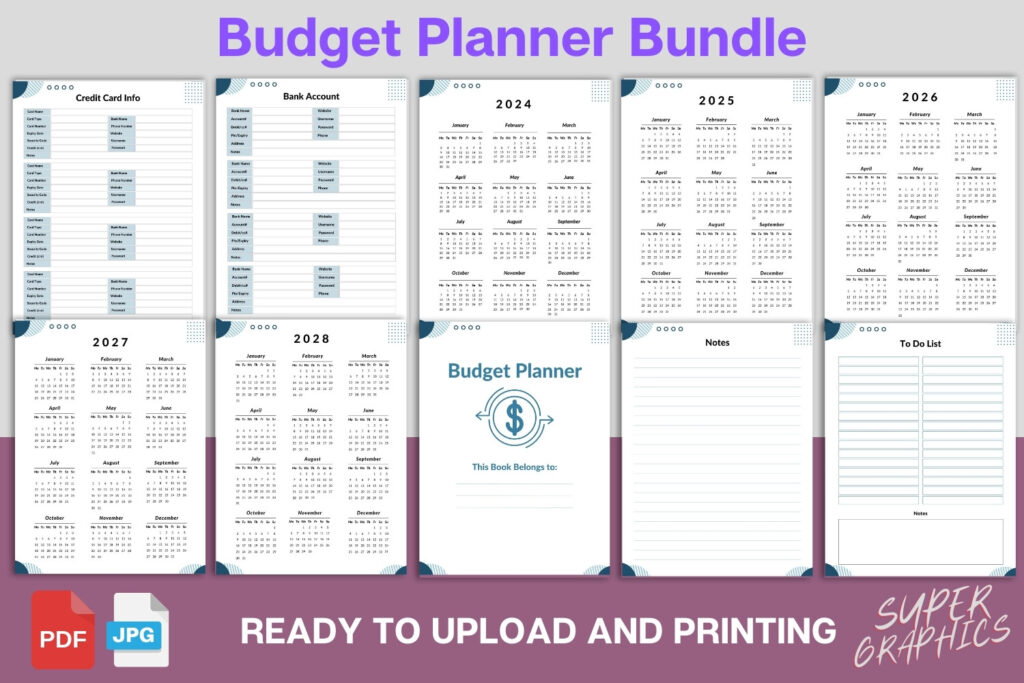
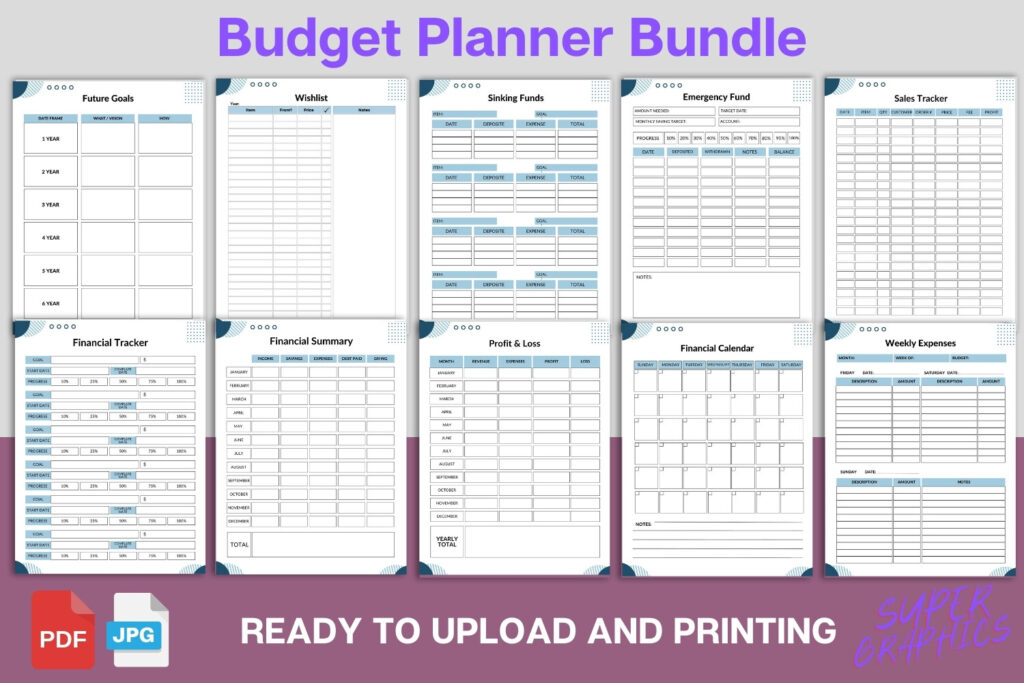
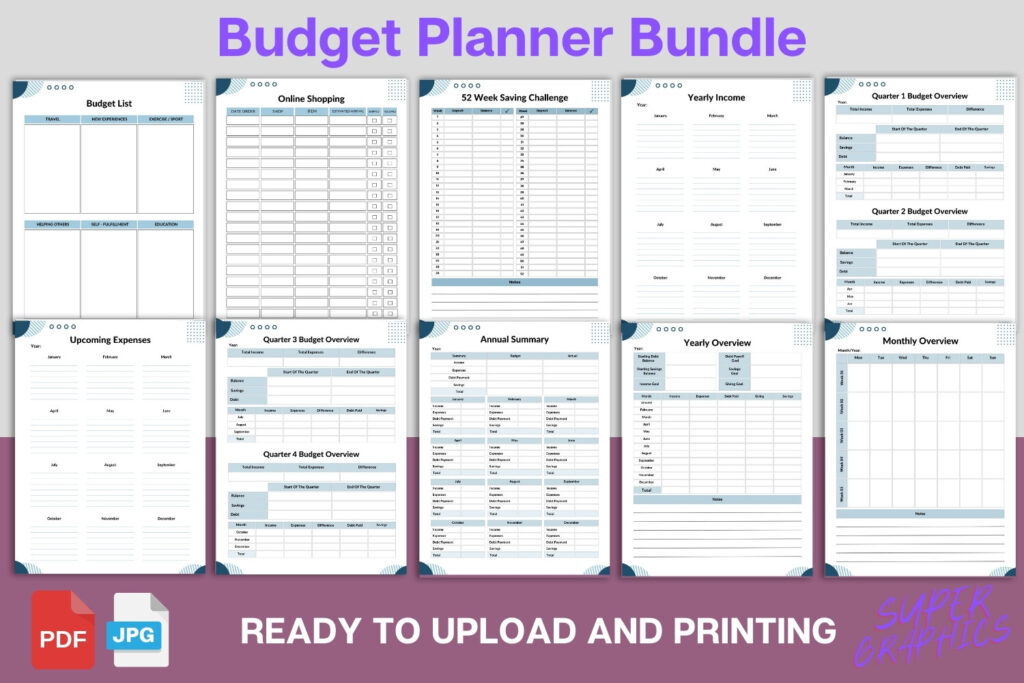
Create a polished budget planner fast with this fully editable Canva template. Perfect for KDP publishers, Etsy sellers, and anyone organizing personal finances. Includes 76 US Letter pages with budgets, trackers, and 2024–2028 calendars. Customize colors, fonts, and layout, then export a print-ready PDF.
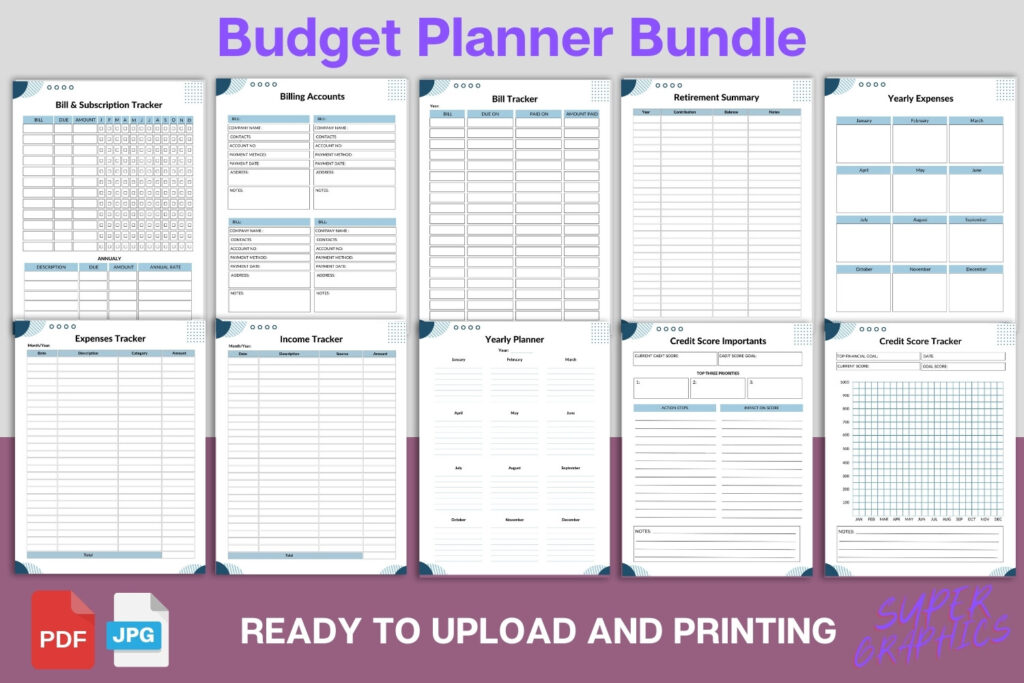
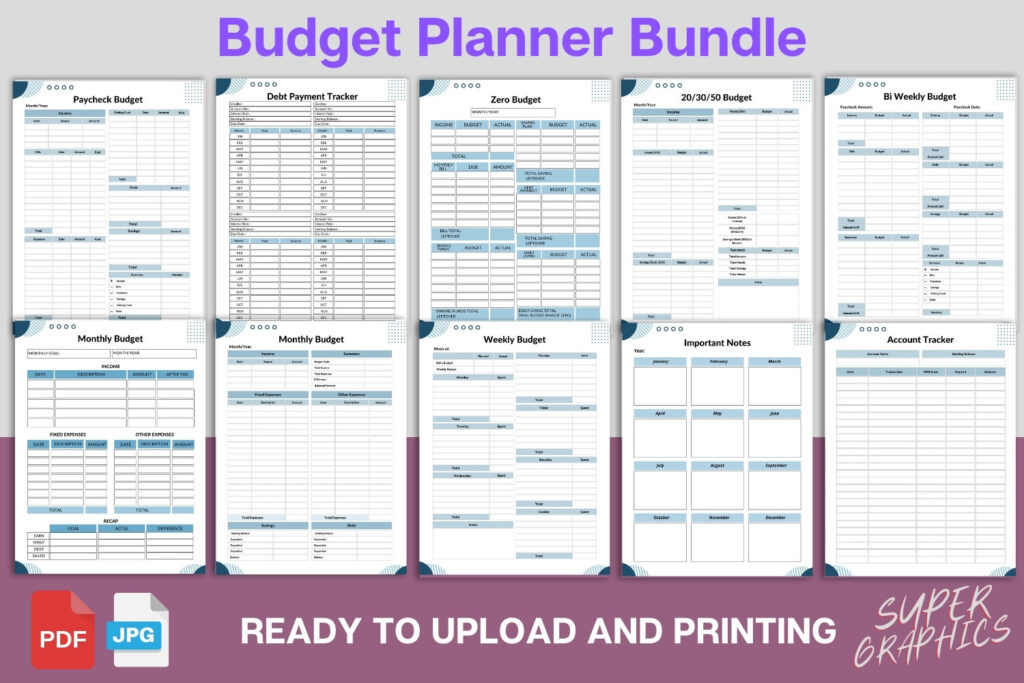
Key Features
- Fully editable in Canva—change text, colors, fonts, and layout
- 76 organized pages covering budgeting, debt, savings, and bills
- Multiple budgeting methods: zero-based, 50/30/20, paycheck, monthly, weekly
- Trackers for income, expenses, debt payoff, subscriptions, investments, and net worth
- Includes 2024–2028 yearly calendars for long-term planning
- Print-ready PDF included plus editable Canva link
- US Letter size (8.5 × 11 in); resizable with Canva Pro
- Reusable template—duplicate pages and build multiple versions
- Bonus JPGs for previews or printing individual pages
What’s Included
- 1 PDF with link to the fully editable Canva template (76 pages)
- 1 ready-to-print PDF (76 pages, US Letter 8.5 × 11 in)
- Bonus JPG files of the pages
- Total: 76 Canva pages
How It Works
- Purchase and download the PDF file.
- Open the PDF and click the Canva template link.
- Log into Canva (free account works).
- Edit text, colors, fonts, and add your logo or elements.
- Duplicate, rearrange, or remove pages as needed.
- Export as PDF for print or KDP, or download JPGs.
- Print at home or with a professional printer if desired.
Important Notes
- Requires a free Canva account; resizing features need Canva Pro.
- Digital product only—no physical item will be shipped.
- Designed for US Letter (8.5 × 11 in).
- Includes yearly calendars for 2024–2028.
- Final print results may vary by printer and paper.
- Not affiliated with or endorsed by Amazon KDP.
Frequently Asked Questions
Do I need Canva Pro to use this?
No. You can edit everything with a free Canva account. Canva Pro is only needed if you want to resize the pages.
Can I use this for KDP or to sell printables?
Yes. You can export your edited planner and sell the finished PDF or printed book. You may not resell or share the template or Canva link.
Is all text and content editable?
Yes. You can change headings, body text, colors, fonts, and add or remove elements and pages.
What size is included?
US Letter (8.5 × 11 in). You can resize in Canva Pro if you need another size.
License & Usage Rights
Commercial use allowed for finished, exported files (PDF/JPG). You may publish and sell your finalized planner. You may not resell, share, or redistribute the template, source files, or Canva link.