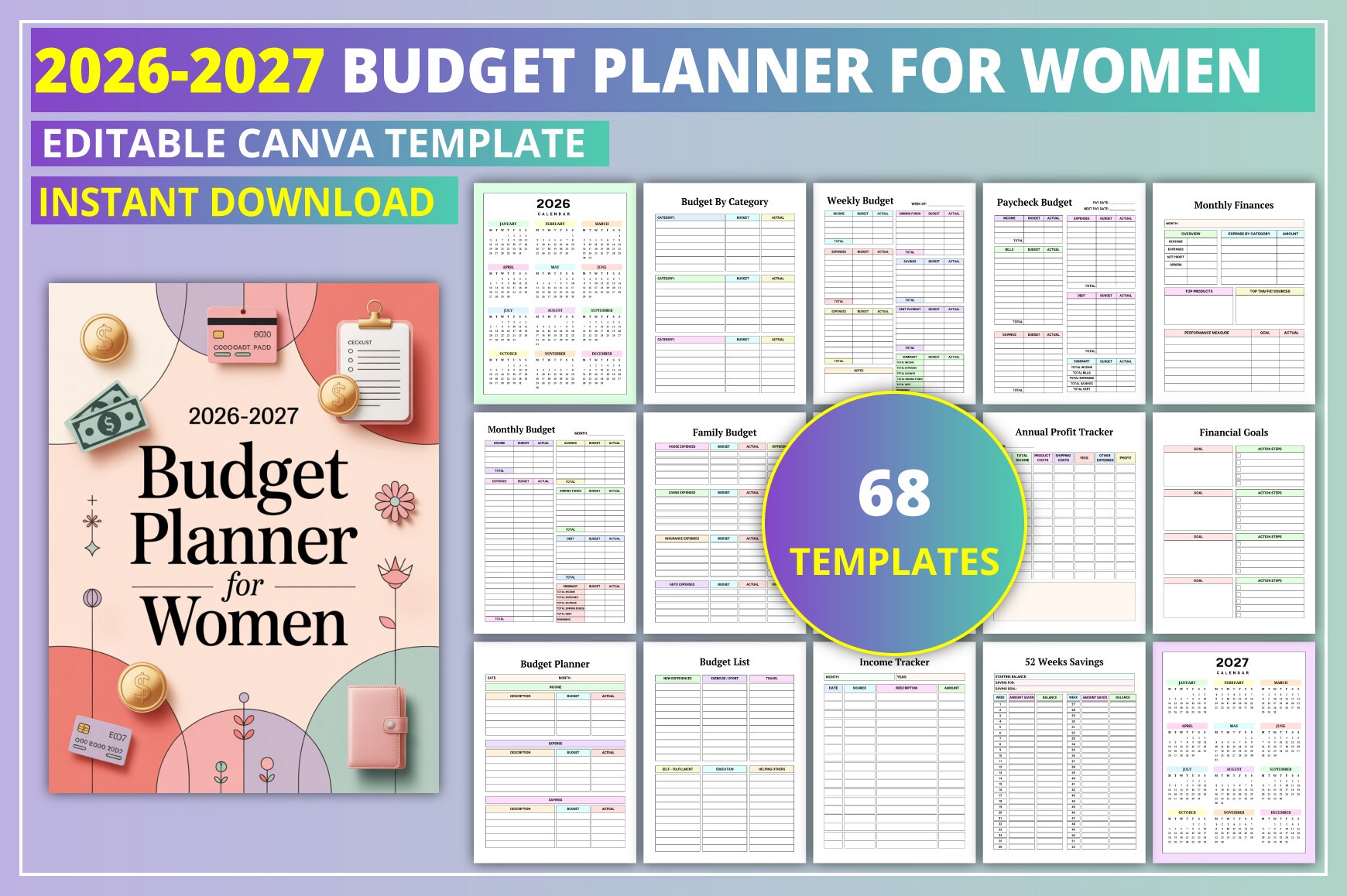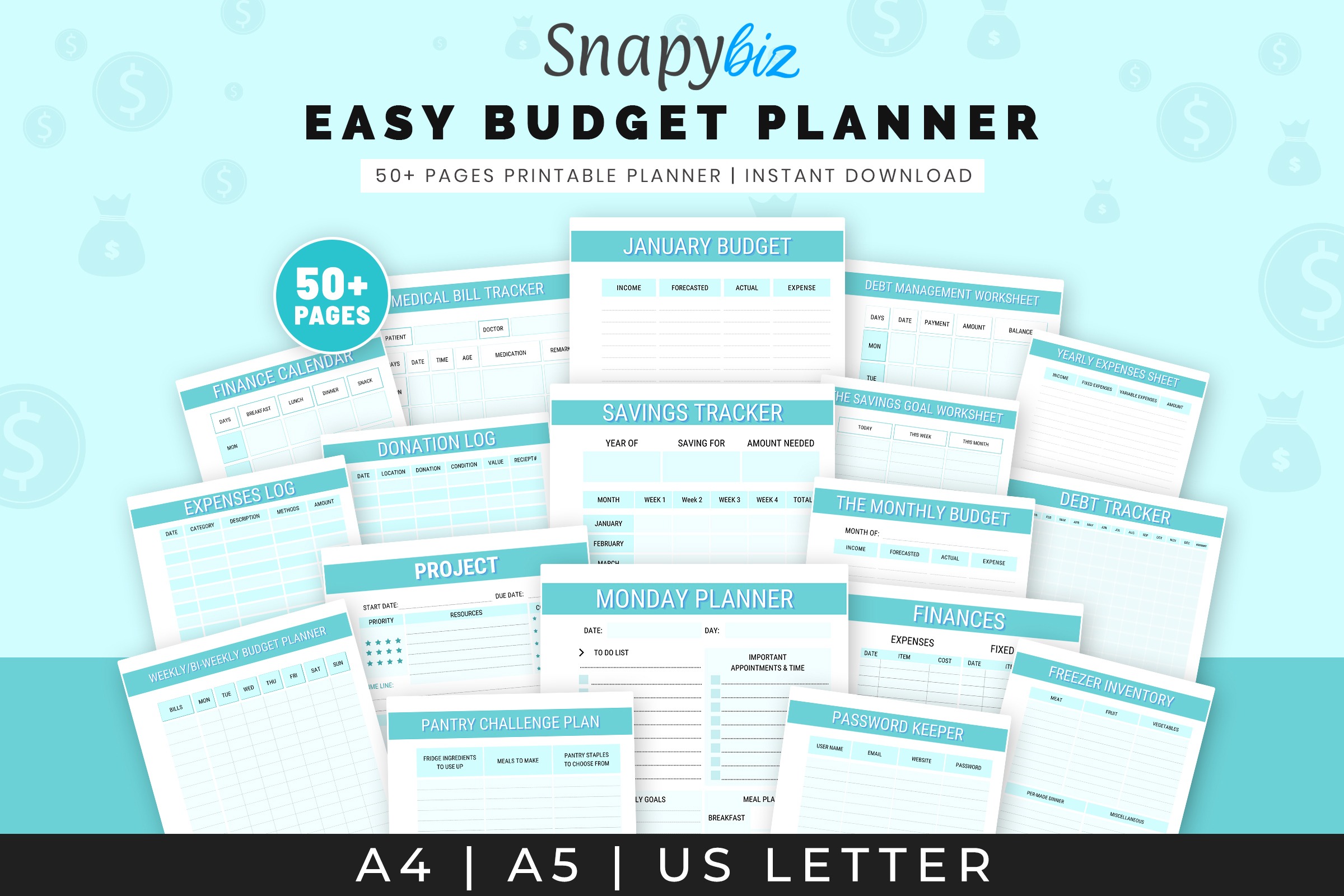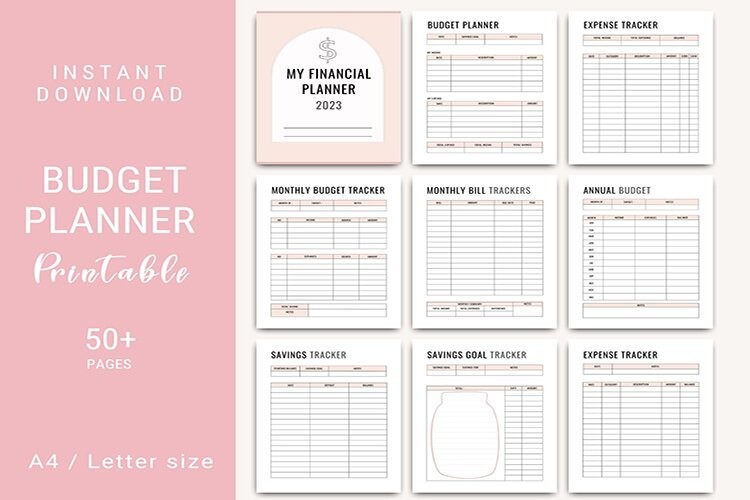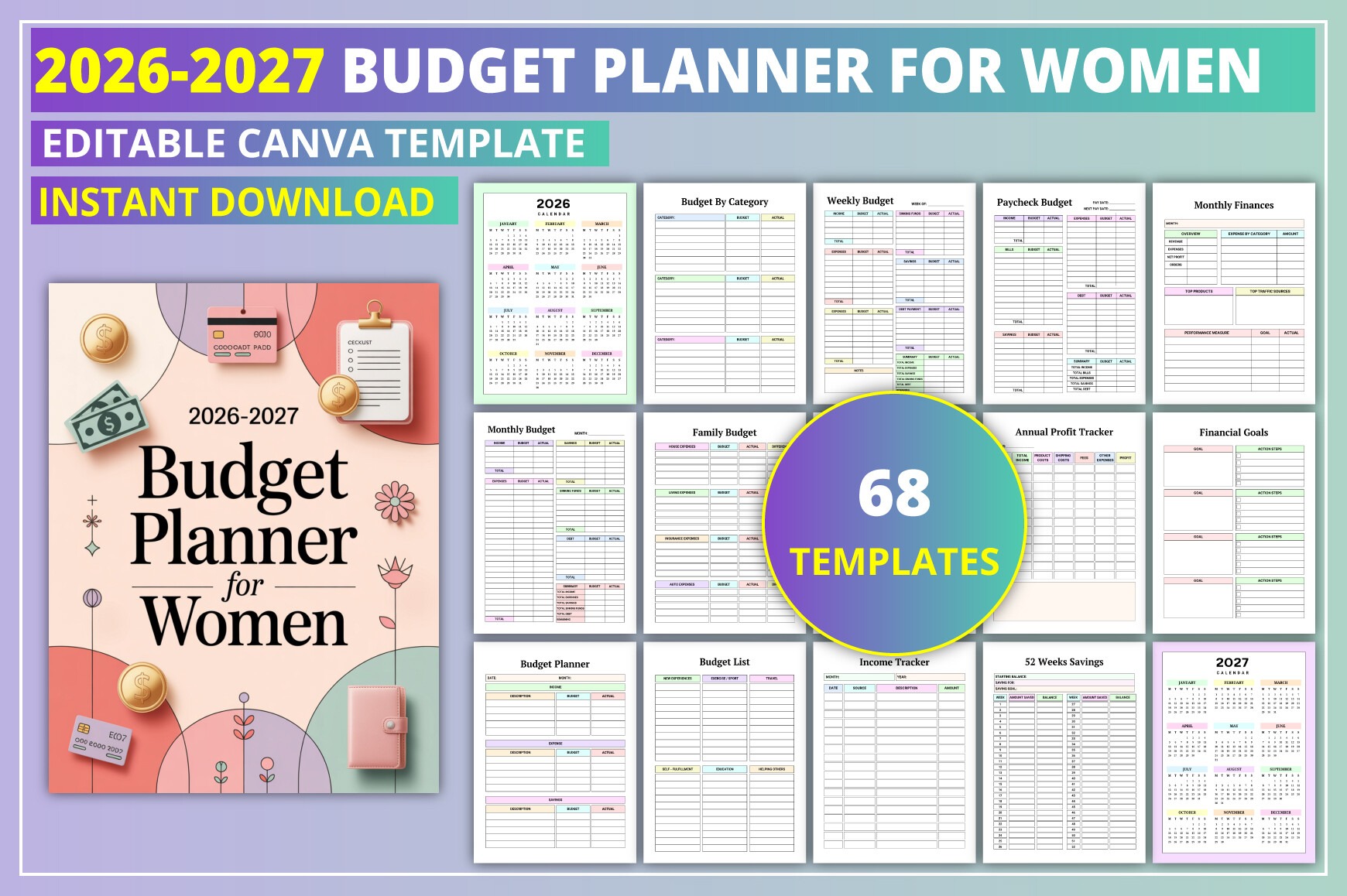
Plan, track, and optimize your finances for 2026–2027 with this elegant, easy-to-use budget planner. Perfect for personal budgeting, home management, side hustles, or small businesses. Edit in Canva to match your style, then print or export as PDF. Stay on top of income, expenses, savings, and goals all in one place.
Key Features
- Dated planning for 2026–2027 with yearly and monthly pages
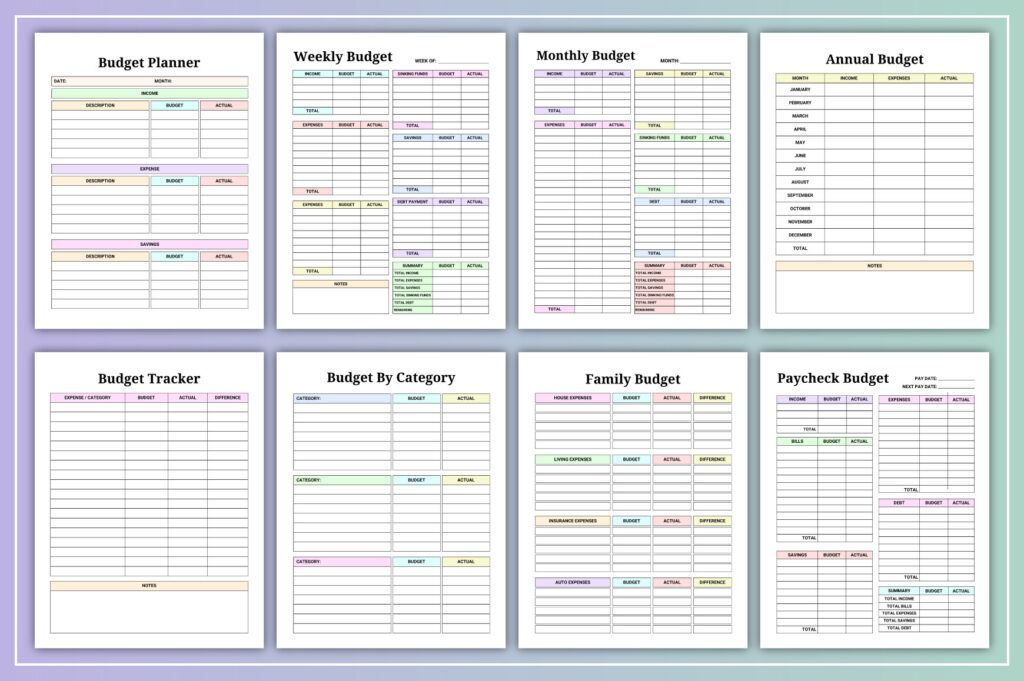
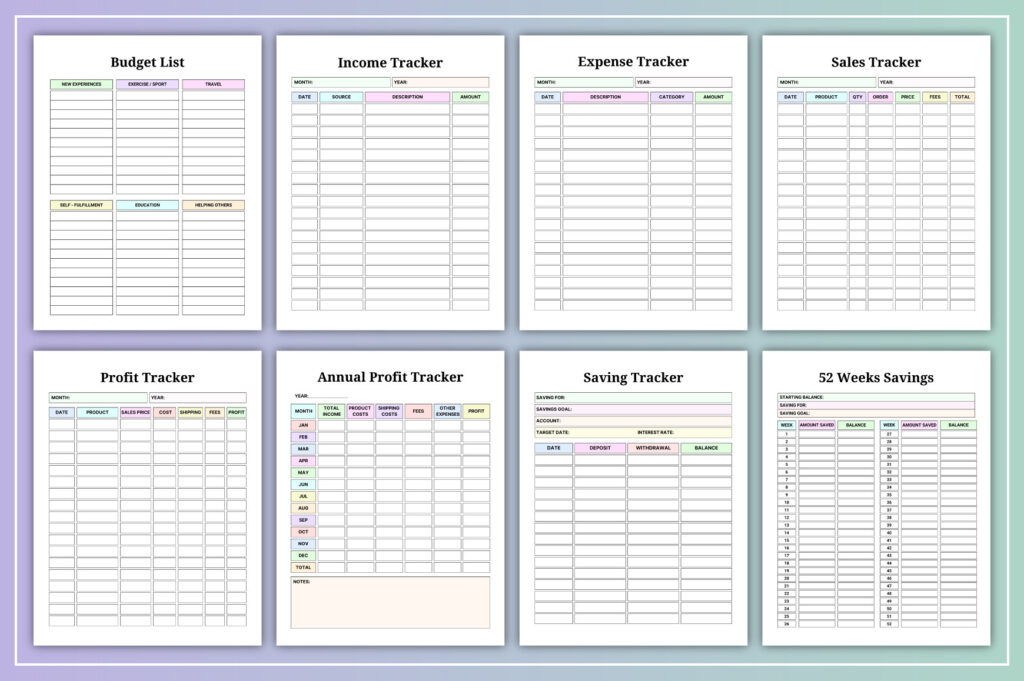
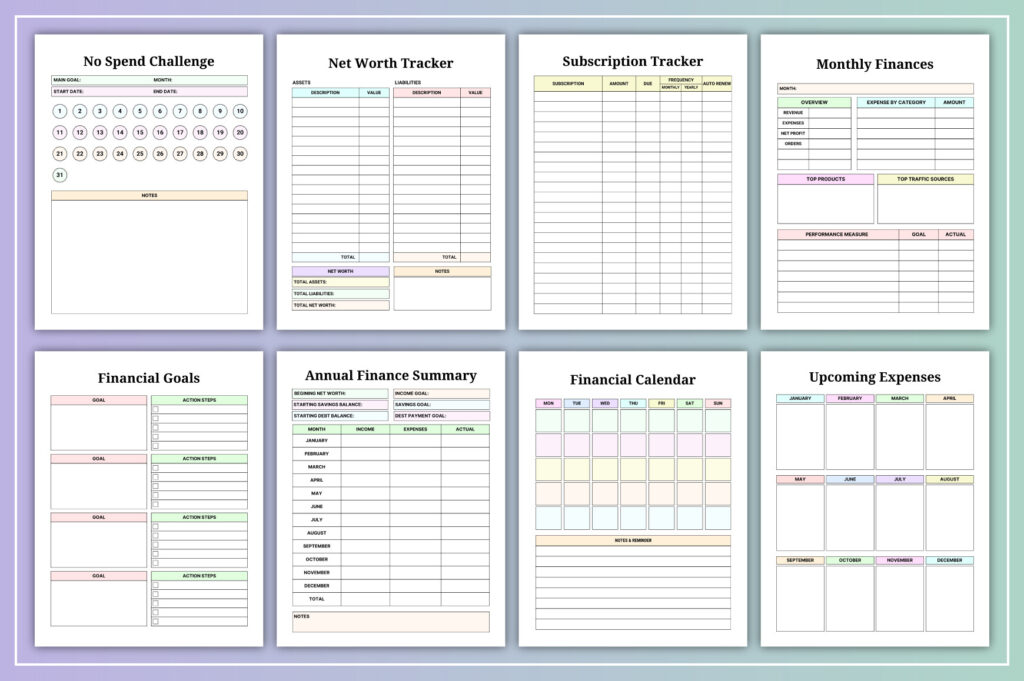
- Comprehensive tracking: income, expenses, bills, subscriptions, savings, investments, profit
- Goal-focused layouts: financial goals, annual summary, net worth, and overview pages
- Motivators included: 52-week savings and no-spend challenge
- Fully editable in Canva: change colors, fonts, layouts, and images
- Ready to print: US Letter (8.5×11), no bleed, 300 DPI
- KDP-friendly interior formatting for no-bleed printing
- Versatile for personal, household, side hustle, or small business use
- Instant download with PDF, JPG, and PNG export options
What’s Included
- Editable Canva template link
- Ready-to-print PDF (US Letter, 8.5×11), no bleed, 300 DPI
- JPG and PNG files
- 68 total pages covering: calendars and monthly pages for 2026–2027, weekly/monthly/annual budgets, income/expense/bill/subscription trackers, savings and investment logs, paycheck and category budgets, profit/return trackers, net worth, goals, and summaries
How It Works
- Purchase and download the PDF with your Canva access link.
- Open in Canva (free account works; some elements may need Canva Pro).
- Customize colors, fonts, and pages to fit your style or brand.
- Export as PDF/JPG/PNG and print US Letter at 100% scale or use digitally.
Important Notes
- Digital download only; no physical item will be shipped.
- Designed for US Letter (8.5×11 in), no bleed.
- Some pages may use Canva Pro elements; a Pro account may be required.
- Year-specific for 2026–2027.
Frequently Asked Questions
Do I need Canva Pro to use this?
You can edit with a free Canva account. Some premium elements may require Canva Pro to access or download.
Can I print this at home?
Yes. Export as PDF from Canva and print US Letter (8.5×11) at 100% scale, no bleed.
Is this suitable for KDP?
It’s formatted for US Letter, no bleed. Follow KDP’s print specs and guidelines when uploading.
Can I change colors and fonts?
Yes. All text, colors, and many layout elements are fully editable in Canva.
License & Usage Rights
Personal and commercial use allowed for finished end products you create (e.g., printed planners, exported PDFs, or KDP interiors). You may not resell, share, or redistribute the Canva template, source files, or claim the design as your own. One license per buyer.