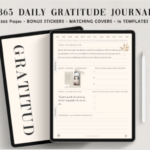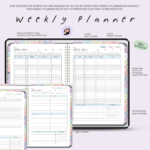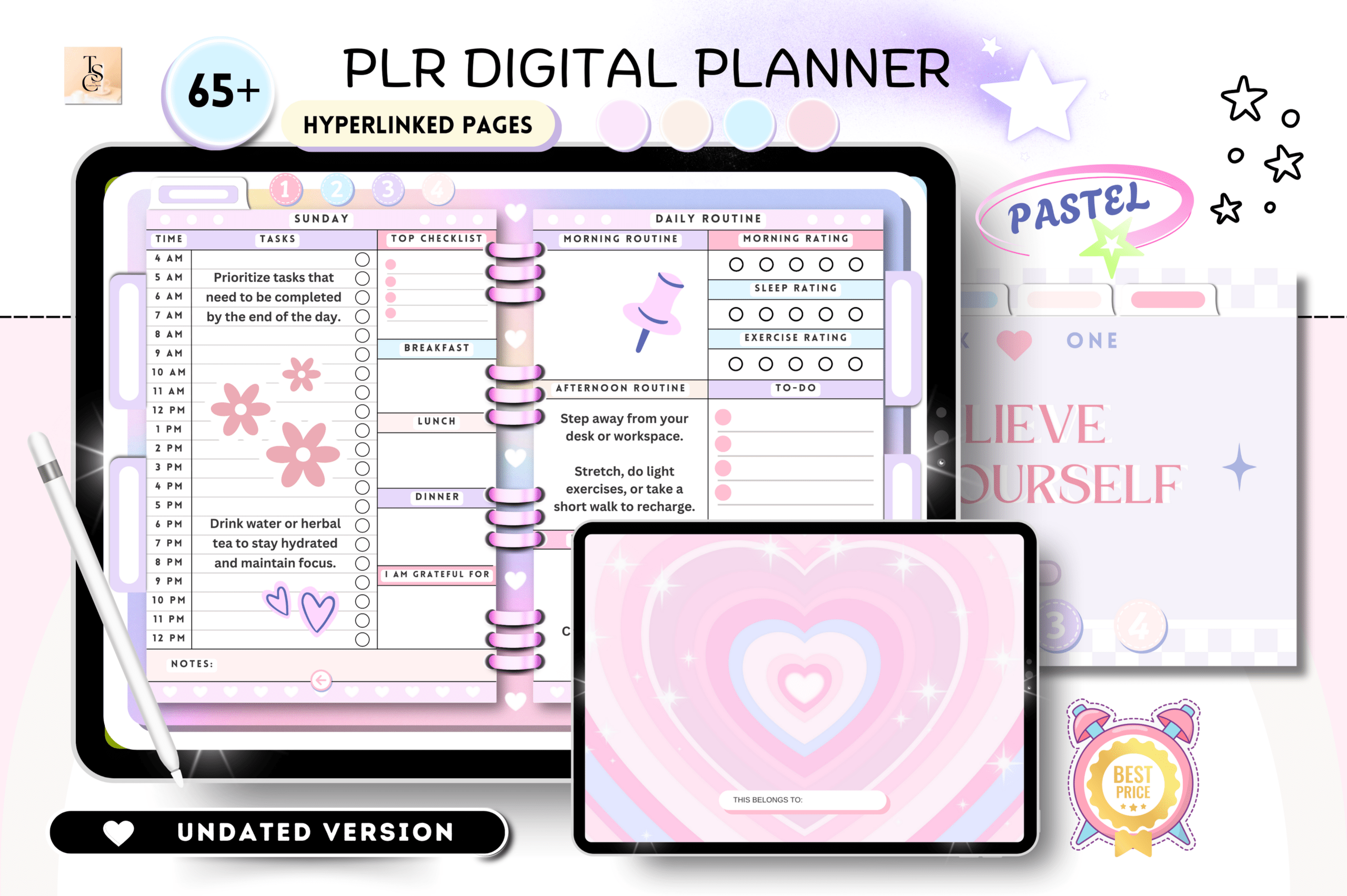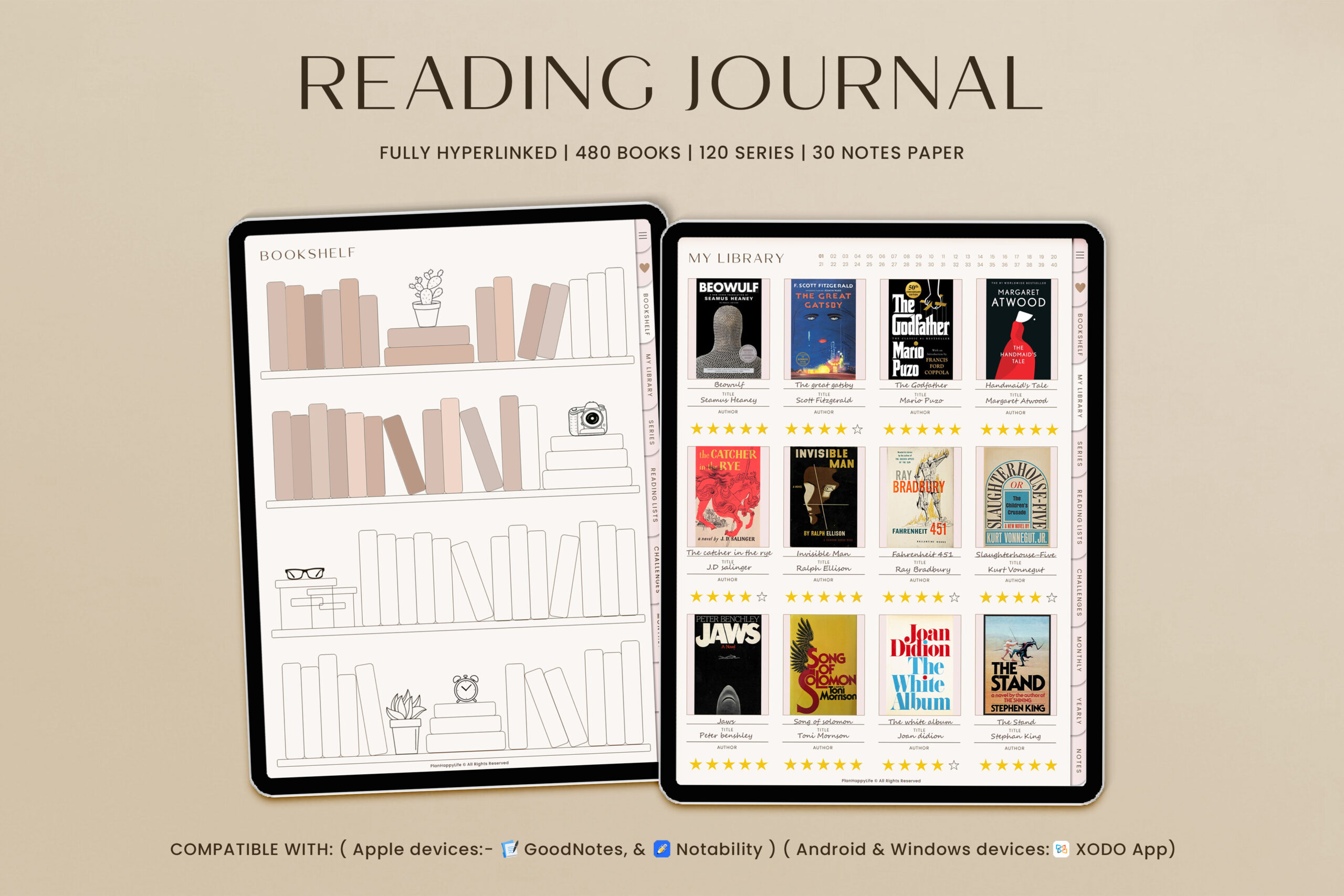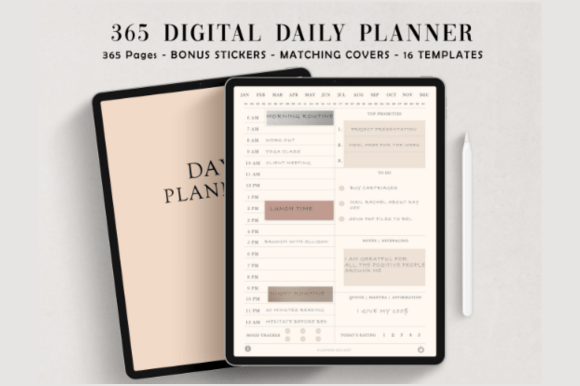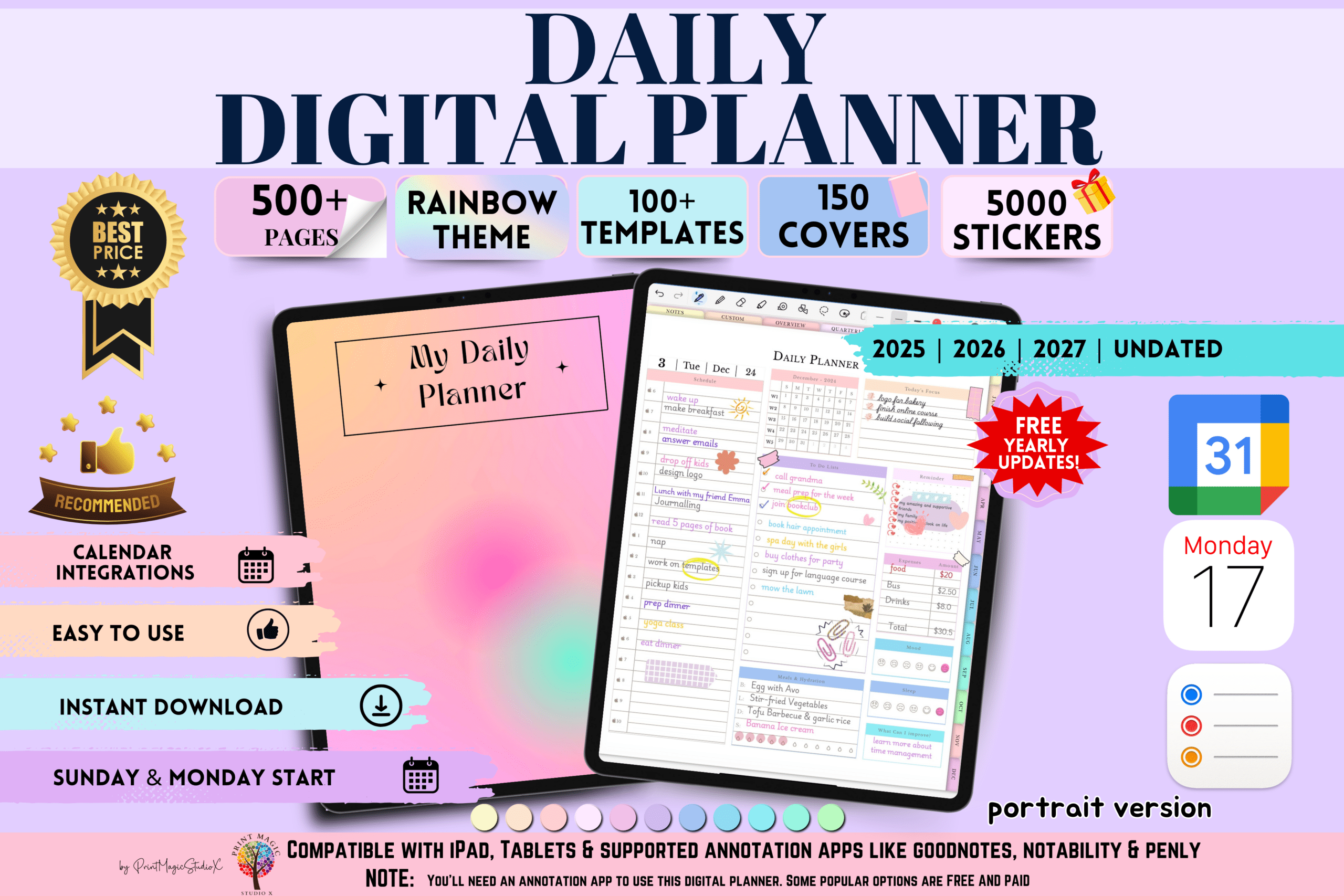
Plan your life with a fast, minimalist digital planner built for tablets. This portrait planner covers 2025, 2026, and 2027—plus an undated option—so you can reuse it anytime. Navigate 500+ hyperlinked pages across yearly, quarterly, monthly, weekly, and daily views. Ideal for students, professionals, and busy families using GoodNotes, Notability, Penly, Noteshelf, or Xodo.
Key Features
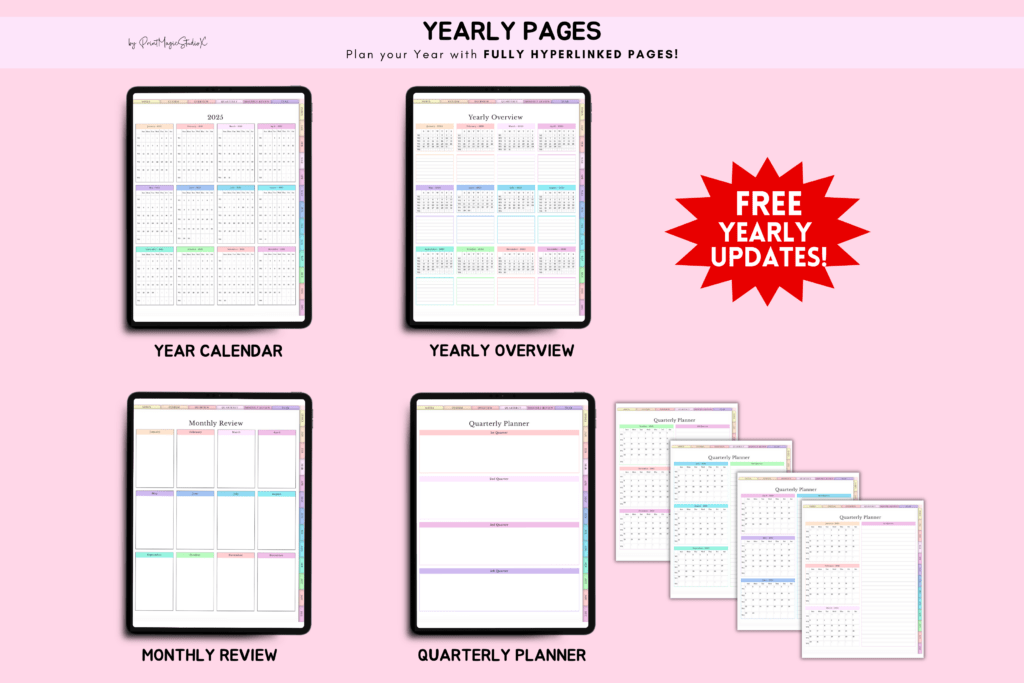
- Includes 2025, 2026, 2027 + undated planner (free yearly updates)
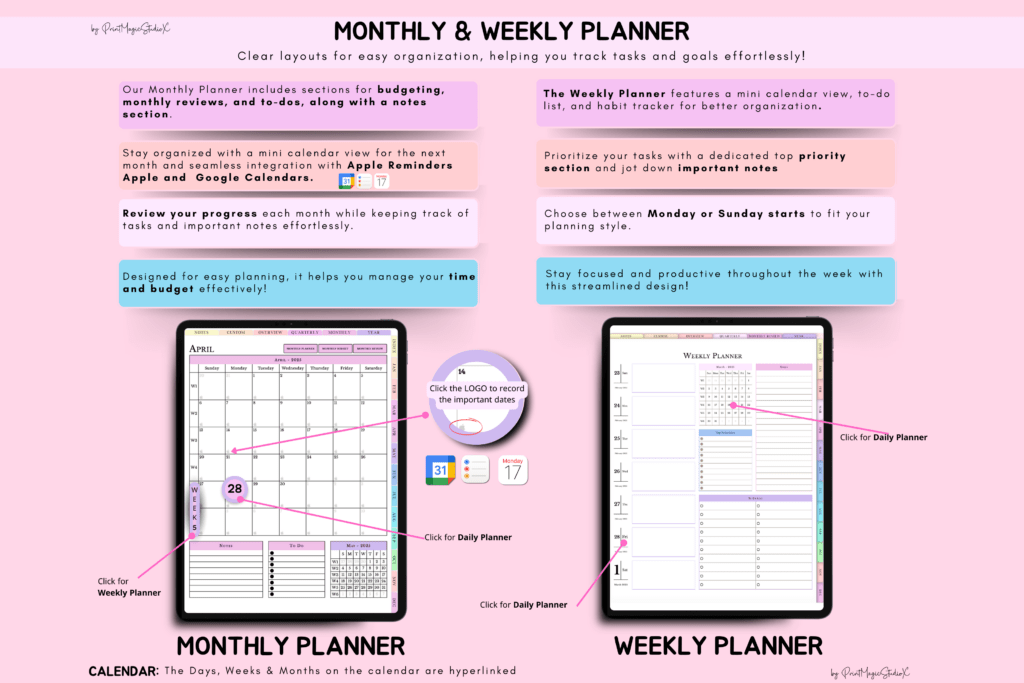
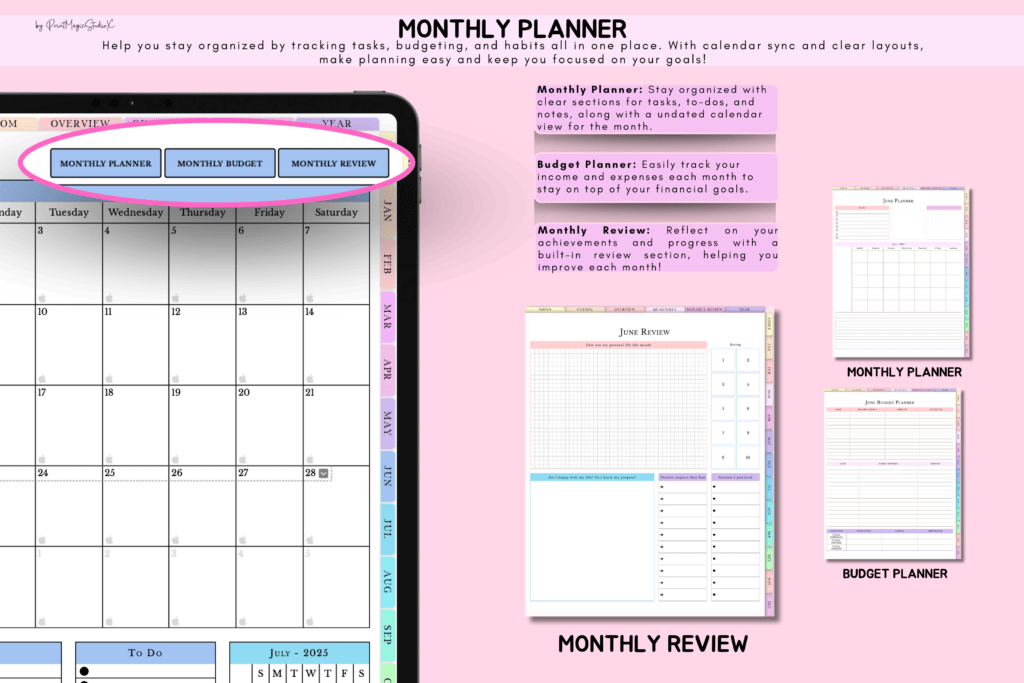
- Yearly, quarterly, monthly, weekly, and daily layouts
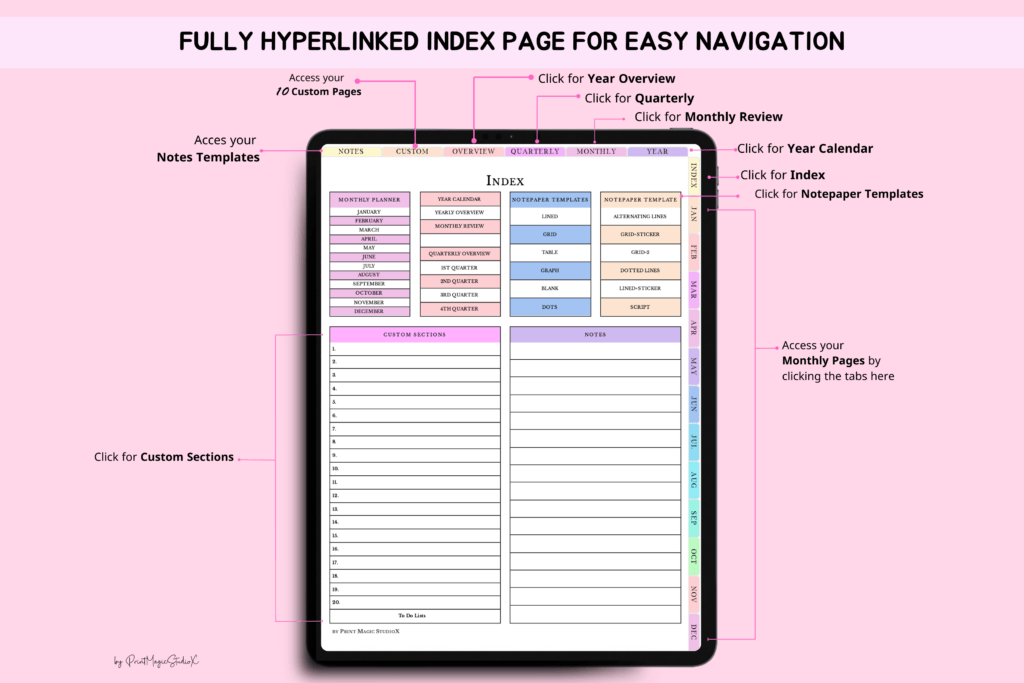
- 500+ hyperlinked pages for quick, seamless navigation
- 20 customizable sections for goals, projects, and trackers
- Multiple notes templates for journaling, sketching, and lists
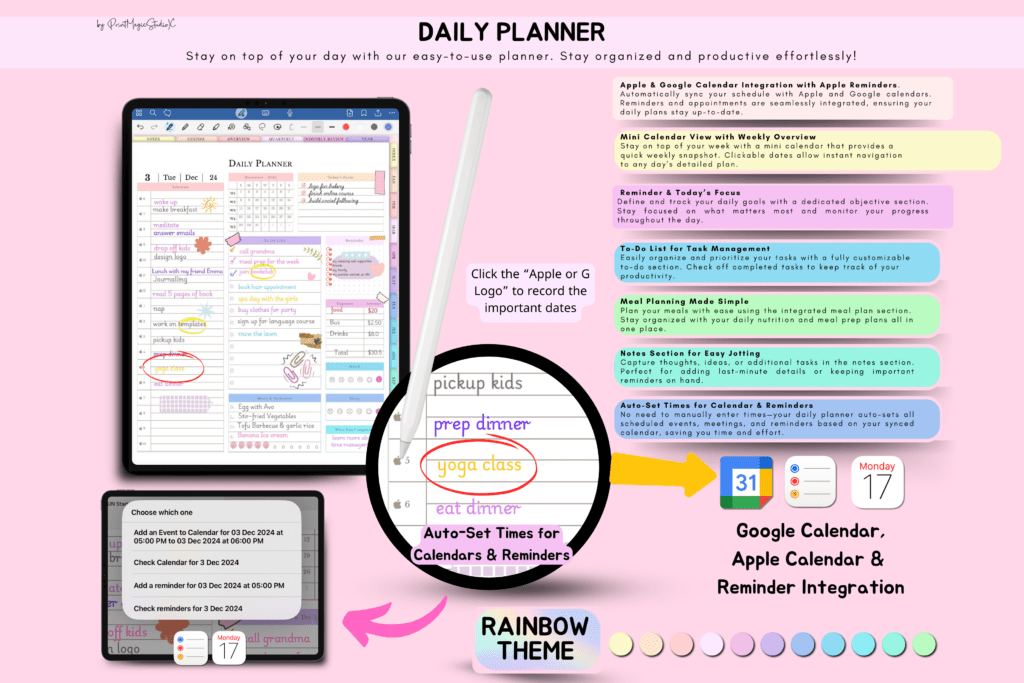
- Apple Calendar, Reminders, and Google Calendar integration
- Compatible with GoodNotes, Notability, Penly, Noteshelf, and Xodo
- Portrait layout optimized for streamlined planning
- Reusable: duplicate pages, add stickers, images, and widgets
What’s Included
- 1 hyperlinked PDF planner (portrait)
- Import/setup instructions
- Planning views from yearly to daily
- Access to 20 custom sections and notes templates
- Coverage for 2025–2027 plus undated version in one file
How It Works
- Purchase and download the PDF.
- Import the file into GoodNotes, Notability, Penly, Noteshelf, or Xodo.
- Tap hyperlinks to navigate; duplicate pages and add stickers or images as needed.
- Optional: use calendar integration links with Apple Calendar, Reminders, or Google Calendar.
Important Notes
- Requires an annotation app to write and edit (GoodNotes, Notability, Penly, Noteshelf, or Xodo).
- GoodNotes and Notability are paid apps; Xodo is free.
- Digital download only; no physical product is shipped.
- Calendar sync behavior may vary by device and app.
- Designed in portrait orientation.
Frequently Asked Questions
Is it compatible with iPad and Android tablets?
Yes. Use GoodNotes or Notability on iPad, and Penly, Noteshelf, or Xodo on Android/iOS.
Can I reuse it every year?
Yes. It includes 2025, 2026, 2027, plus an undated planner. Duplicate pages as needed.
How does the calendar integration work?
Use the included links to connect with Apple Calendar, Reminders, or Google Calendar. Setup depends on your device and app.
License & Usage Rights
Commercial license included for your own business or client work. You may use the planner and export completed pages, but you may not resell, share, or redistribute the PDF/template or its pages as-is or with minor changes. Personal and commercial use of the final filled content is allowed. No physical item included.