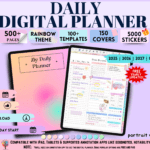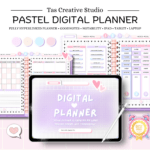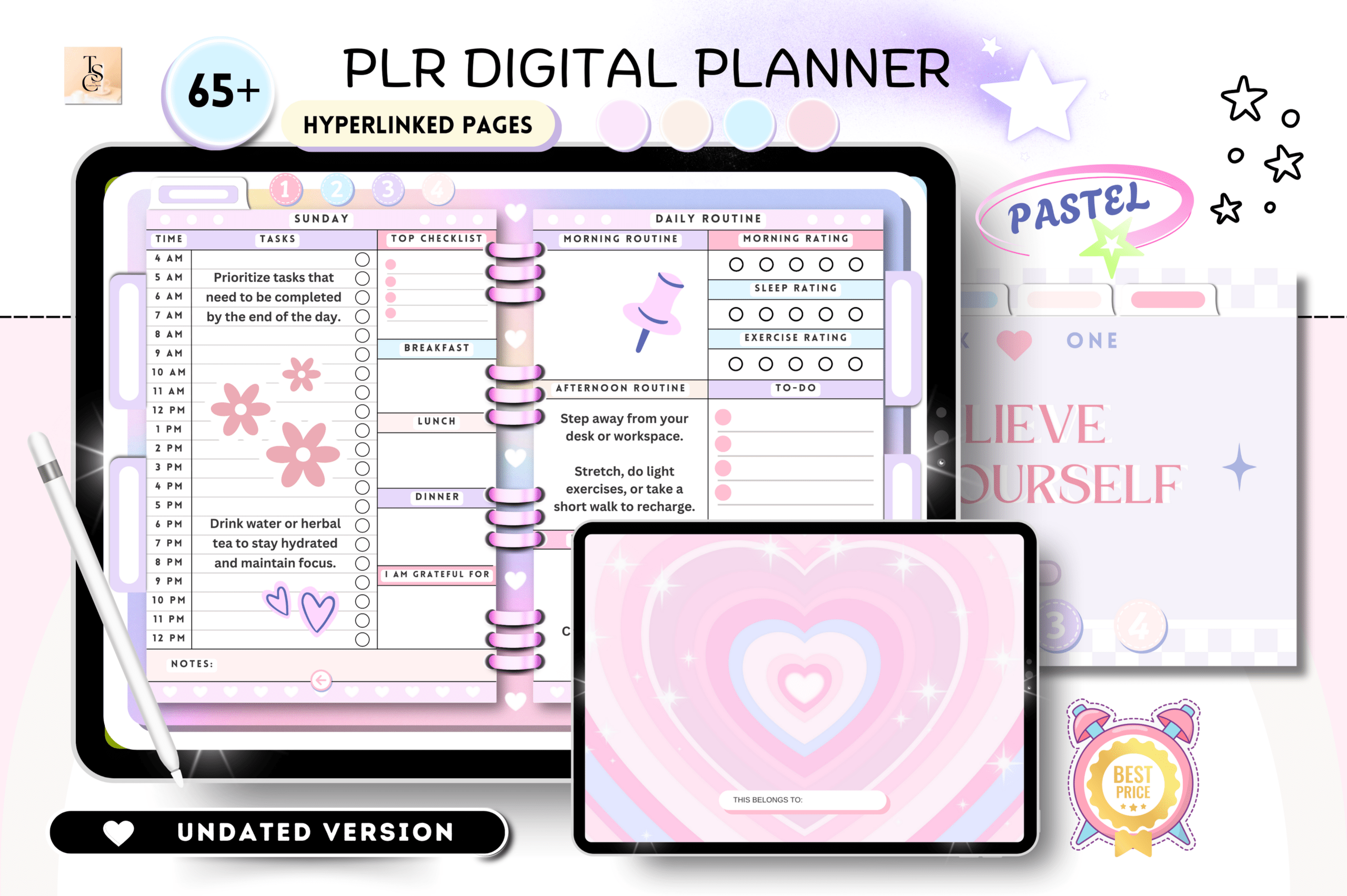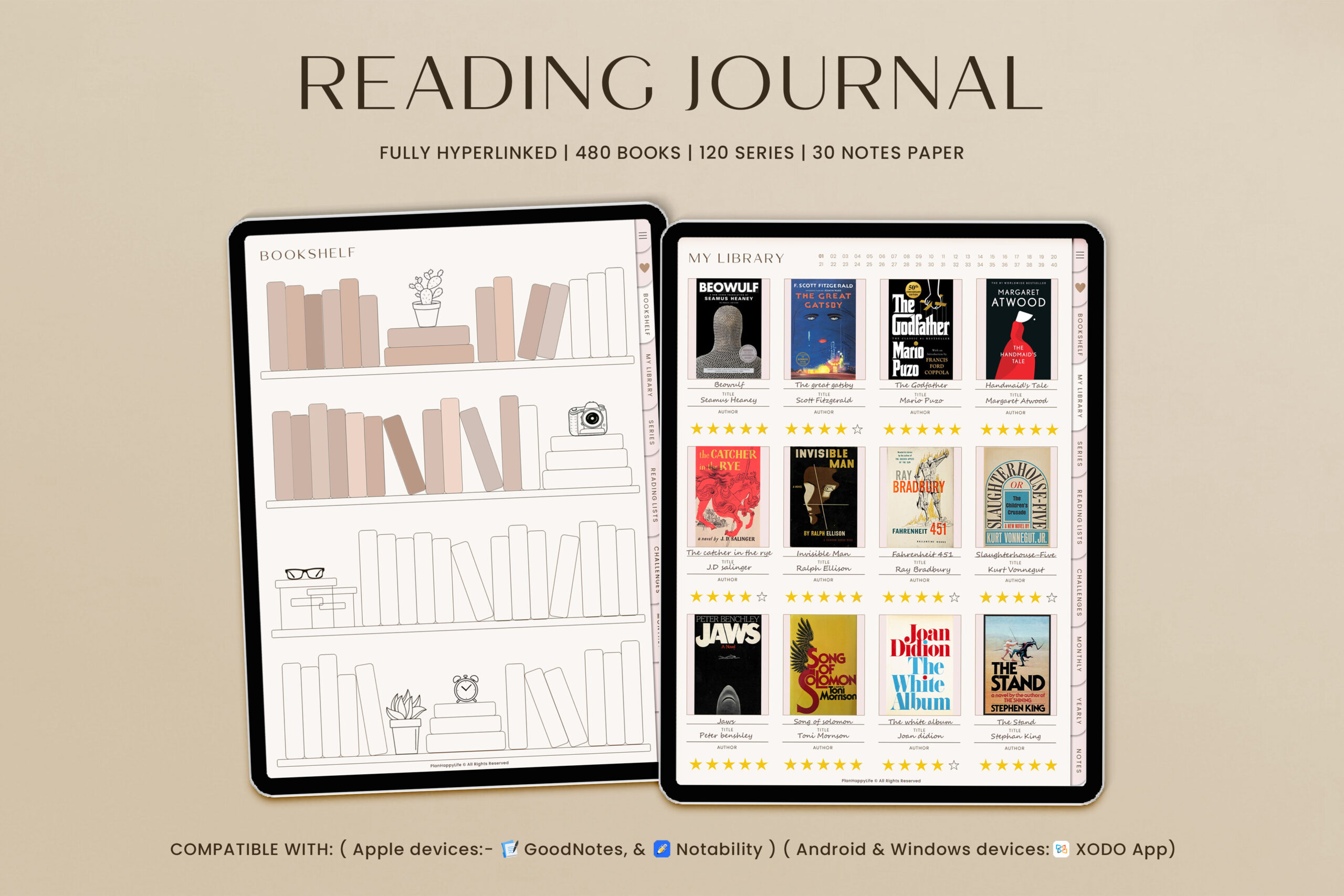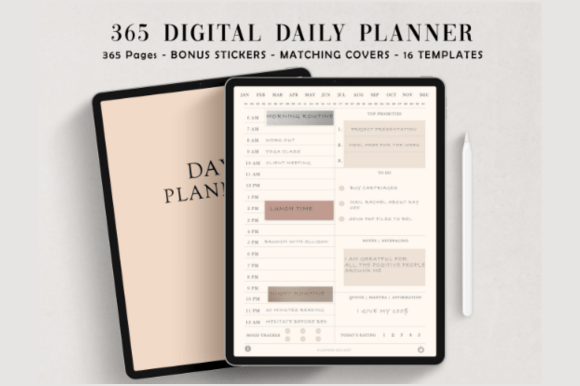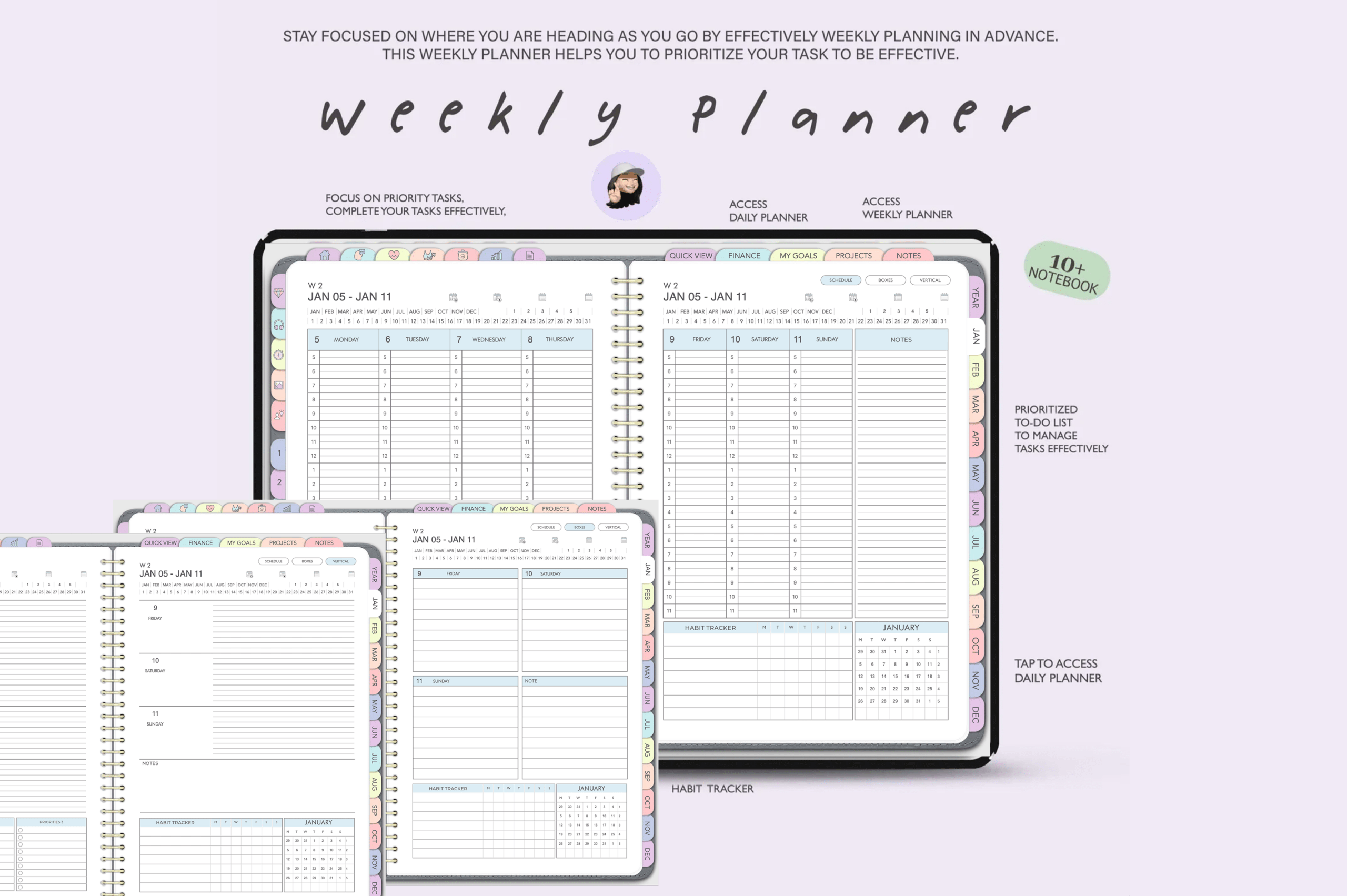
Plan your life with an all-in-one digital planner built for iPad (GoodNotes) and Android (Penly). Get dated 2025, 2026, and an undated version for flexible, long-term use. Enjoy fast, hyperlinked navigation and organized sections for lifestyle, wellness, fitness, finance, and productivity. Keep everything in one place and customize it to fit your routine.
Key Features
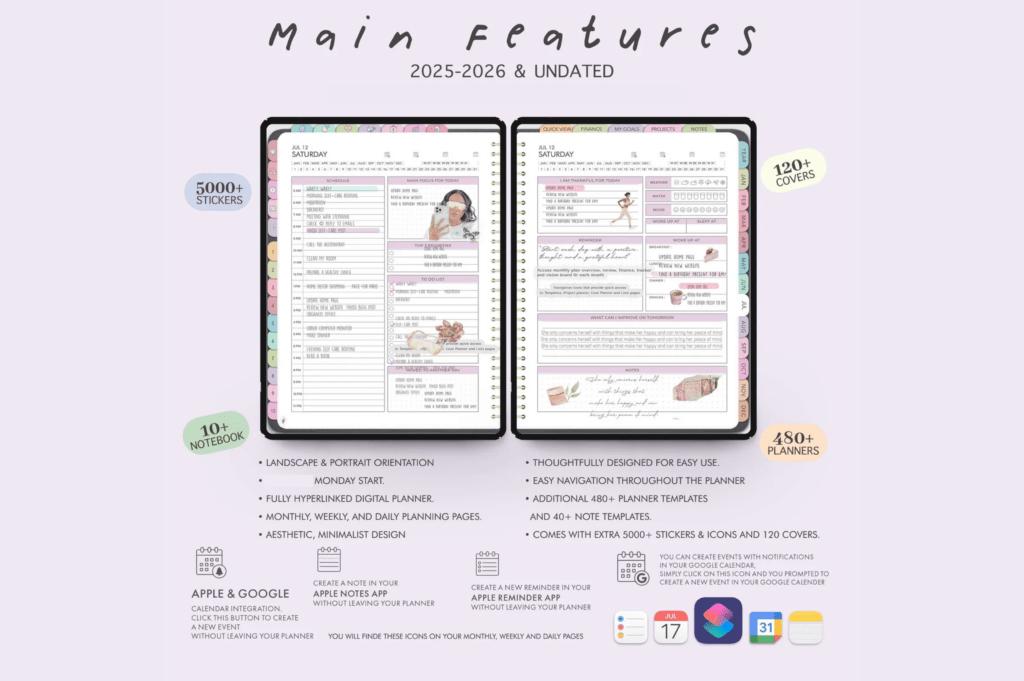
- Includes 2025, 2026, and undated planners for ongoing use
- 50,000 internal hyperlinks for ultra-fast navigation
- Monday or Sunday start, portrait or landscape orientation
- Shortcuts for Apple and Google Calendars
- Free yearly updates included
- Multiple color themes: Rainbow, Pink, and Black
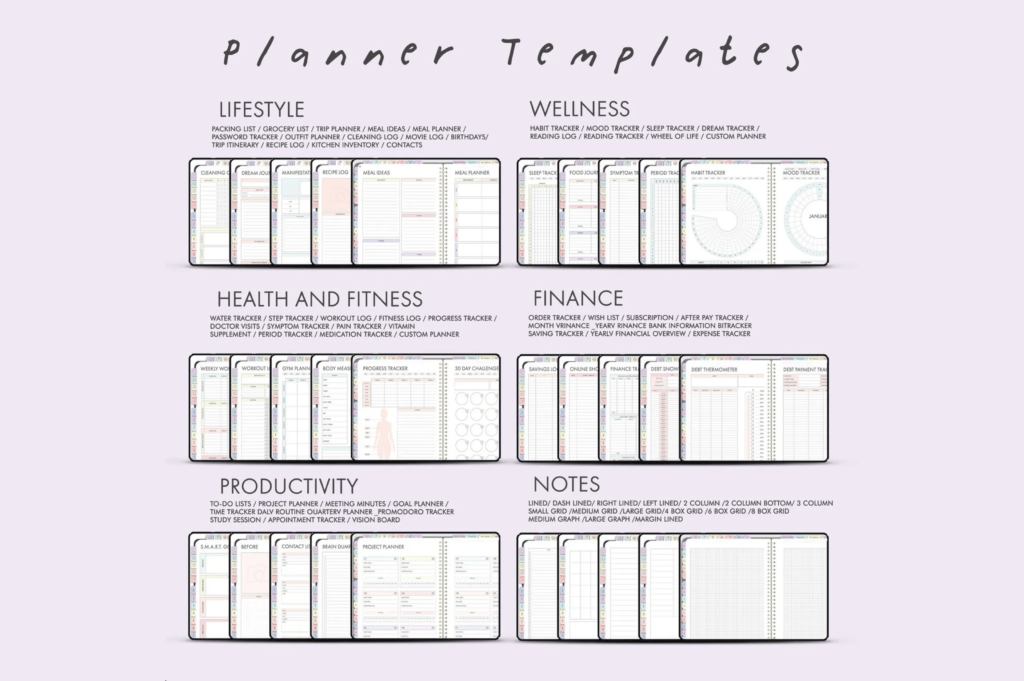
- 850+ planners and 100+ templates across key categories
- 40 duplicate-ready notebooks and 12 custom notes sections
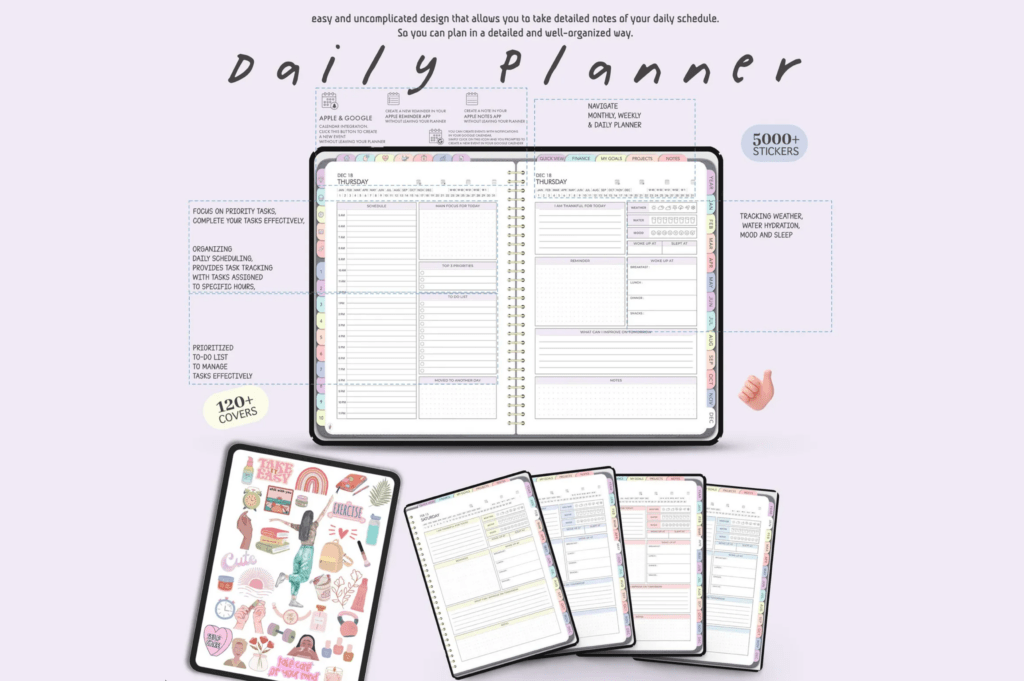
- 5,000+ stickers & widgets in 8 color palettes
- 150+ covers to personalize your planner
What’s Included
- 3 digital planners: 2025, 2026, and undated
- Portrait and landscape layouts with Monday or Sunday starts
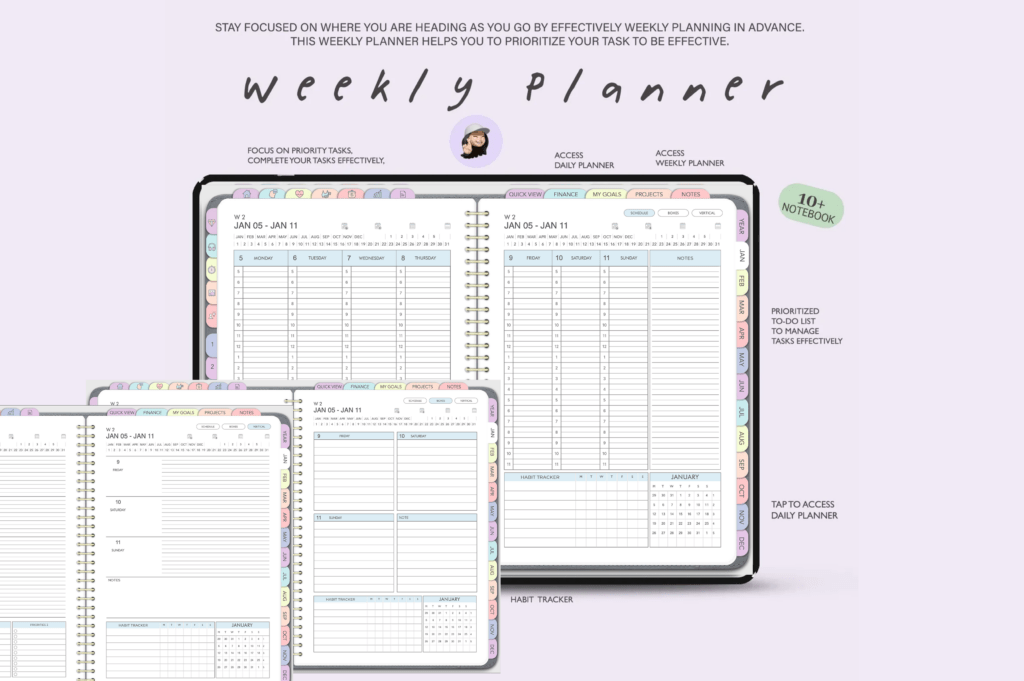
- Lifestyle, Wellness, Fitness, Finance, and Productivity sections
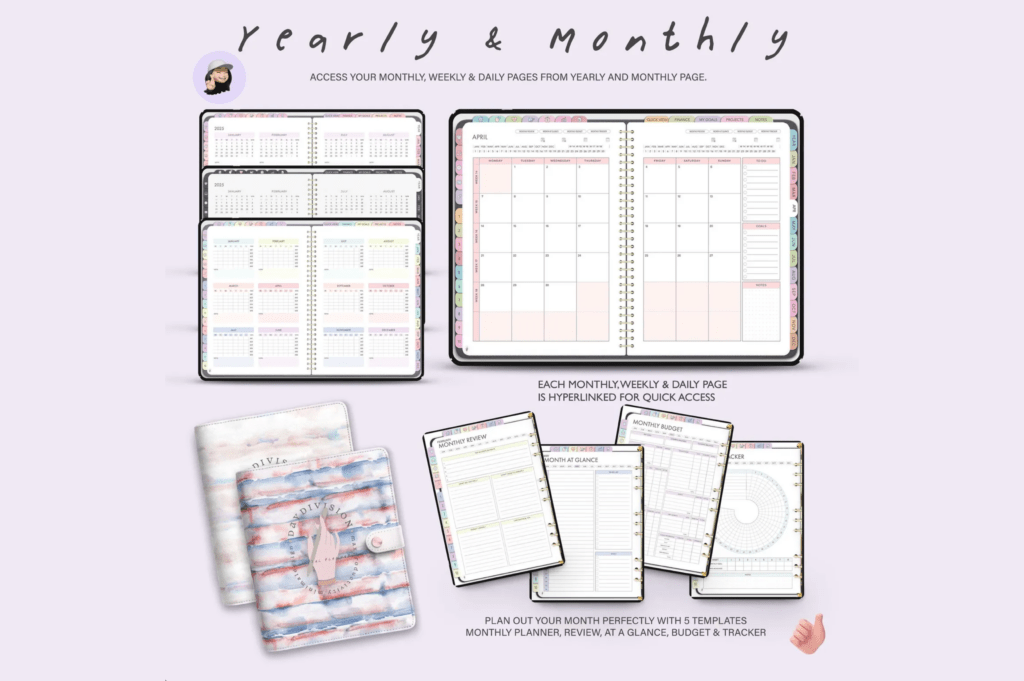
- Daily, Weekly, and Monthly planning pages
- Projects area (space for 16 projects) and 12 notes sections
- 40 notebooks, 150+ covers, and 5,000+ stickers & widgets
- Calendar shortcuts for Apple & Google Calendars
- Download link to the All-in-One Digital Planners
How It Works
- Download your files after purchase.
- Open in a PDF annotation app (GoodNotes on iPad or Penly on Android).
- Import the planner and tap hyperlinks to navigate.
- Duplicate pages, add stickers, and customize as needed.
Important Notes
- Requires a PDF annotation app (GoodNotes, Penly, etc.).
- File size exceeds 5 MB and is not supported by the GoodNotes 6 free version.
- Digital product only—no physical item. Not suitable for printing.
- Colors may vary by screen.
- All sales are final due to the digital nature of the product.
Frequently Asked Questions
Which apps and devices are supported?
Use with GoodNotes on iPad (Apple Pencil recommended) or Penly on Android (S Pen recommended). Works with most PDF annotation apps that support hyperlinks.
Does it sync with my calendar?
It includes shortcuts for Apple and Google Calendars to quickly add events. It does not auto-sync.
Can I print this planner?
No. This planner is designed for digital use and is not suitable for printing.
Are updates included?
Yes. Free yearly updates are included.
License & Usage Rights
Personal use only. Not for resale, redistribution, or commercial use. You may not share, copy, or profit from these files or designs.