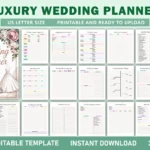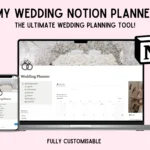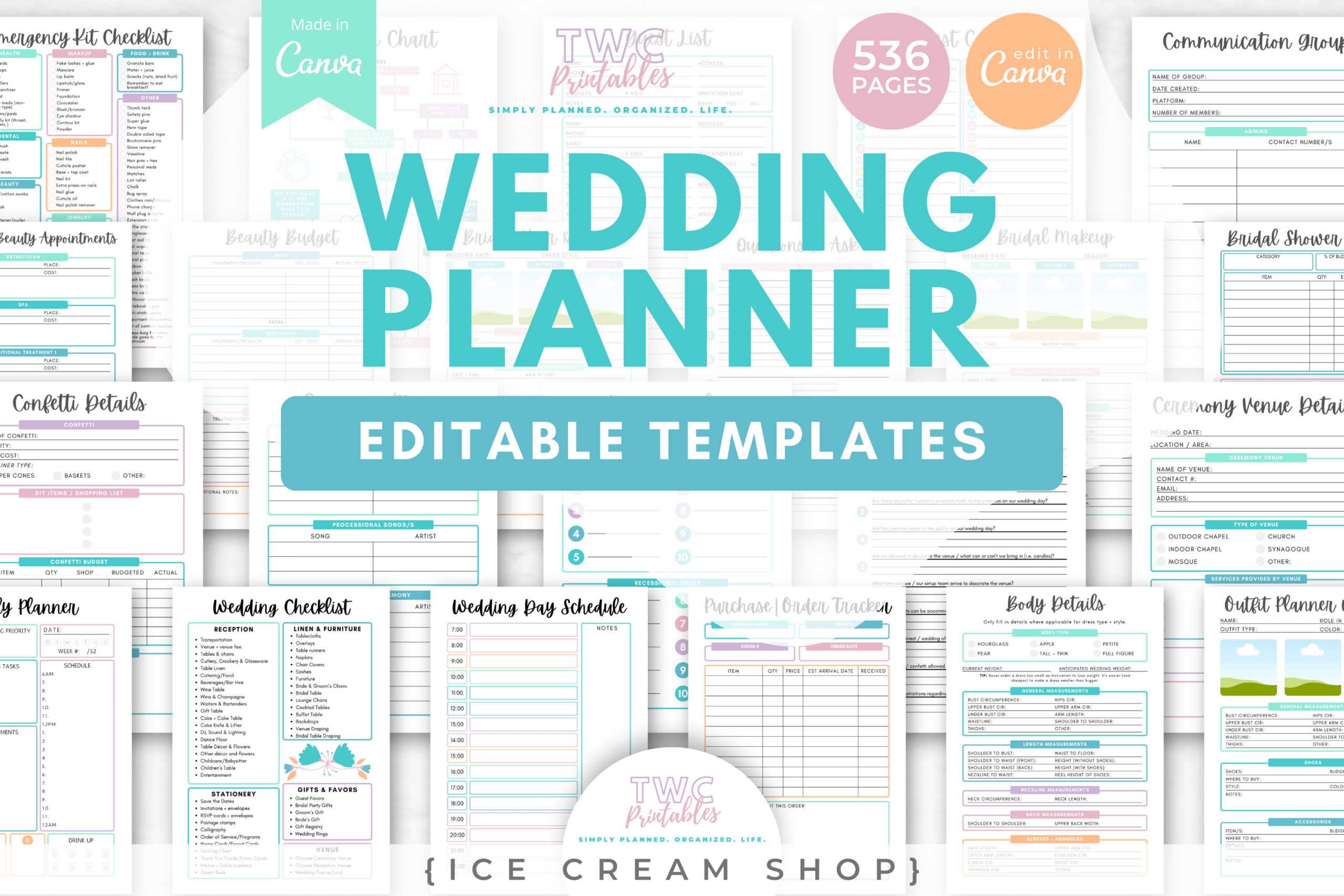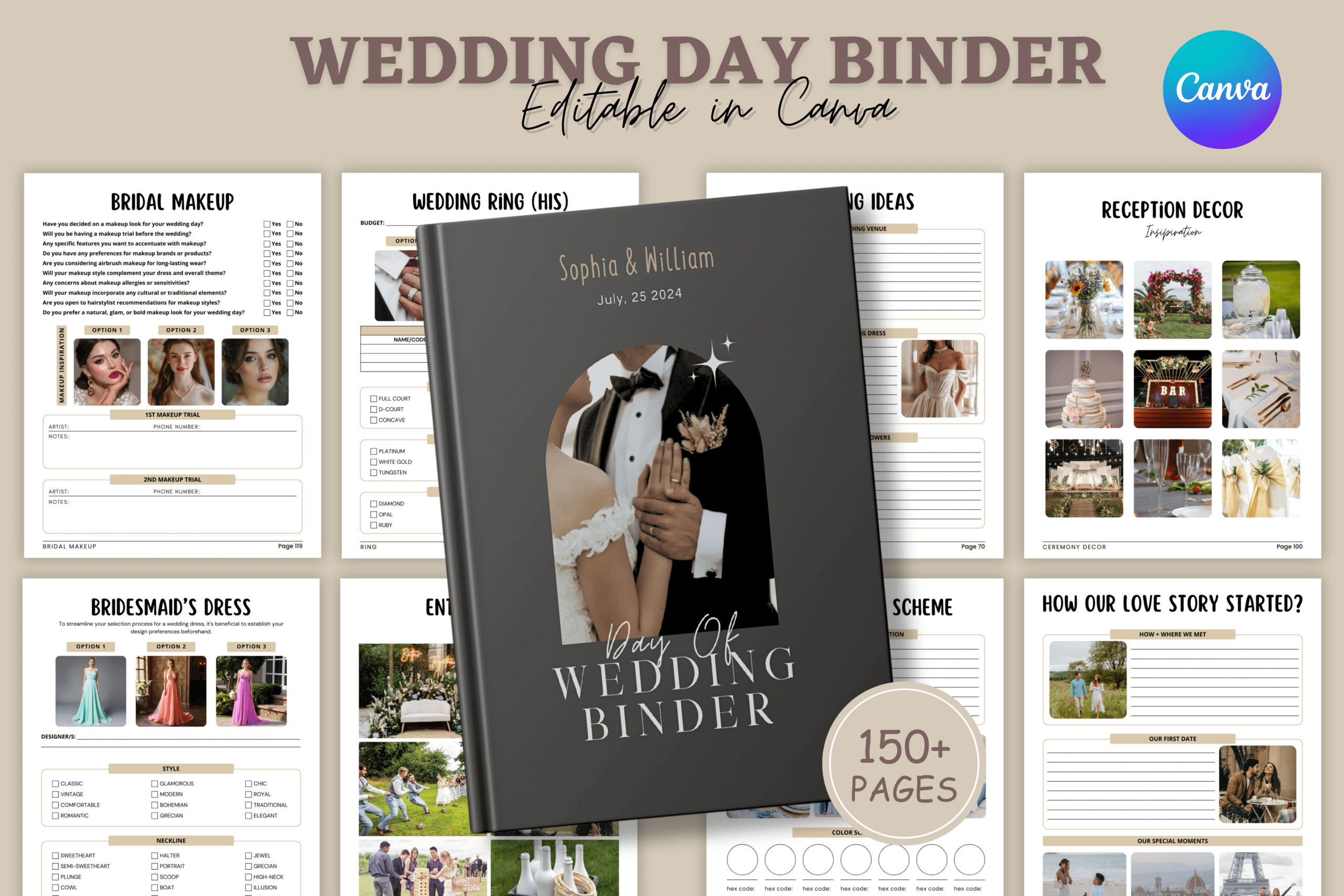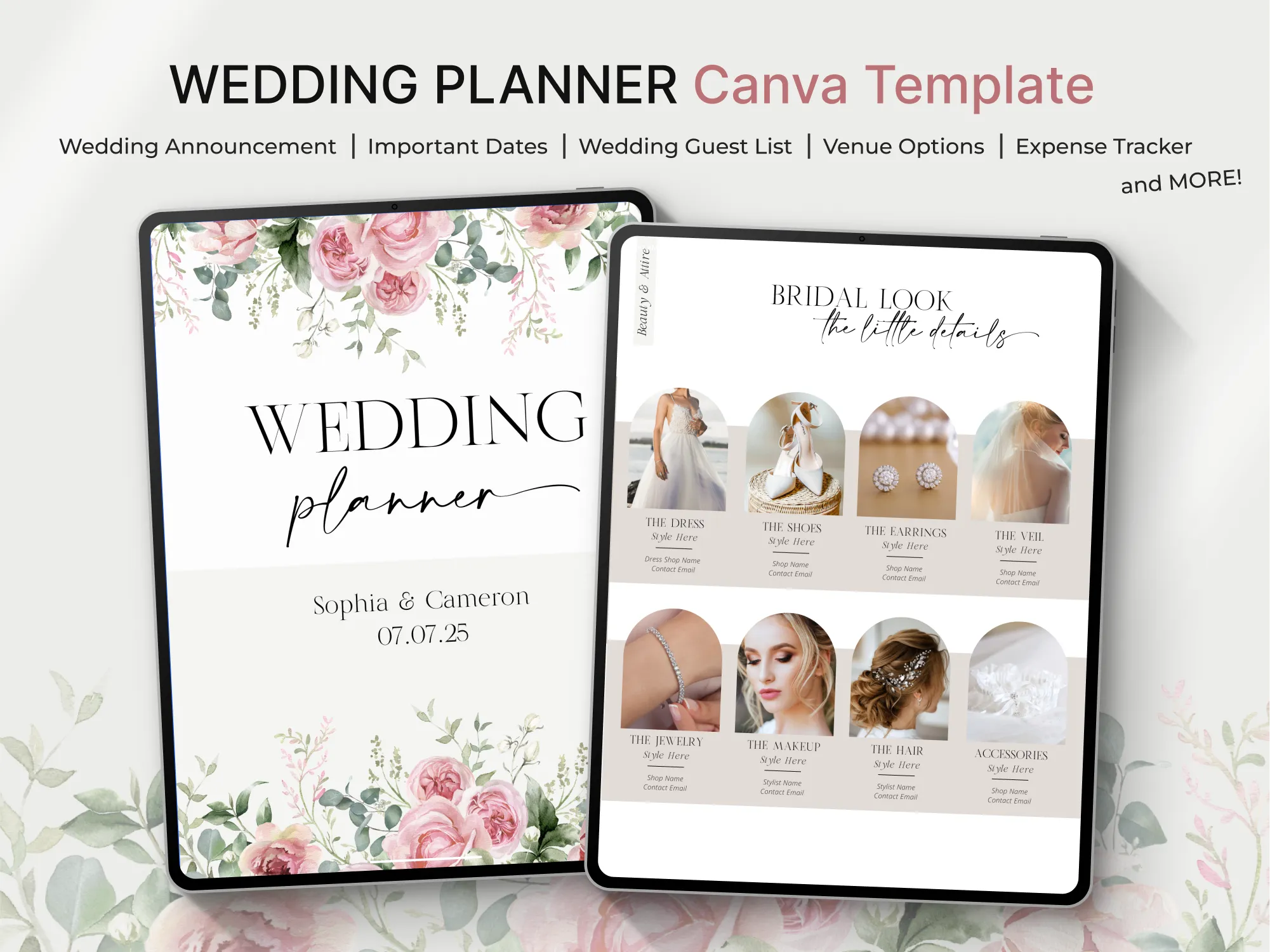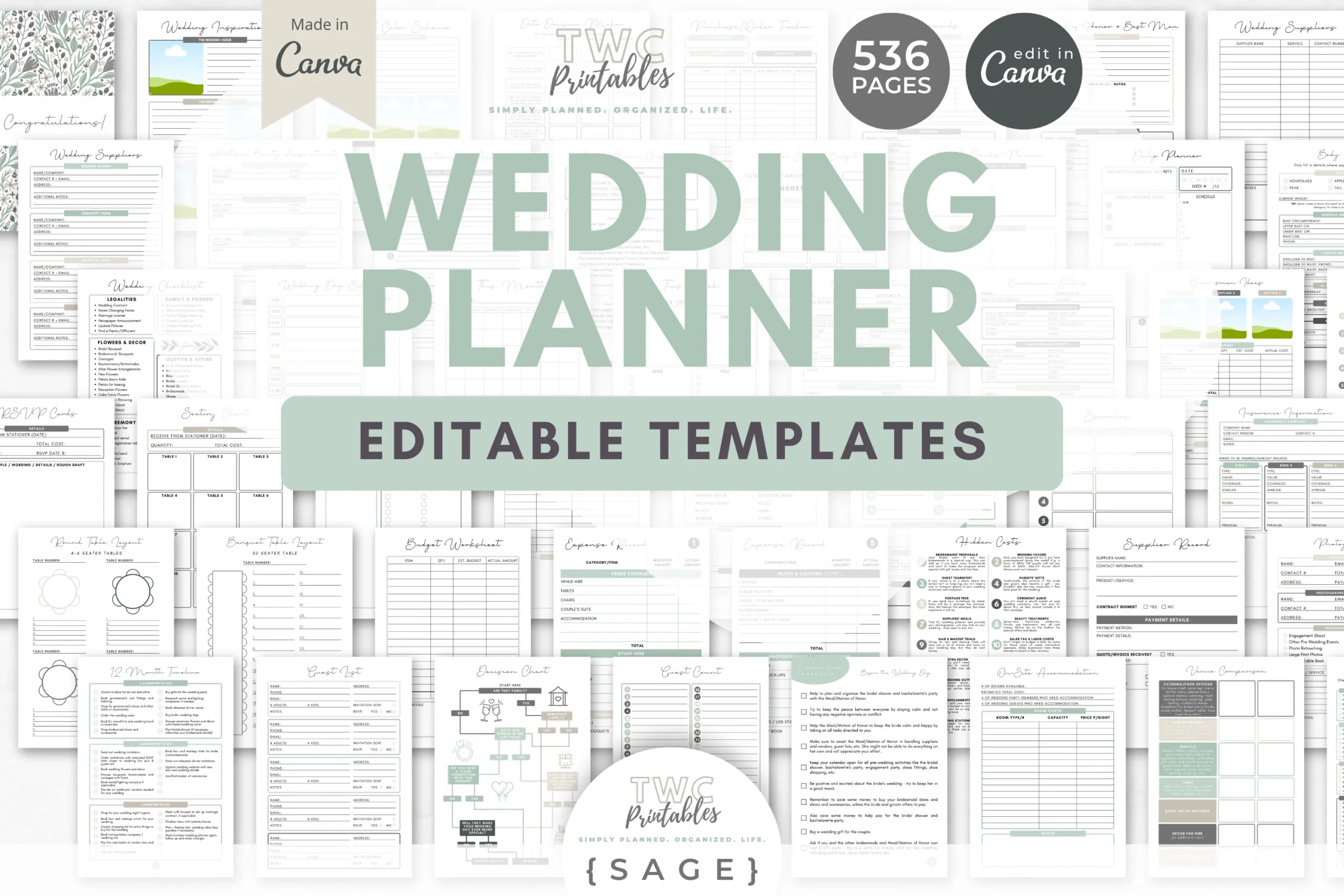
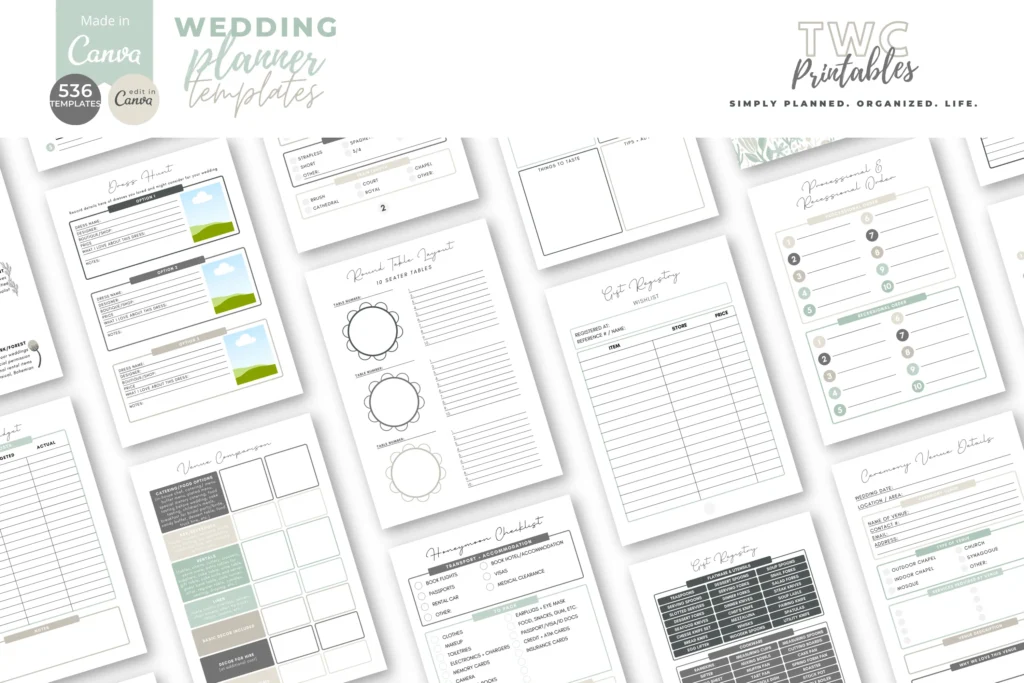
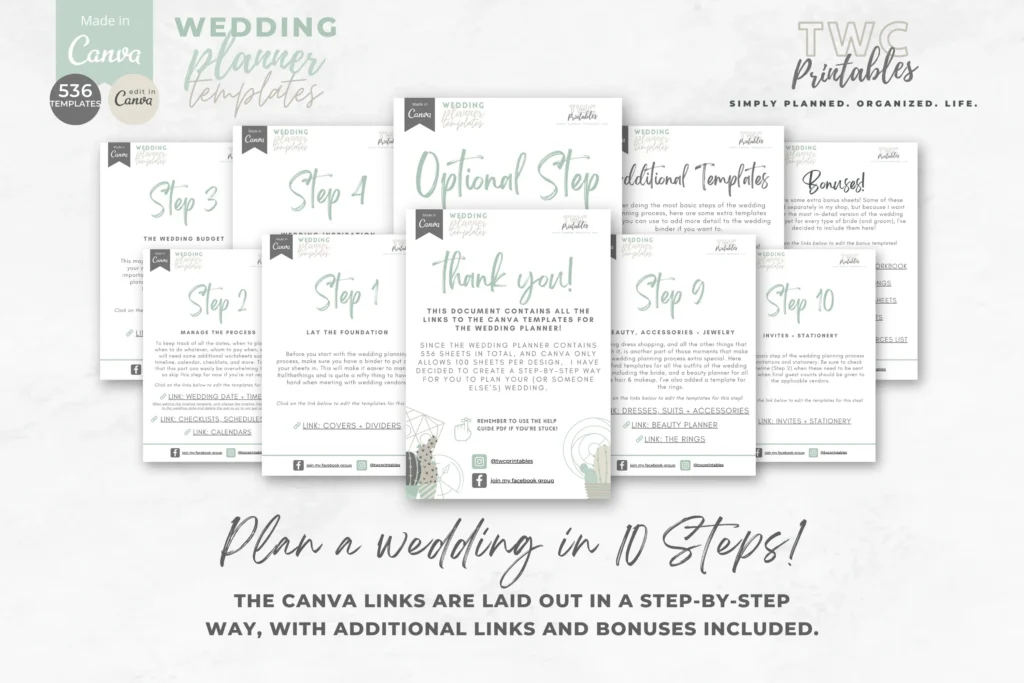
Plan your wedding with an editable, printable planner you can customize in Canva. Designed for engaged couples and wedding planners, this Sage colorway toolkit covers every detail—from budgets and timelines to guests and vendors. Edit fonts, colors, and layouts to fit your style, then print at home. A beginner-friendly Canva help guide is included.
Key Features
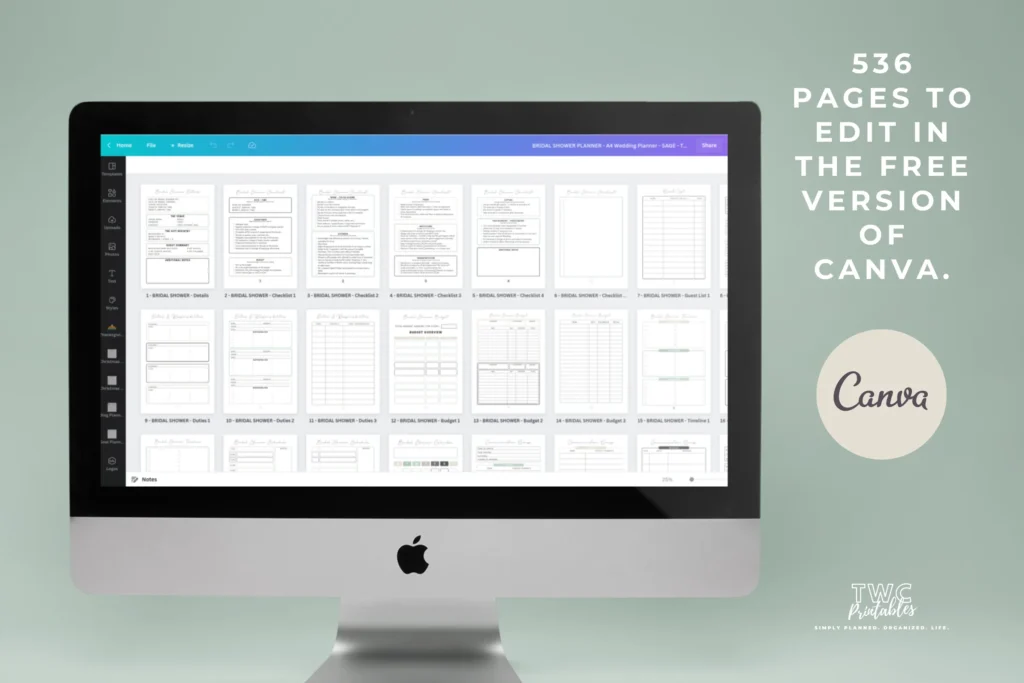
- Fully editable in free Canva—change fonts, colors, and layouts
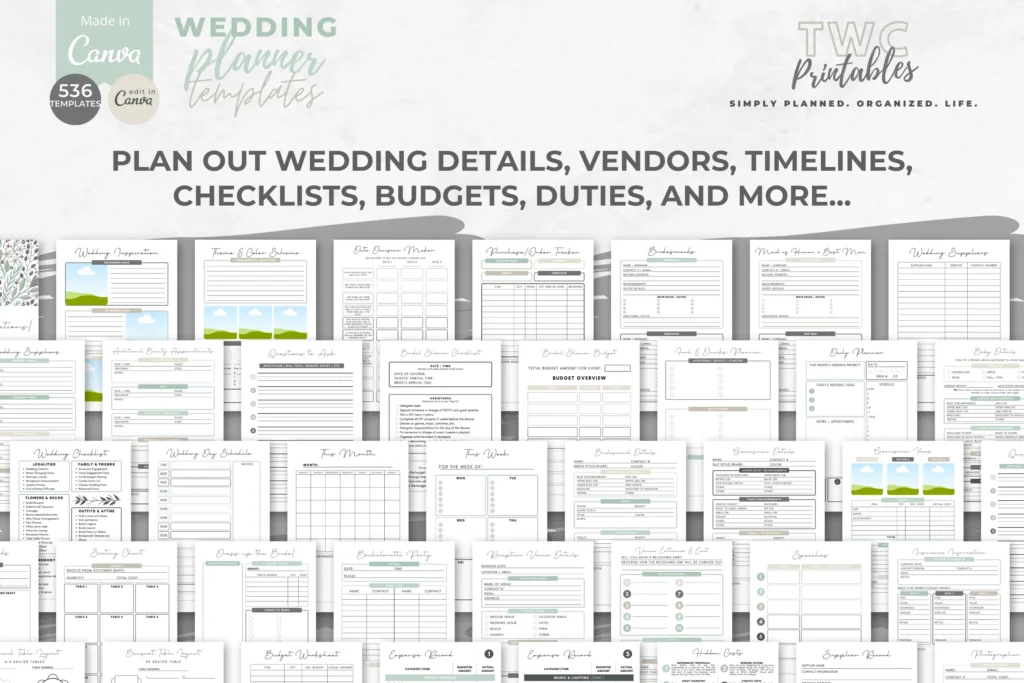
- 536 coordinated templates covering every stage of planning
- US Letter and A4 sizes for easy home or shop printing
- Includes timelines, budgets, seating, guests, vendors, and more
- Extra planners for bridal shower, registry, and honeymoon
- Bonuses: venue workbook, song ideas, vendor comparison, kids’ sheets, resources PDF
- Sage palette with a clean, modern look
- Print-ready exports (PDF/PNG/JPG) once customized
- Beginner help guide included
- Desktop editing recommended for best experience
What’s Included
- 536 editable Canva templates in Sage (US Letter + A4)
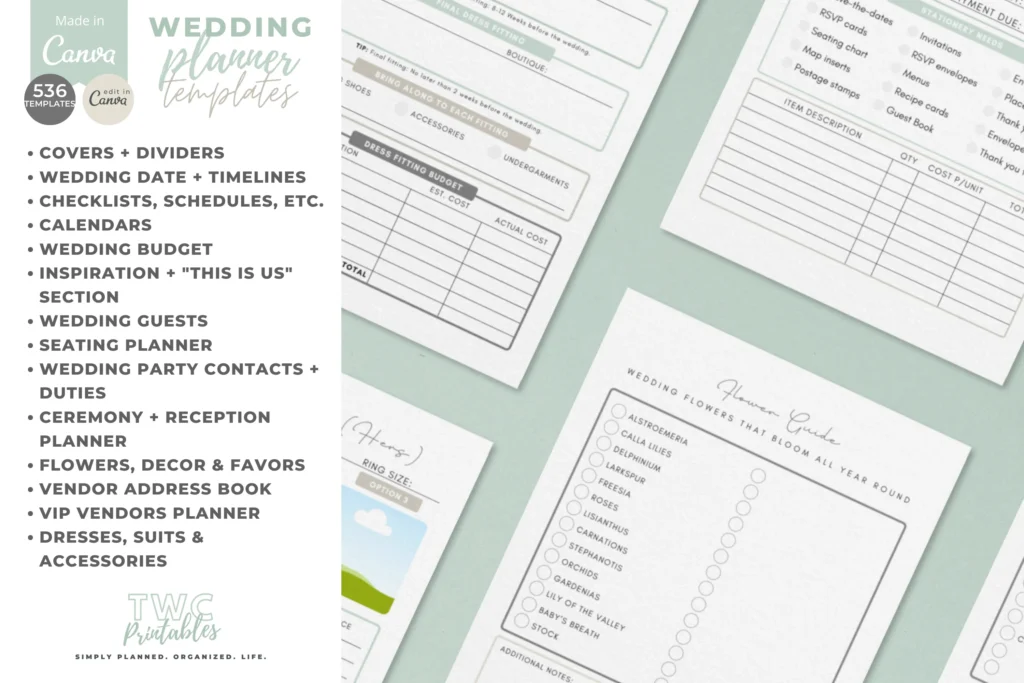
- Core sections: covers/dividers, timelines, checklists, calendars, budget
- Planning tools: guests, seating, vendors, ceremony/reception, decor, flowers, favors
- Attire & beauty: dresses, suits, accessories, rings, beauty planner
- Stationery: invites and printables planner
- Additional: bridal shower, other events, emergency kit, gift registry, honeymoon
- Bonuses: venue workbook, popular wedding songs, vendor comparison sheets, kids’ activity sheets, resources PDF
- Help Guide PDF + link to templates
- Optional: 10 free extra sheets via email signup (link in bonus PDF)
How It Works
- Purchase and download the PDFs (template link + help guide).
- Open the link to Canva and make a copy.
- Edit text, colors, and layouts on desktop for best results.
- Download as PDF/PNG/JPG and print or share digitally.
Important Notes
- Requires a free Canva account; desktop editing recommended.
- Not fillable PDFs—add text boxes in Canva if you want to type on pages.
- Colors, fonts, and elements are fully customizable in Canva.
- Canva template links cannot be resold or shared; export a final file instead.
- Digital product only—no physical item will be shipped.
Frequently Asked Questions
Do I need Canva Pro?
No. All templates work with a free Canva account.
Can I type directly on the pages?
These are not fillable PDFs. Add text boxes in Canva, then export and print.
Can I change the Sage color palette?
Yes. You can edit colors, fonts, and layouts to match your theme.
Can I resell the templates?
No. You may not resell or share the editable Canva links or files.
License & Usage Rights
Personal and commercial use allowed for your finished, exported files (PDF/PNG/JPG). You may not resell, share, or distribute the editable Canva templates or links, or claim the original template design as your own.