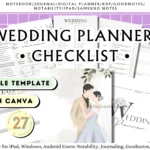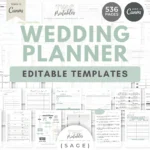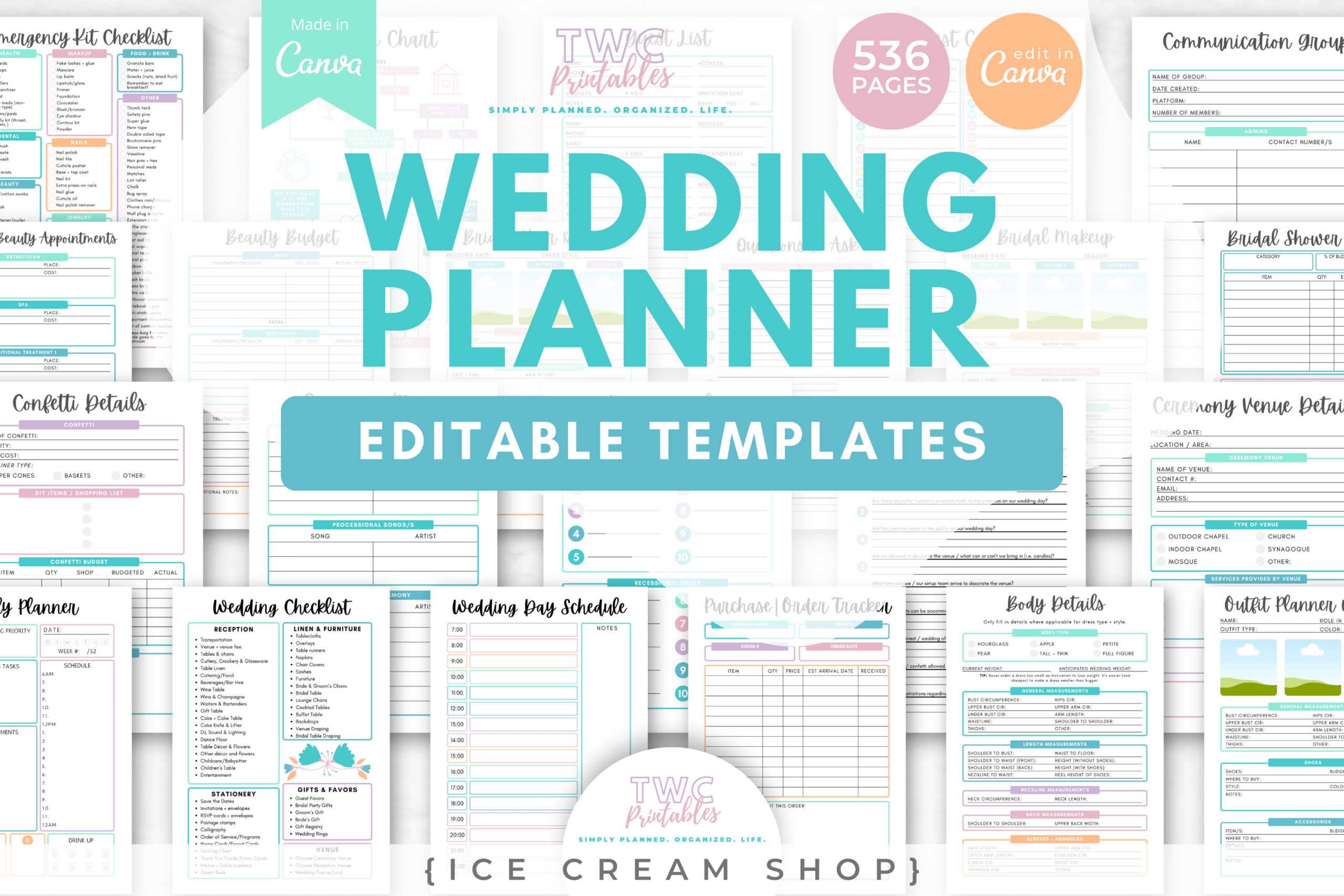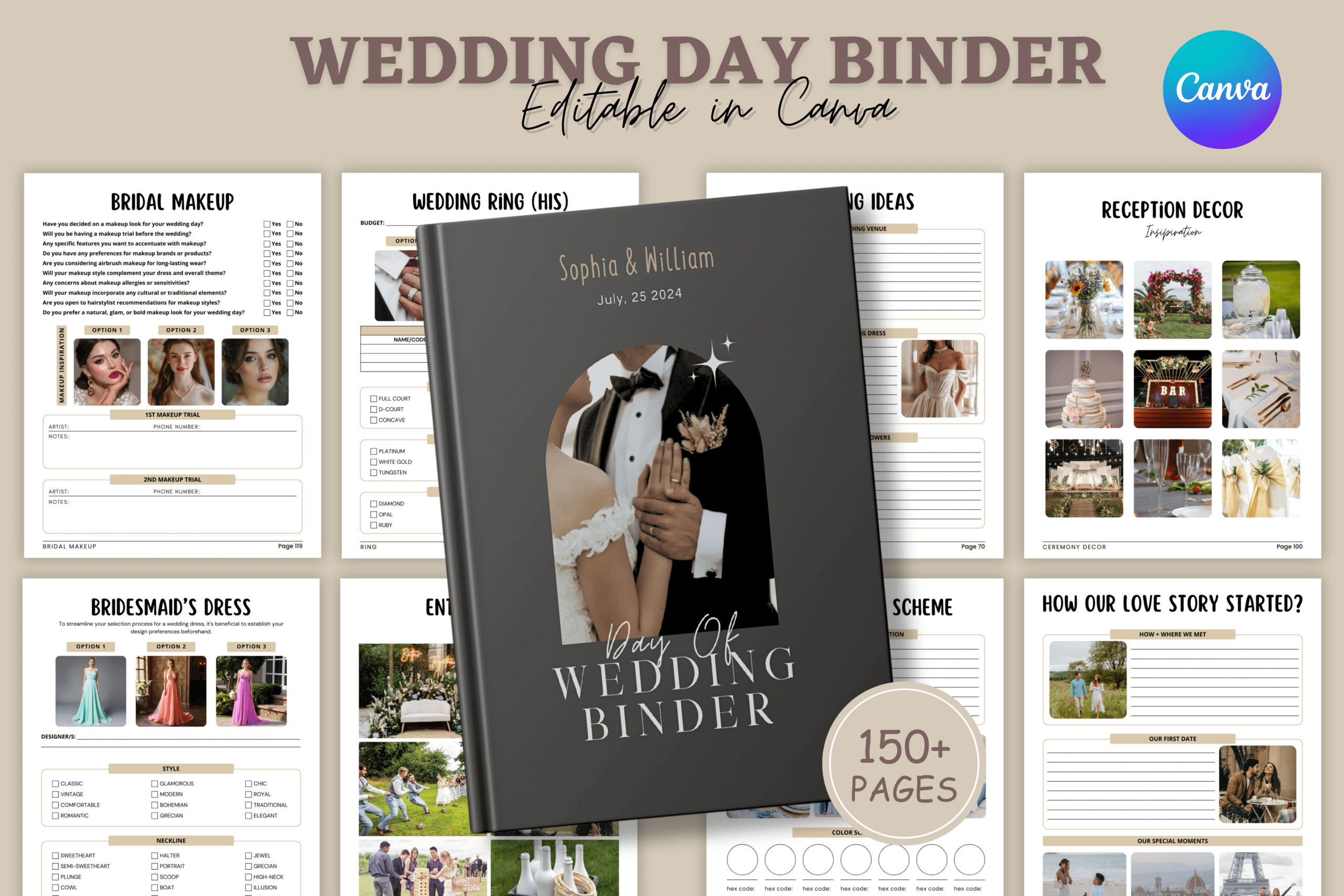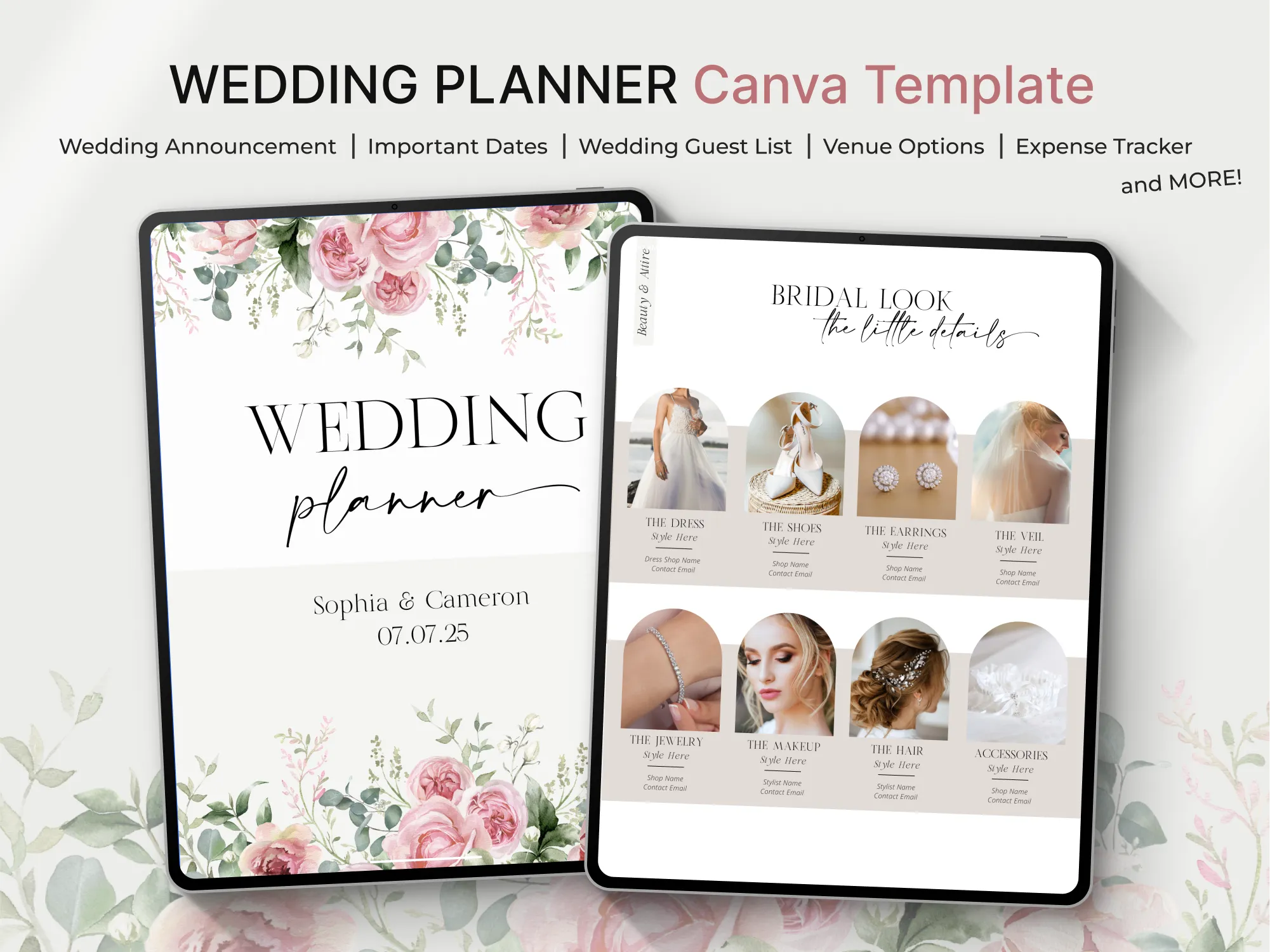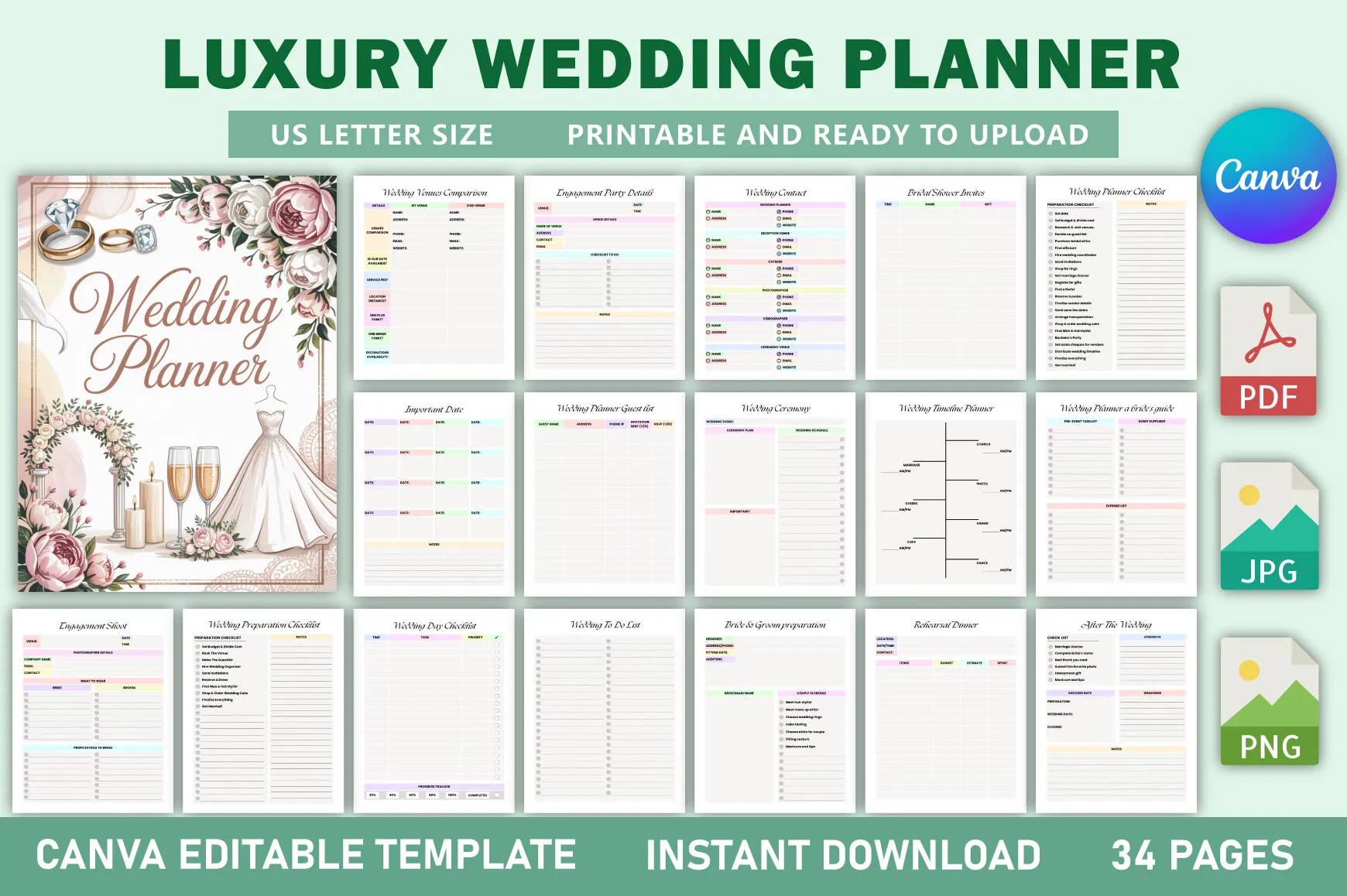
Create a polished wedding planner ready for print or KDP with this fully editable Canva template. Designed for brides, planners, and KDP sellers, it streamlines every step from budgeting to timelines. Customize fonts, colors, and layouts to match your brand or aesthetic. Export and publish with confidence using the KDP-tested, no-bleed US Letter format.
Key Features
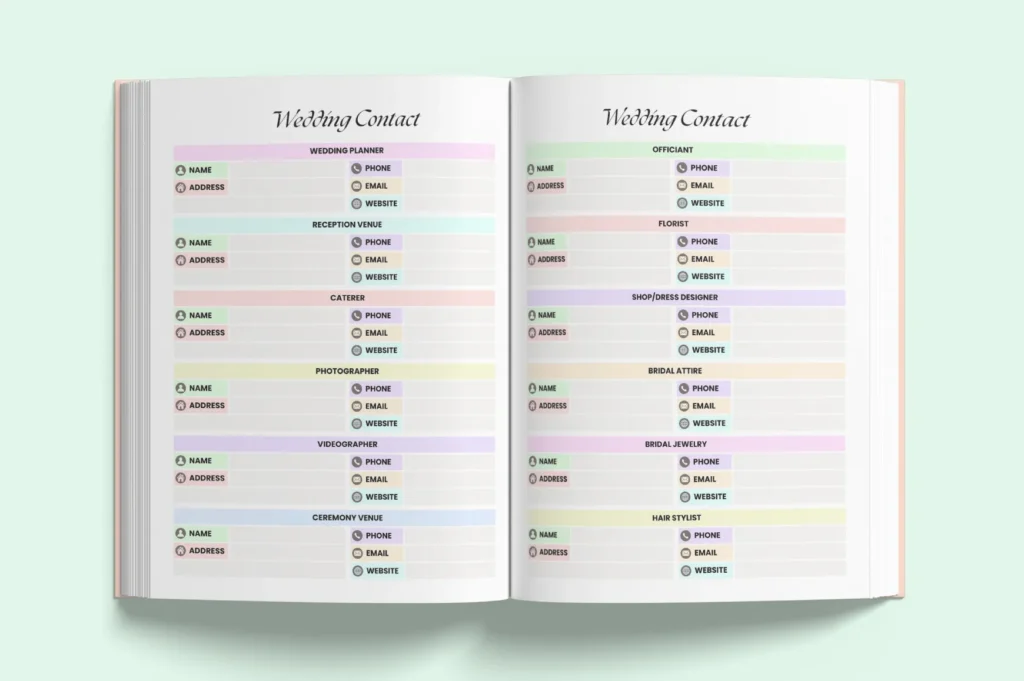
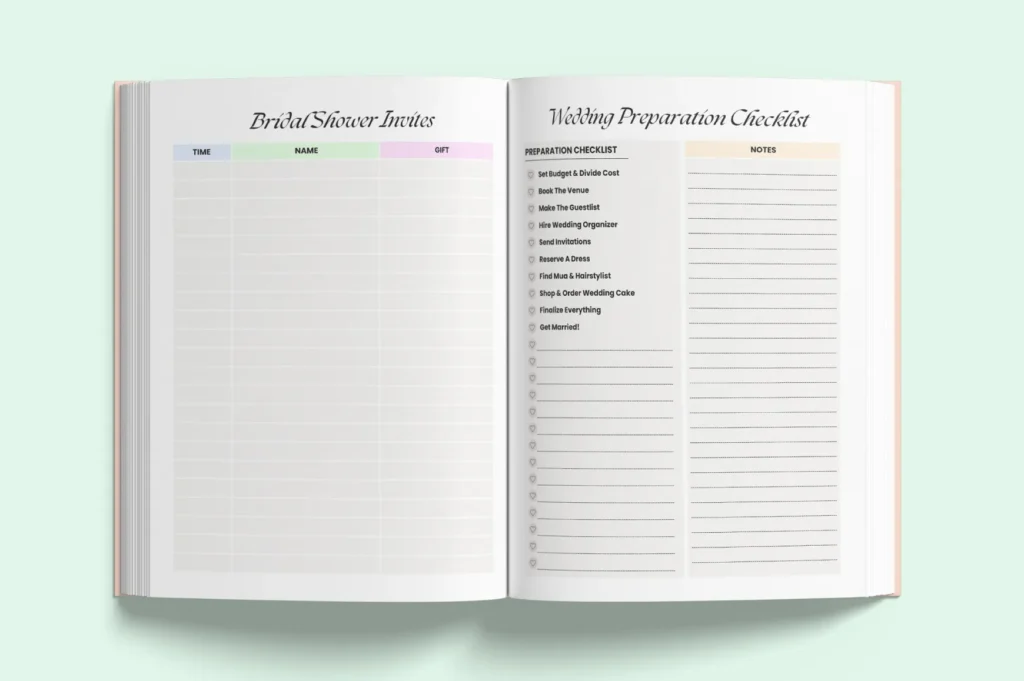
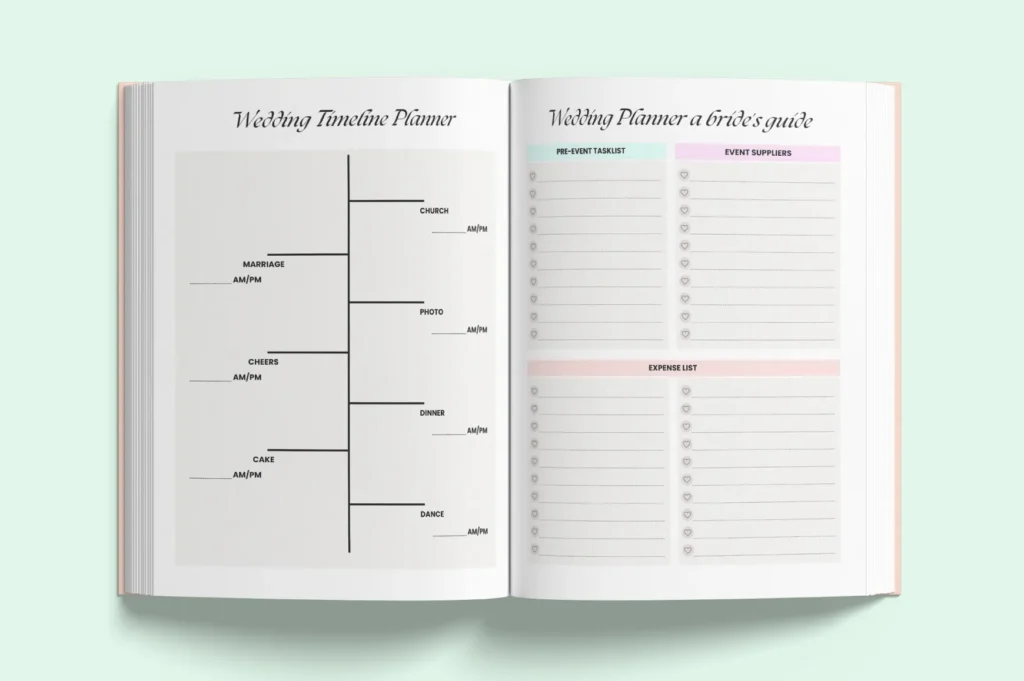
- 34 elegant, organized pages for a complete wedding workflow
- Fully editable in Canva—change text, fonts, colors, and layouts
- US Letter (8.5 x 11 in), no-bleed—ideal for Amazon KDP
- Export as PDF, JPG, or PNG for print or digital use
- Includes budgets, checklists, schedules, and guest management
- Clean structure for easy navigation and a premium look
- KDP-tested interior to speed up publishing
- Ready-to-use design that saves setup and formatting time
What’s Included
- Editable Canva template link (34 pages, US Letter, no-bleed)
- Export-ready files: PDF, JPG, PNG
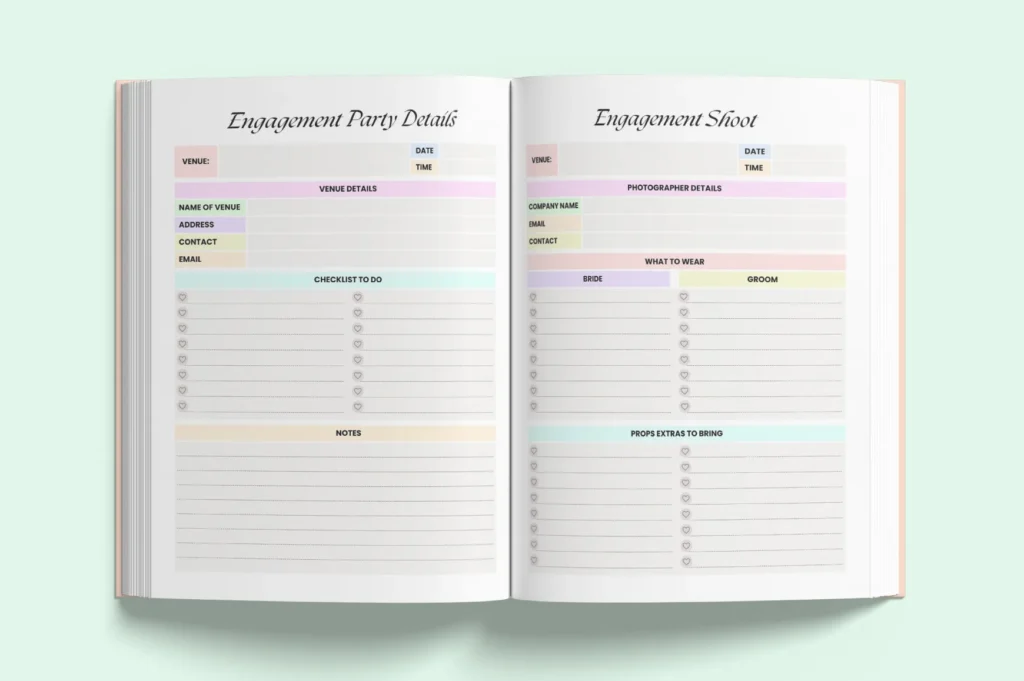
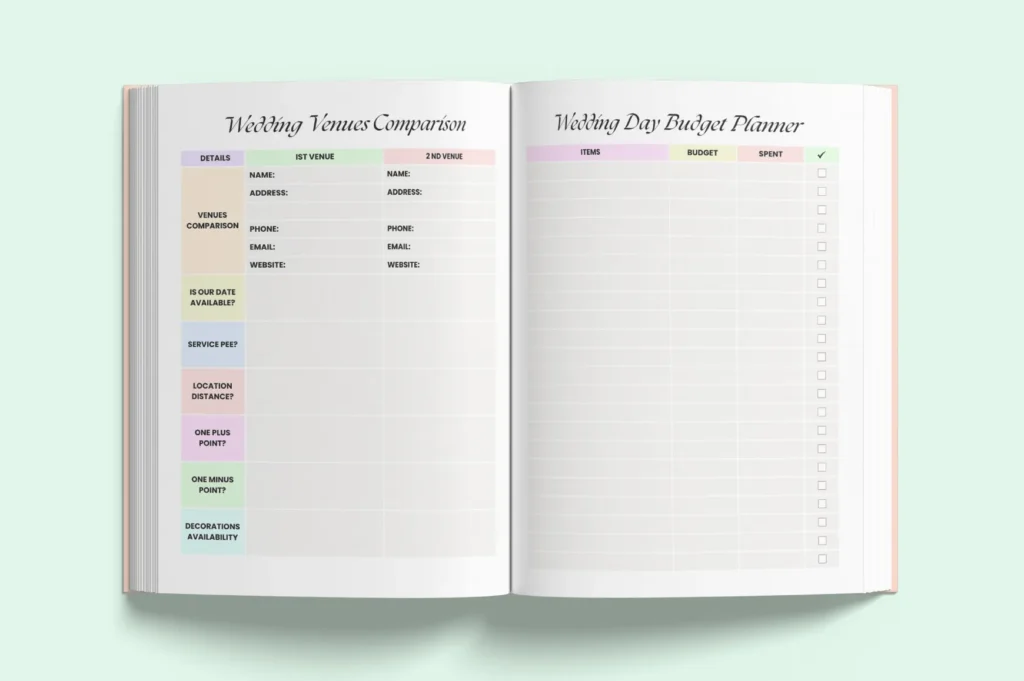
- Core pages: budget planners, checklists, guest list, vendor contacts, venue comparison, timelines/schedules, ceremony & reception planners, notes
How It Works
- Purchase and download the PDF containing your Canva access link.
- Open in Canva and edit text, fonts, colors, and layouts.
- Download as PDF (Print, no-bleed) or JPG/PNG.
- Print at home/professionally or upload the PDF interior to Amazon KDP.
Important Notes
- Digital product only—no physical item shipped.
- Requires a free Canva account.
- Formatted for US Letter, no-bleed. Verify KDP print settings before publishing.
- Colors may vary by monitor and printer.
Frequently Asked Questions
Can I use this for Amazon KDP?
Yes. It’s a US Letter, no-bleed interior tested for KDP. Always confirm your trim and print settings.
Do I need Canva Pro?
No, you can edit with a free Canva account.
Can I change fonts and colors?
Yes. Customize all text, fonts, colors, and layouts directly in Canva.
Is this compatible with Word or InDesign?
No. Editing is only supported in Canva.
License & Usage Rights
Commercial use allowed for finished end products (e.g., printed books or exported PDFs) you sell. You may not resell, share, or distribute the Canva template, source files, or access links, nor claim the original template as your own.