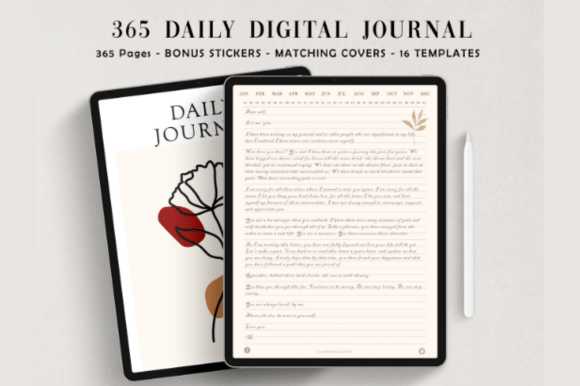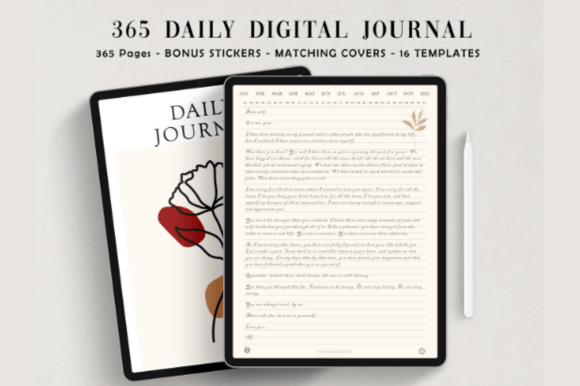
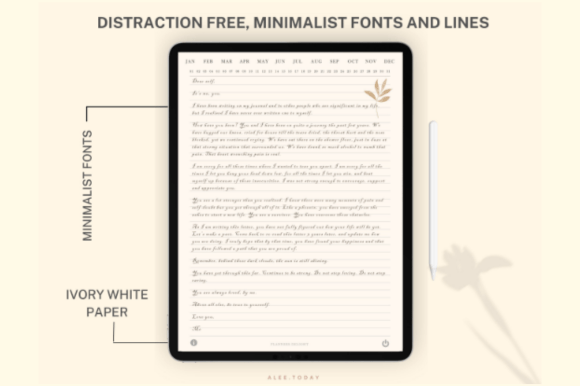
Build a daily journaling habit with this minimalist digital journal for GoodNotes, Notability, and other PDF annotation apps. It features 365 undated, hyperlinked pages for fast navigation and a clean ivory design to keep you focused. Choose narrow or wide lined layouts and decorate entries with 250+ matching stickers. Perfect for iPad or tablet users who want a simple, distraction‑free journaling routine.
Key Features
- 365 undated daily pages you can reuse year after year
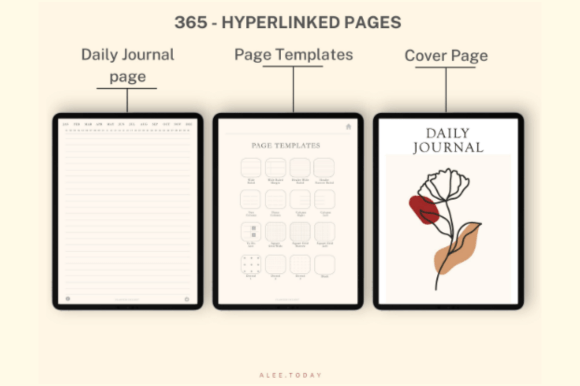
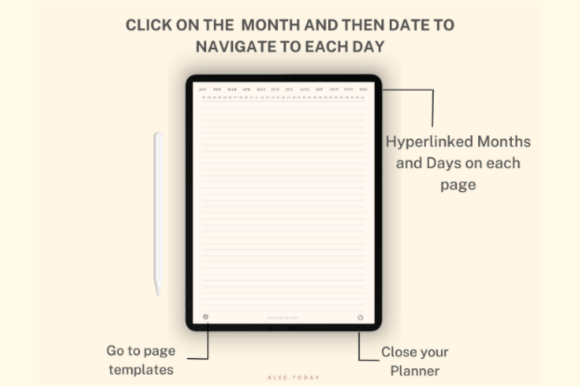
- Fully hyperlinked tabs for quick, intuitive navigation
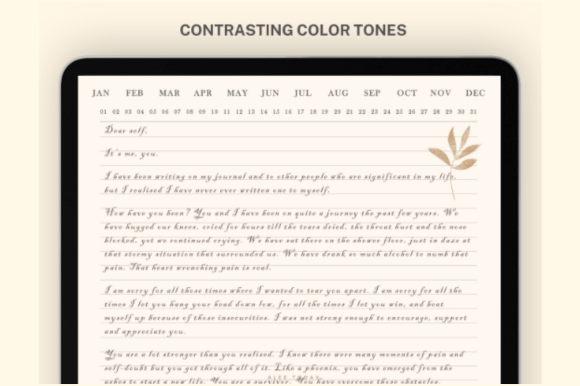
- Minimal, ivory design for a distraction‑free writing experience
- 384 total pages including 16 versatile template pages
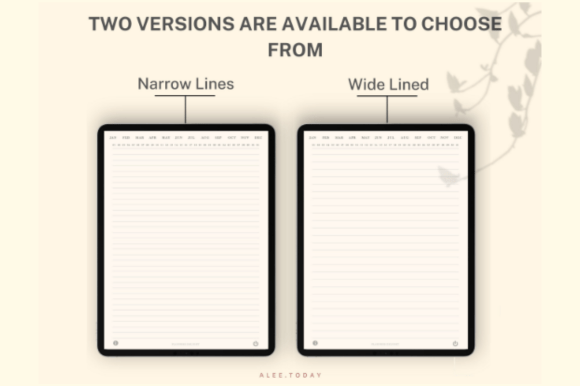
- Two layouts: narrow lined and wide lined
- Bonus pack of 250+ matching digital stickers (PNG)
- Optimized for GoodNotes, Notability, and similar apps
- Instant download—start journaling right away
What’s Included
- Digital journal PDF (narrow lined)
- Digital journal PDF (wide lined)
- 250+ digital planner stickers (PNG)
- Basic support to get you started
How It Works
- Purchase and download the ZIP file.
- Unzip to access the PDFs and PNG stickers.
- Import a PDF into GoodNotes, Notability, or your preferred PDF annotation app.
- Add stickers by importing the PNGs into your app.
- Use the hyperlinks to navigate daily pages and templates.
Important Notes
- Digital download only—no physical item will be shipped.
- Designed for tablets with a stylus; works with most PDF annotation apps.
- Hyperlinks function within compatible apps; they do not work on printed pages.
- Pages are undated so you can start anytime.
Frequently Asked Questions
Will this work on Android tablets?
Yes. Import the PDF into any compatible PDF‑annotation app that supports hyperlinks.
Are the pages dated?
No. All daily pages are undated so you can start and pause anytime.
Can I print the journal?
You can print pages for personal use, but it’s designed for digital use and hyperlinks won’t work on paper.
How do I use the stickers?
Import the PNG files into your note‑taking app and copy/paste them onto your journal pages.
License & Usage Rights
Commercial use allowed for your own workflow and client work. You may not resell, share, or redistribute the files, claim them as your own, or use them to create competing digital planner products.