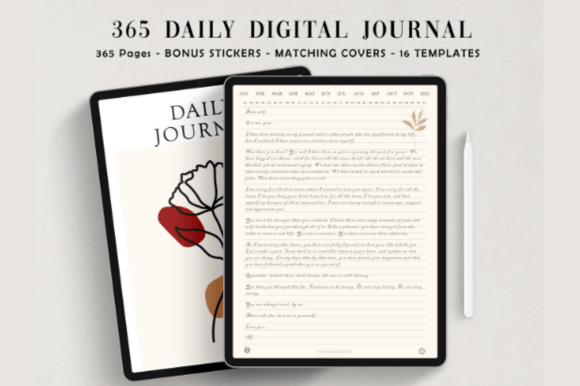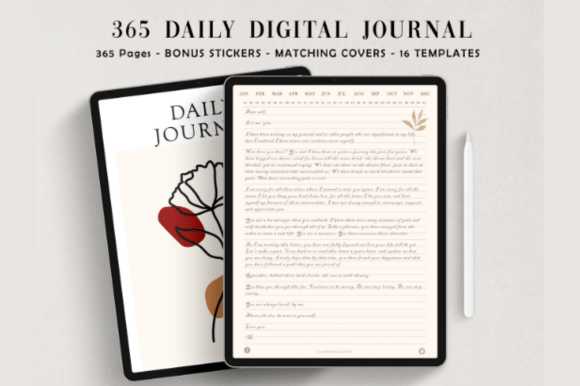
Build a consistent journaling habit with this undated, hyperlinked digital journal designed for GoodNotes, Notability, and similar apps. Ideal for iPad or tablet users who want a clean, distraction-free space to write. Choose narrow or wide lines, navigate quickly with links, and personalize entries with matching stickers. Start instantly with the minimalist ivory-white layout.
Key Features
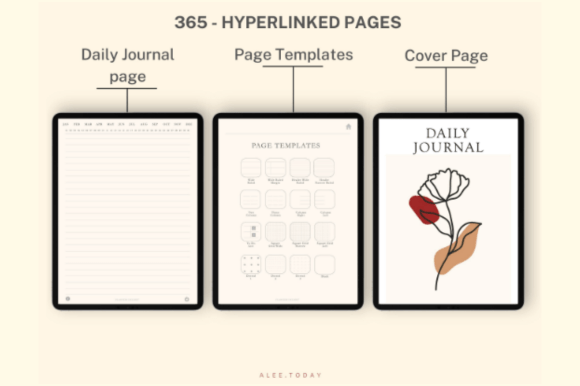
- Undated 365 daily pages for year-round flexibility
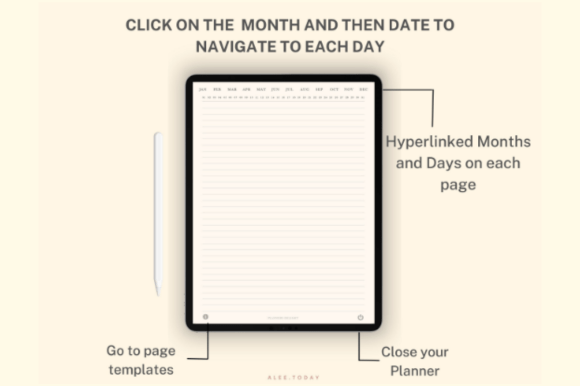
- Fully hyperlinked navigation for fast page jumps
- 384 total pages for long-term journaling
- 16 reusable page templates to customize your layout
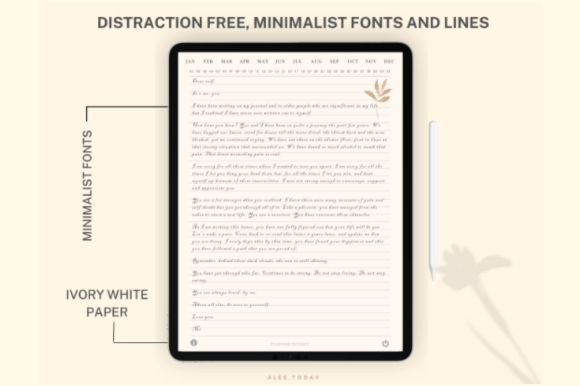
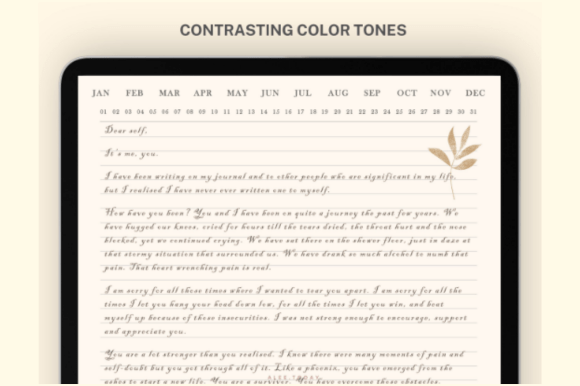
- Minimal, ivory-white design for a clean writing experience
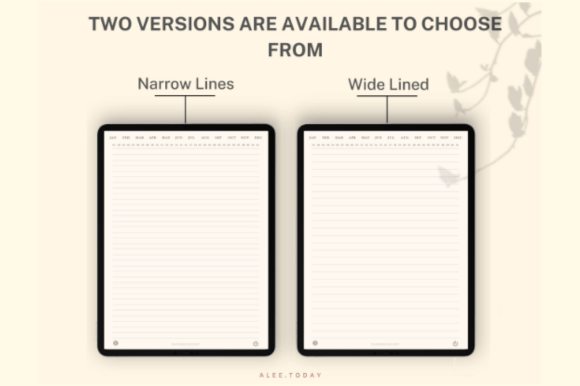
- Includes narrow and wide lined versions
- 250+ matching digital stickers to personalize entries
- Optimized for GoodNotes, Notability, and similar annotation apps
- Instant digital download—start in minutes
What’s Included
- PDF: 365-Day Digital Daily Journal – Narrow Lined (hyperlinked)
- PDF: 365-Day Digital Daily Journal – Wide Lined (hyperlinked)
- 250+ Digital Planner Stickers (PNG)
- Customer support
How It Works
- Purchase and download the ZIP file.
- Unzip to access the PDFs and PNG stickers.
- Import a journal PDF into GoodNotes, Notability, or another compatible note-taking app.
- Use hyperlinks to navigate and add stickers to your pages.
Important Notes
- Digital product only—no physical item will be shipped.
- Delivered as a ZIP file; unzip to access PDFs and PNGs.
- Hyperlinks work in compatible PDF annotation apps; they may not function in basic PDF viewers.
- Best experience on an iPad or tablet with a stylus.
Frequently Asked Questions
Is the journal dated?
No, it’s undated with 365 daily pages, so you can start anytime.
Which apps are compatible?
GoodNotes and Notability are recommended. Most PDF annotation apps that support hyperlinks will also work.
Does it work on Android or Windows tablets?
Yes, if you use a compatible PDF annotation app that supports hyperlinks.
How do I use the stickers?
Import the PNG stickers into your note-taking app and drag them onto your pages.
License & Usage Rights
Commercial license included for personal or client use. You may use the files for your own planning or with clients, but you may not resell, share, or redistribute the digital files or claim them as your own.