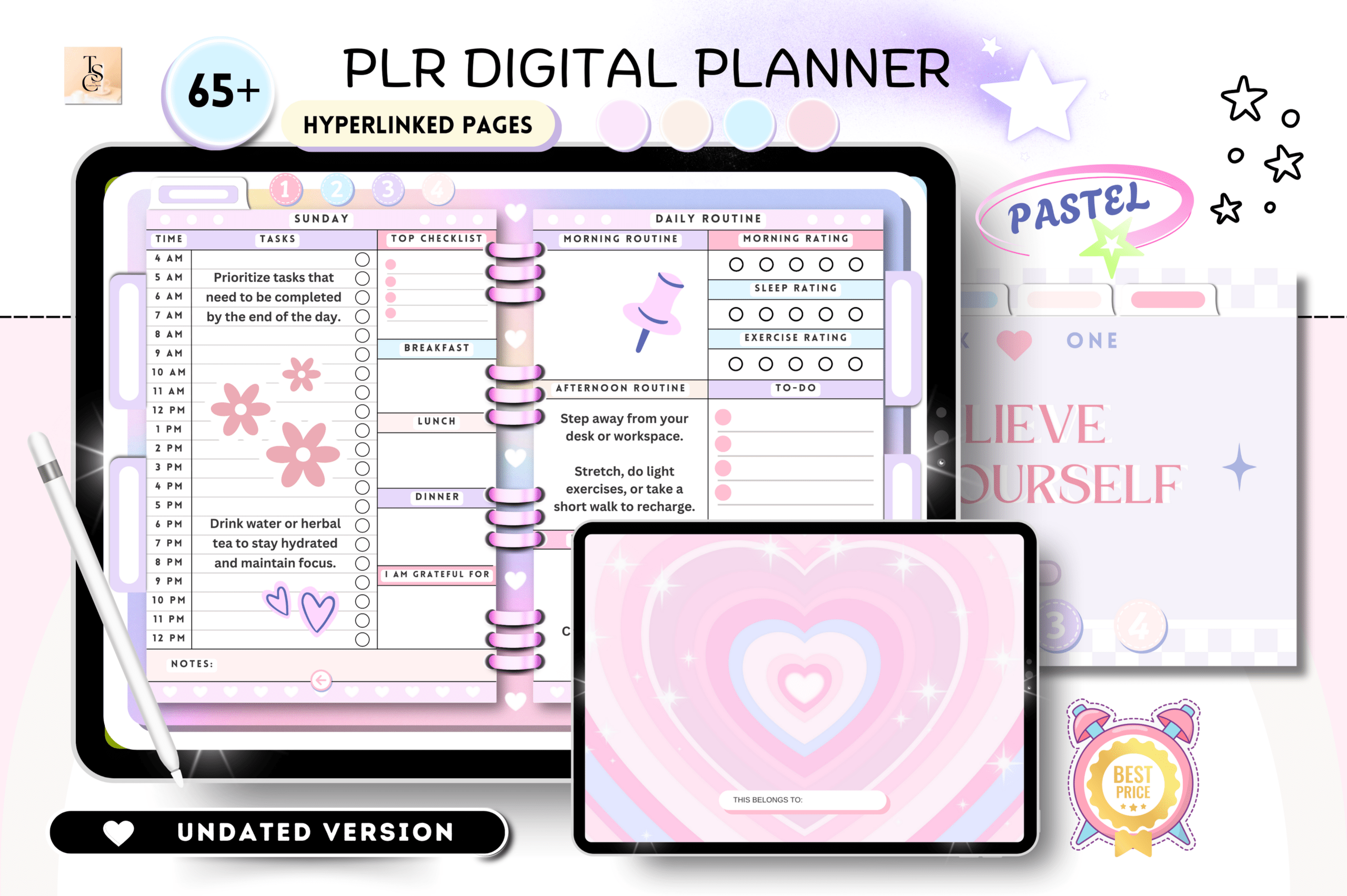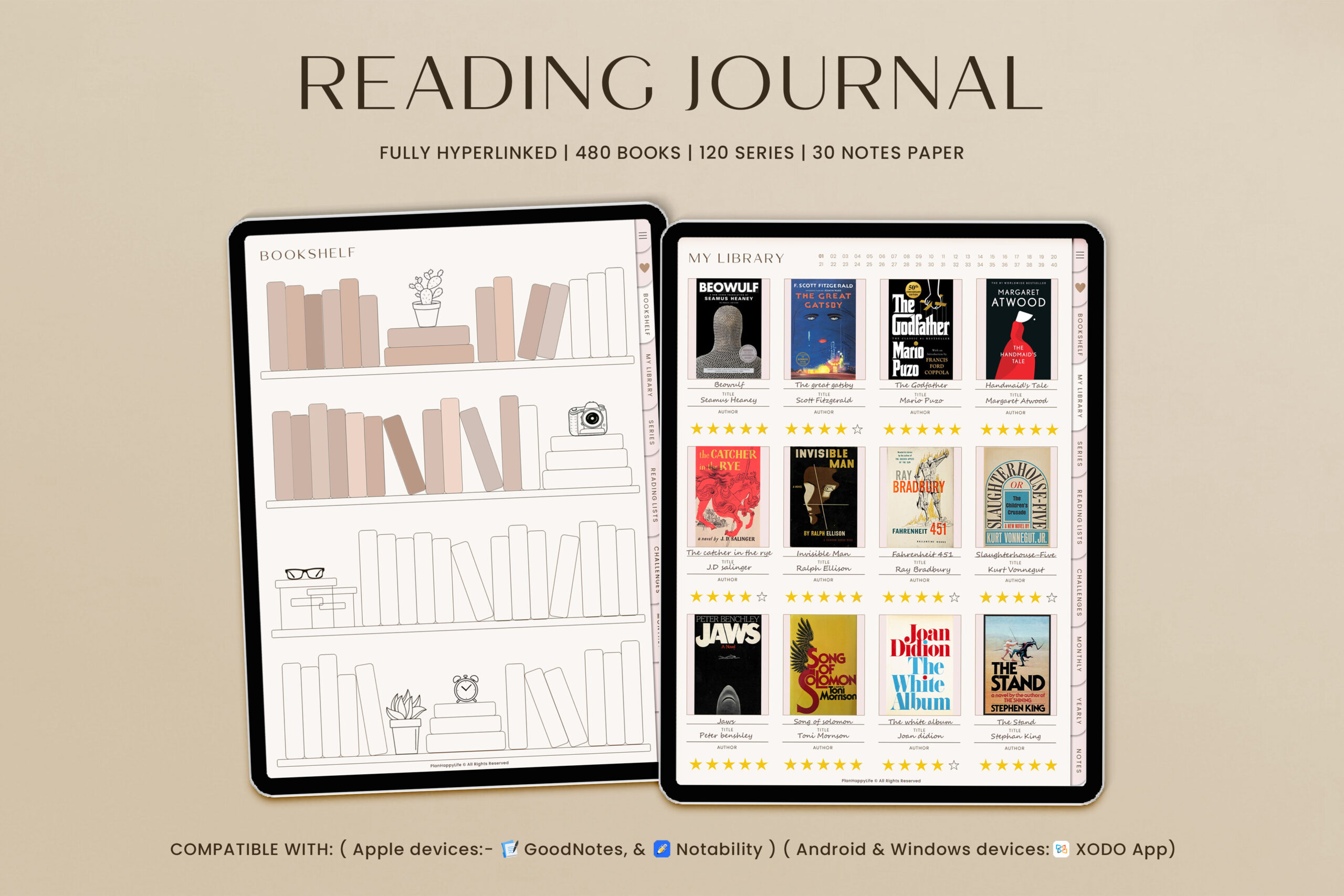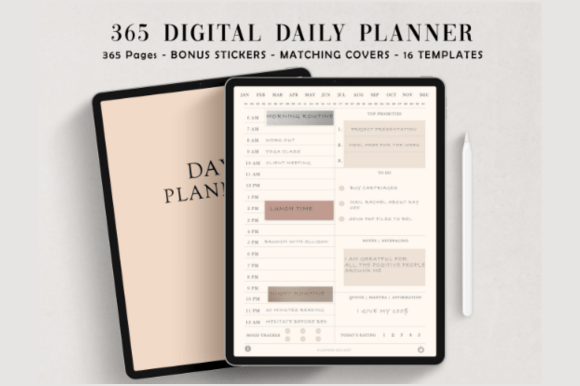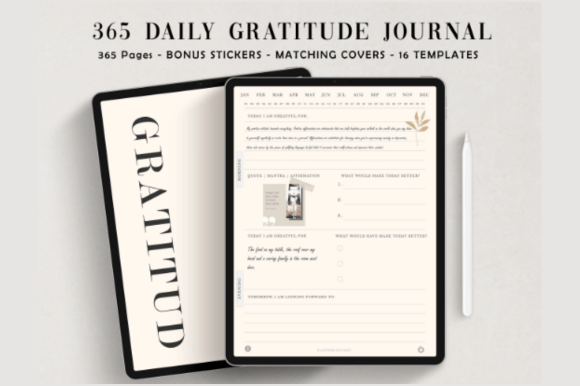
Build a daily gratitude ritual with this minimalist, hyperlinked digital journal. Designed for GoodNotes, Notability, and similar apps, it keeps your focus on reflection—not clutter. Enjoy fast navigation, clean ivory pages, and helpful extras like covers and stickers. Perfect for iPad or tablet users who want a calm, distraction-free journaling flow.
Key Features
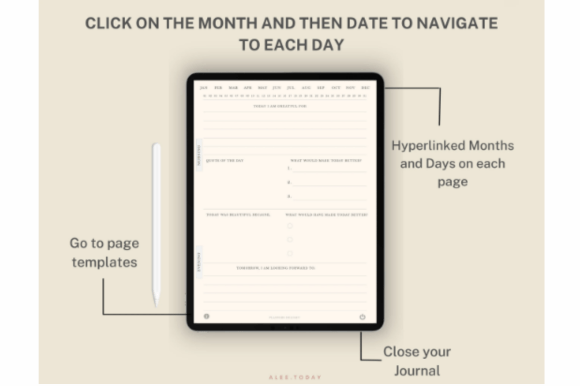
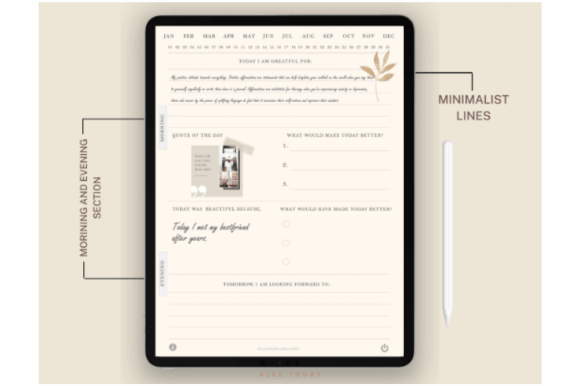
- 365 undated daily pages with quick, hyperlinked navigation
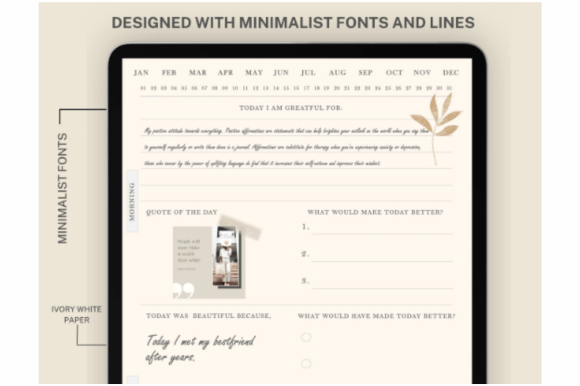
- Minimalist ivory design for a clean, focused experience
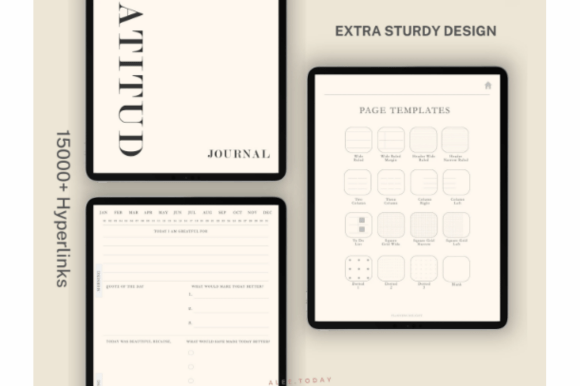
- 16 journal page templates for flexible layouts
- Matching digital stickers to personalize your pages
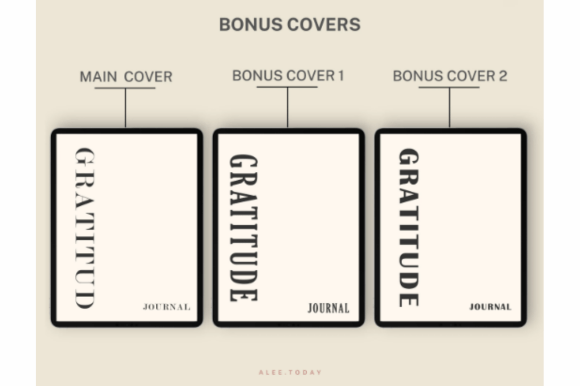
- Bonus digital covers to style your journal
- Works with GoodNotes, Notability, and most PDF note-taking apps
- Tablet and stylus friendly
- Instant digital download
What’s Included
- Hyperlinked Gratitude Journal PDF (365 daily pages)
- 16 digital journal page templates (within the journal)
- Bonus digital stickers (PNG)
- Bonus digital covers (PDF)
- Customer support
How It Works
- Purchase and download the ZIP file instantly.
- Extract the files on your device.
- Import the journal PDF into GoodNotes, Notability, or another PDF note-taking app.
- Import the PNG stickers and optional cover files.
- Open in read/presentation mode to use hyperlinks and start journaling.
Important Notes
- Digital download only; no physical item will be shipped.
- Requires a compatible PDF note-taking app (e.g., GoodNotes or Notability).
- Hyperlinks work in read/presentation mode of your app.
- Files are delivered in a compressed ZIP folder.
- Colors may vary slightly by screen and device.
Frequently Asked Questions
Is the journal dated?
No. It’s undated, so you can start any time and skip days without wasting pages.
Does it work with Notability or other apps?
Yes. Import the PDF into Notability or any compatible PDF annotation app; hyperlinks are supported.
Can I use it on Android tablets?
Yes. Use a compatible PDF note-taking app (e.g., Xodo or similar) to annotate and navigate.
License & Usage Rights
Commercial license for end use in your own workflow and with clients. You may not resell, share, or distribute the files or derivative templates. Copyright remains with the creator.