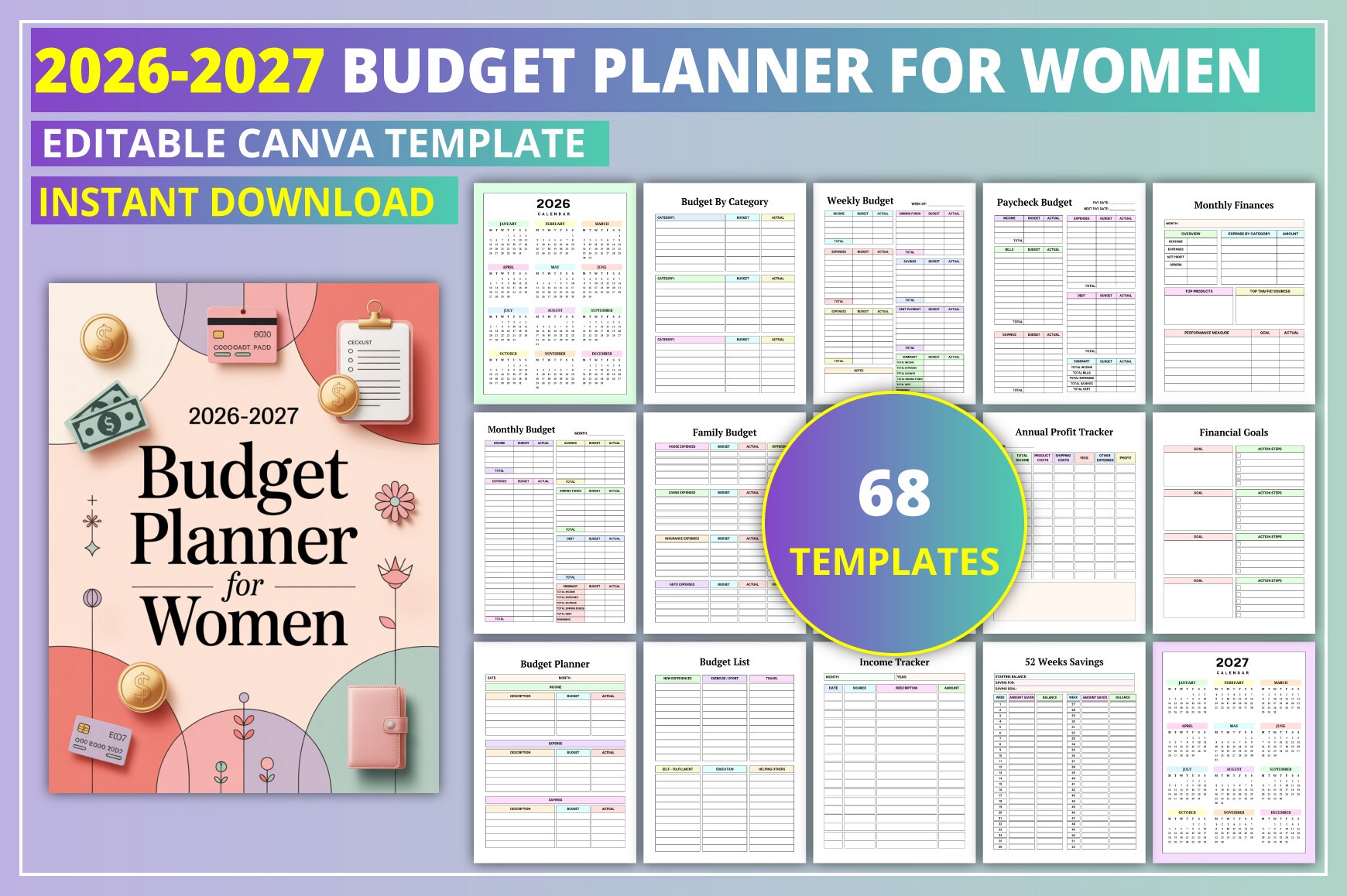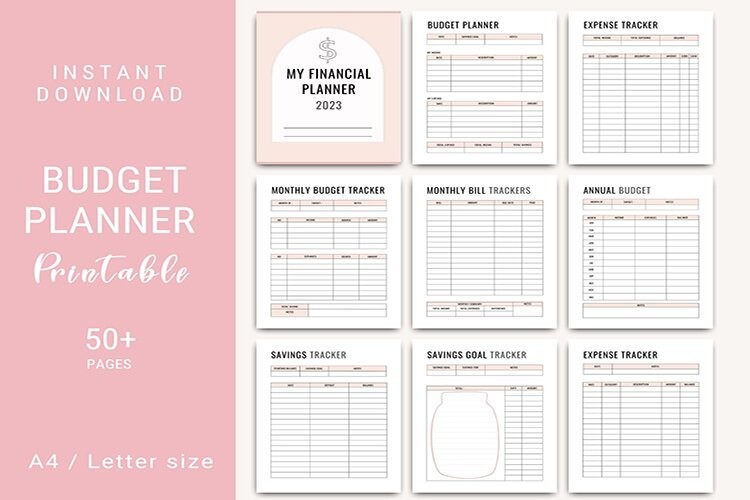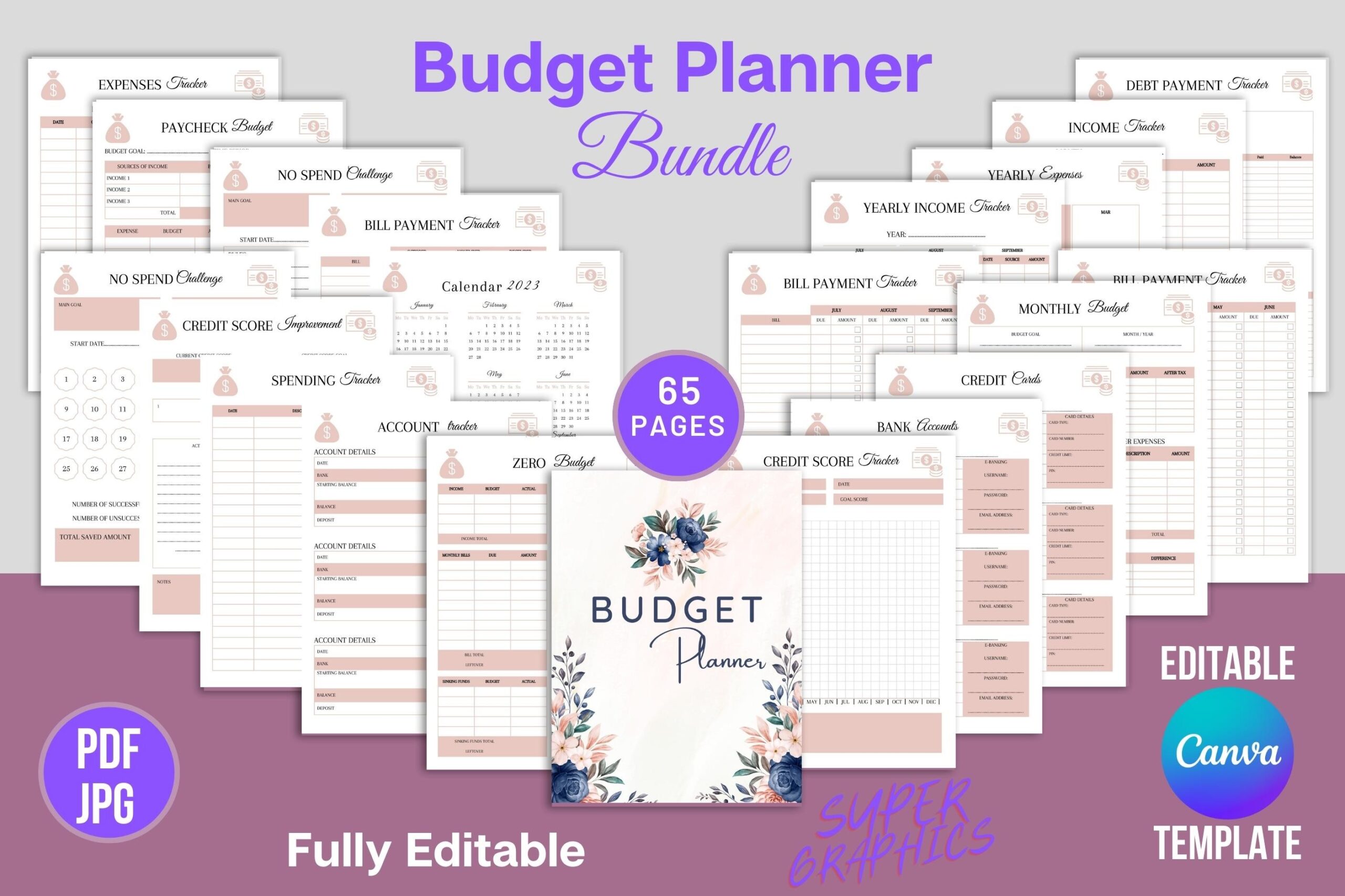
Streamline your money management with this fully editable Budget Planner for Canva. Ideal for individuals, families, and small business owners who want clear, printable finance pages tailored to their style. Customize colors, fonts, and logos, then export and print. Stay on top of budgets, bills, debt, savings, investments, and goals—all in one place.
Key Features
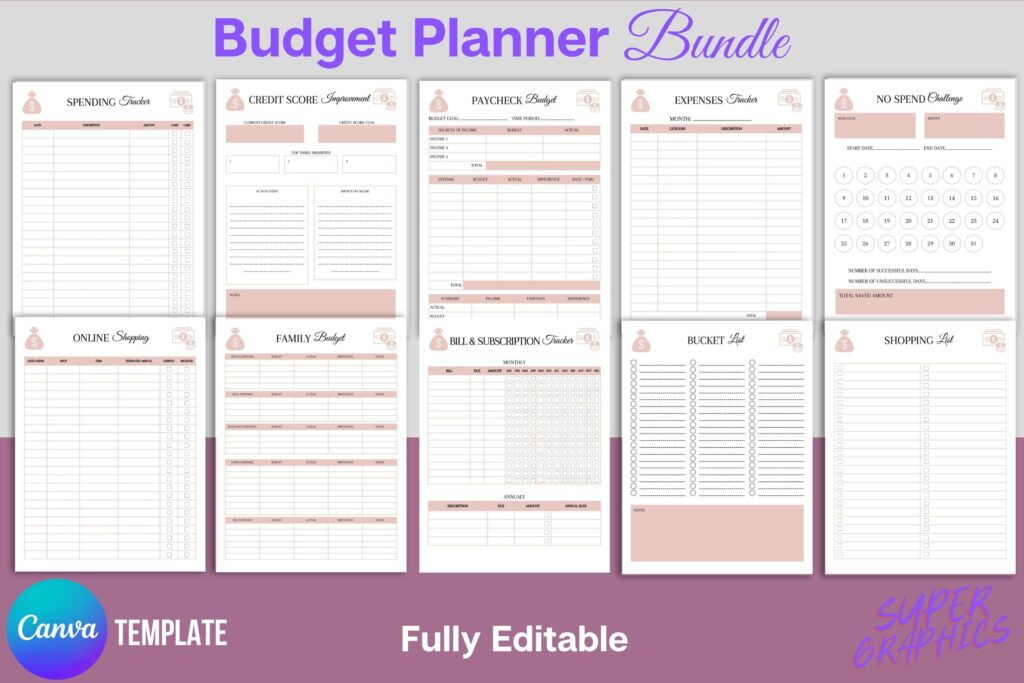
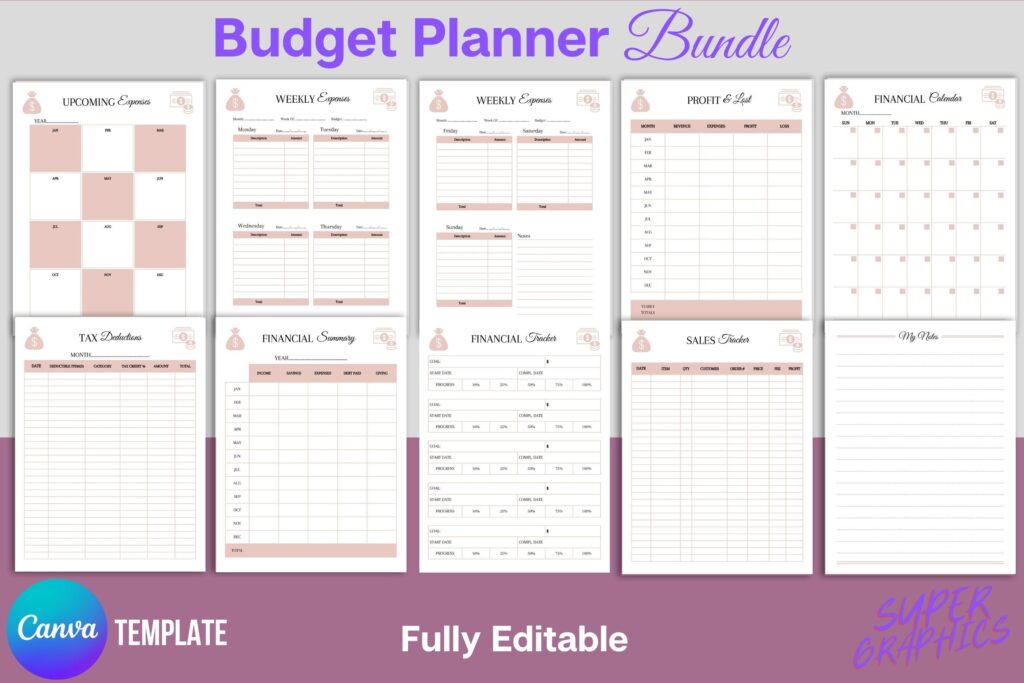
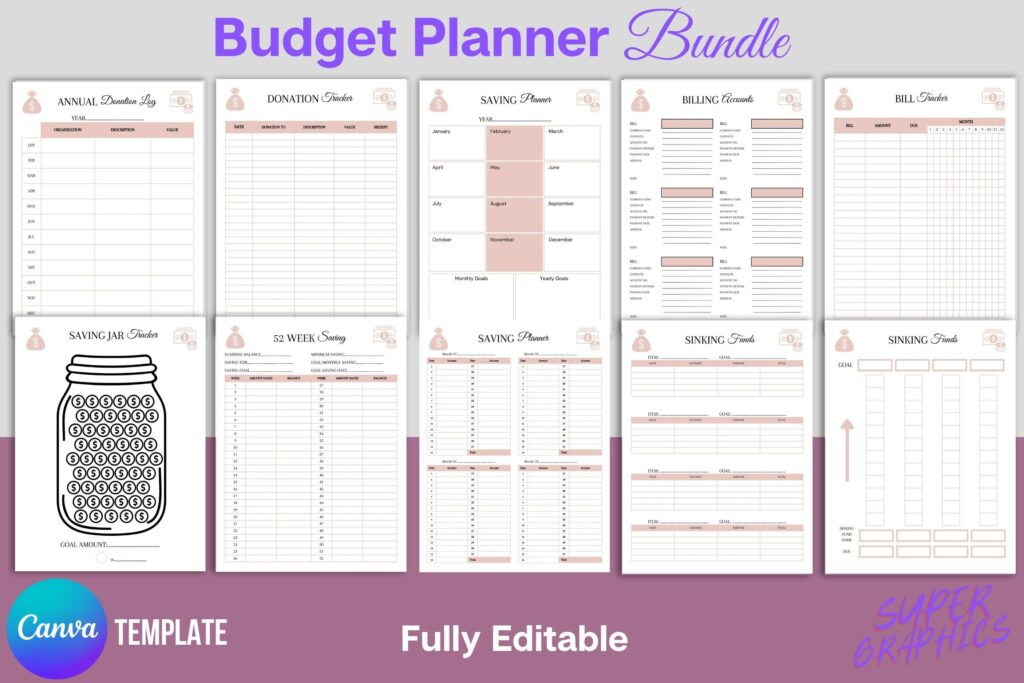
- 65 ready-to-edit planner pages covering budgets, bills, debt, savings, and goals
- Fully customizable in Canva—add your brand colors, fonts, and logo
- Organized trackers for income, expenses, credit, subscriptions, taxes, and donations
- Yearly, monthly, weekly views plus annual summaries for quick insights
- Debt snowball, sinking funds, emergency fund, and savings challenges included
- Investment, retirement, credit score, and net worth tracking
- US Letter (8.5×11) print-ready; export as PDF or JPG
- Duplicate pages to create unlimited versions for different needs
- Bonus JPG files for quick printing or inserts
What’s Included
- PDF with link to the fully editable Canva template (65 pages)
- PDF with 65 predesigned pages ready to print (US Letter 8.5×11)
- Bonus: JPG files of the pages
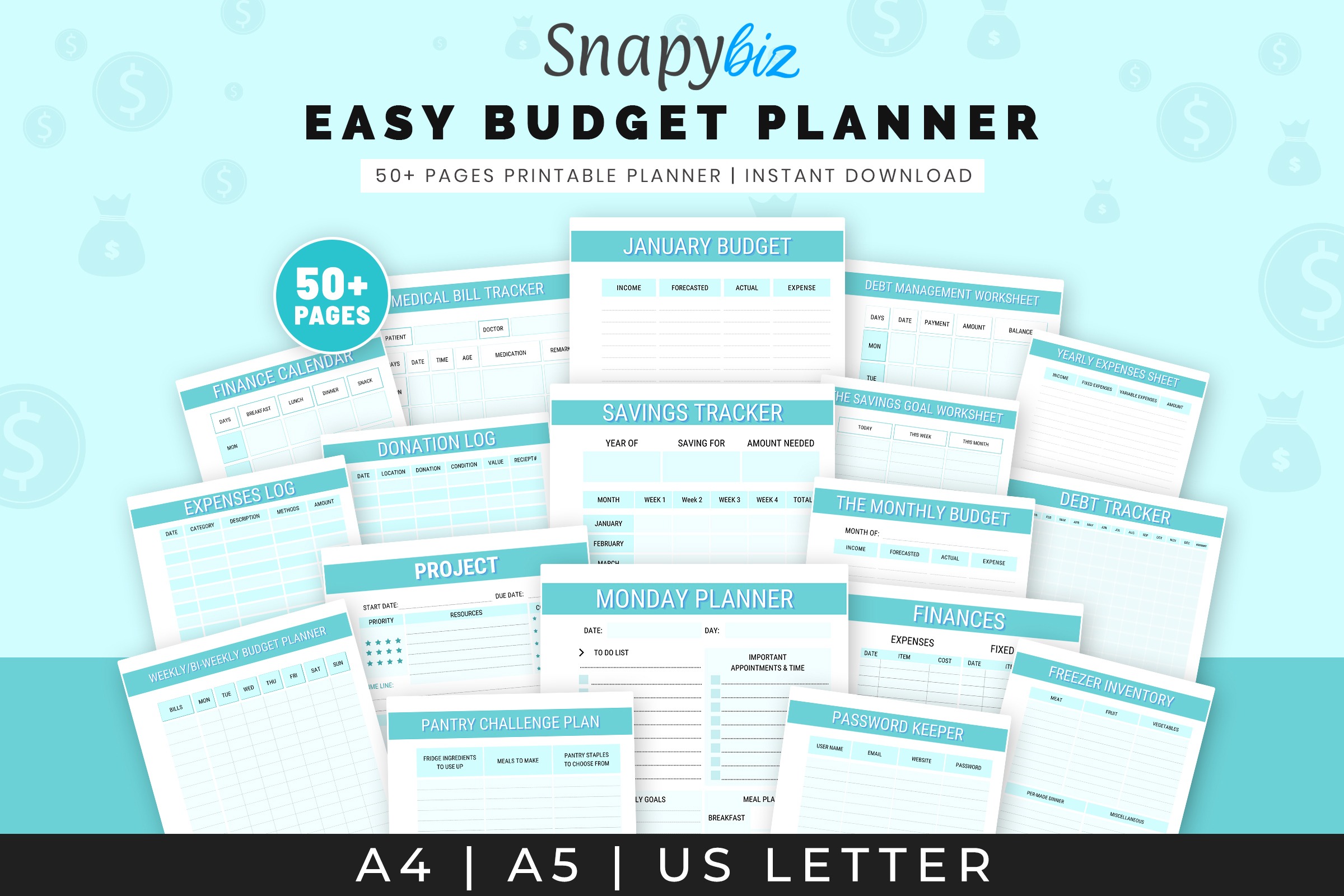
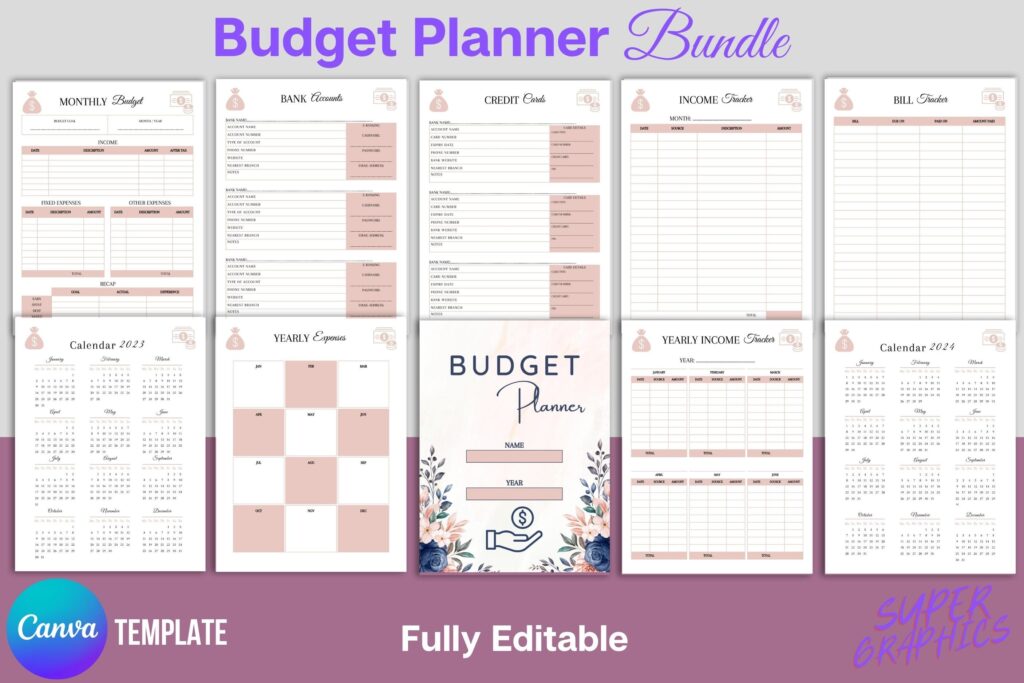
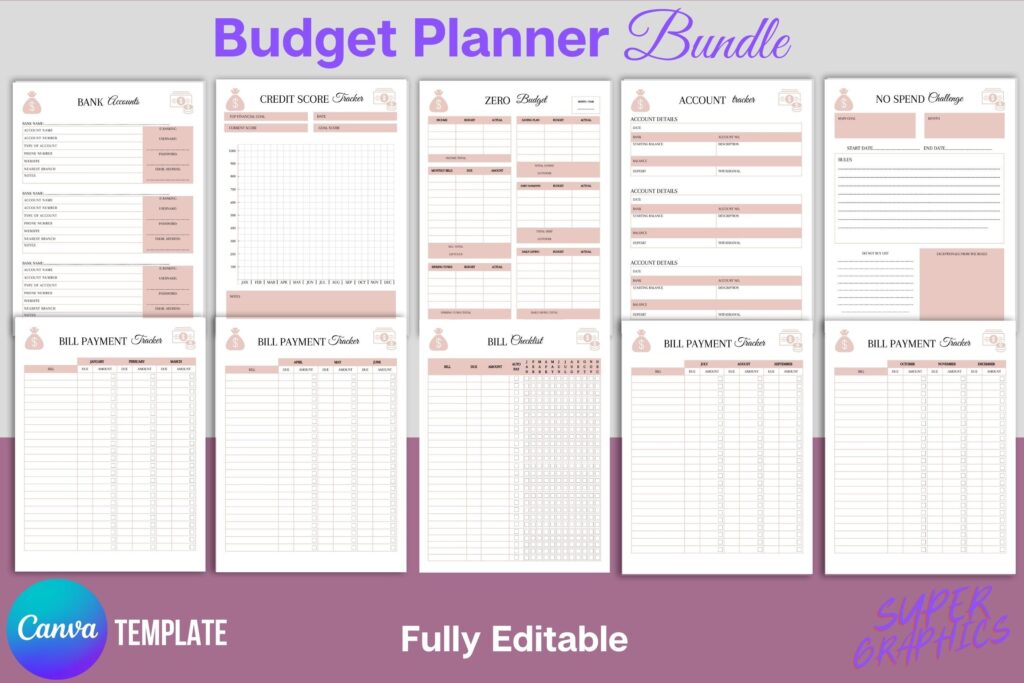
- Page types include: budgets, income/expense trackers, bills and subscriptions, debt payoff, savings planners, investments, net worth, calendars, goals, lists, and notes
- Yearly calendar pages for 2023–2024
How It Works
- Purchase and download the ZIP or PDFs after checkout
- Open the PDF and click the Canva template link
- Make a copy in your Canva account; customize text, colors, fonts, and logo
- Duplicate any pages you need and reorder as desired
- Export as PDF/JPG/PNG and print at home or through a print shop
Important Notes
- Digital product only—no physical item will be shipped
- Designed for US Letter (8.5×11); resizing to other sizes requires Canva Pro
- Includes yearly calendar pages for 2023–2024
- Colors may vary slightly between screens and printers
Frequently Asked Questions
Do I need a Canva account?
Yes. You’ll need a Canva account to open and edit the template.
Can I resize the pages?
Yes. Resizing to other dimensions is available with Canva Pro.
Can I change fonts and colors?
Absolutely. All text, colors, and elements can be customized in Canva.
Is this a physical planner?
No. This is a digital template. Download, customize, export, and print.
License & Usage Rights
Personal and commercial use for end products you create from this template. You may not resell, share, or distribute the template files themselves or claim them as your own.