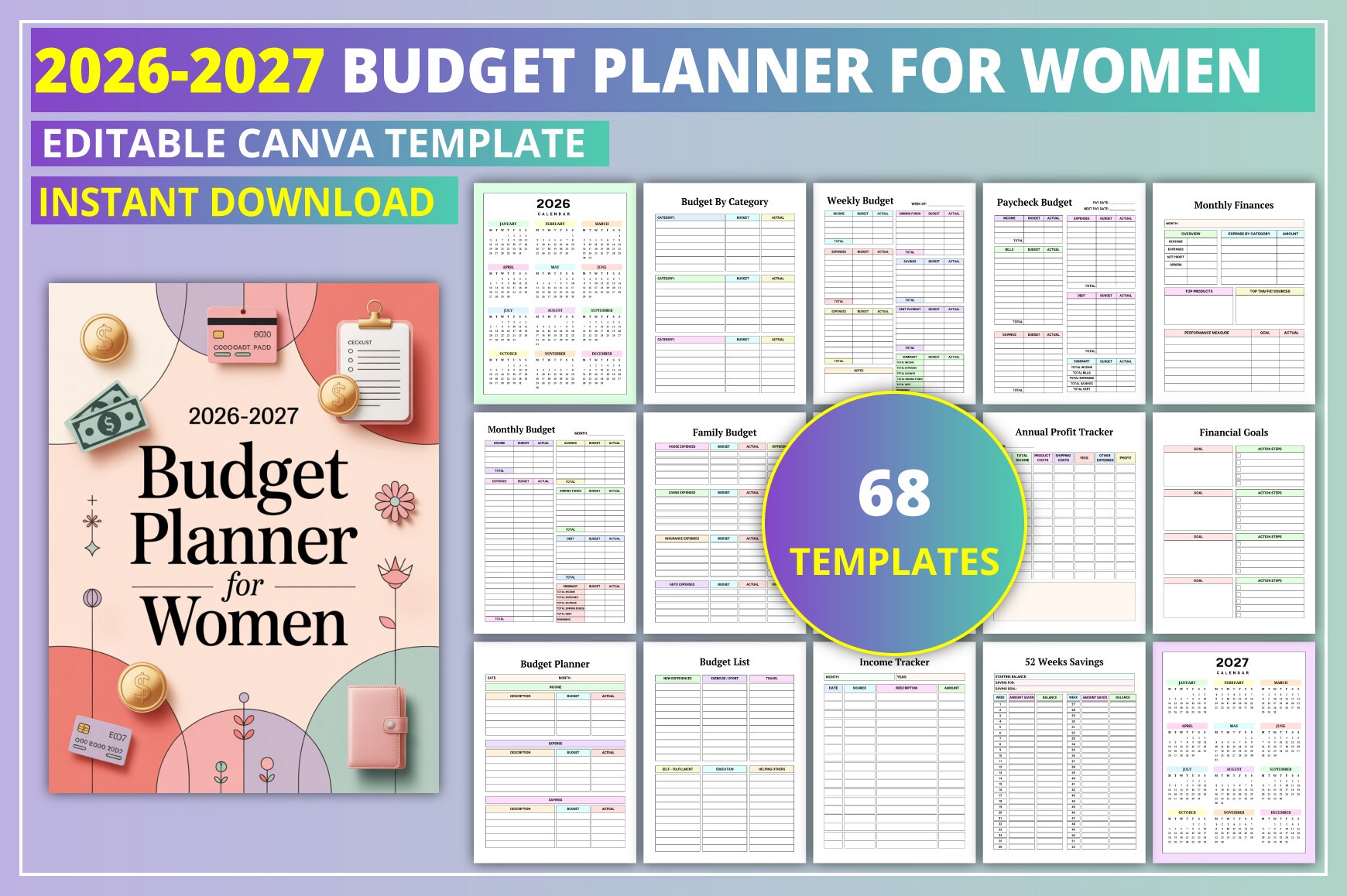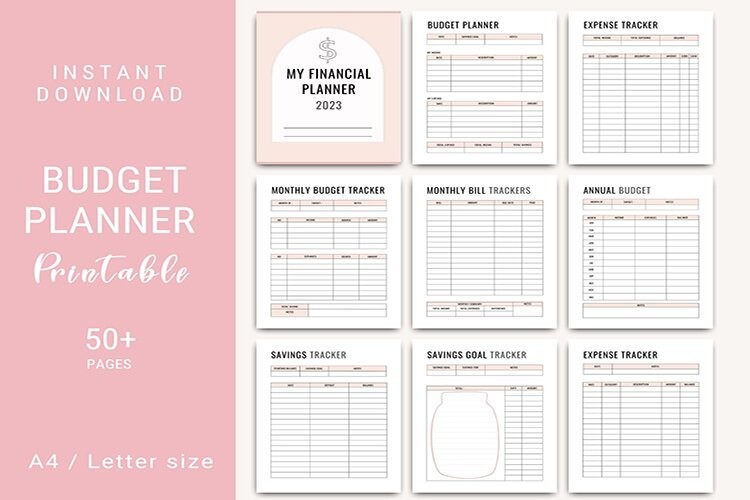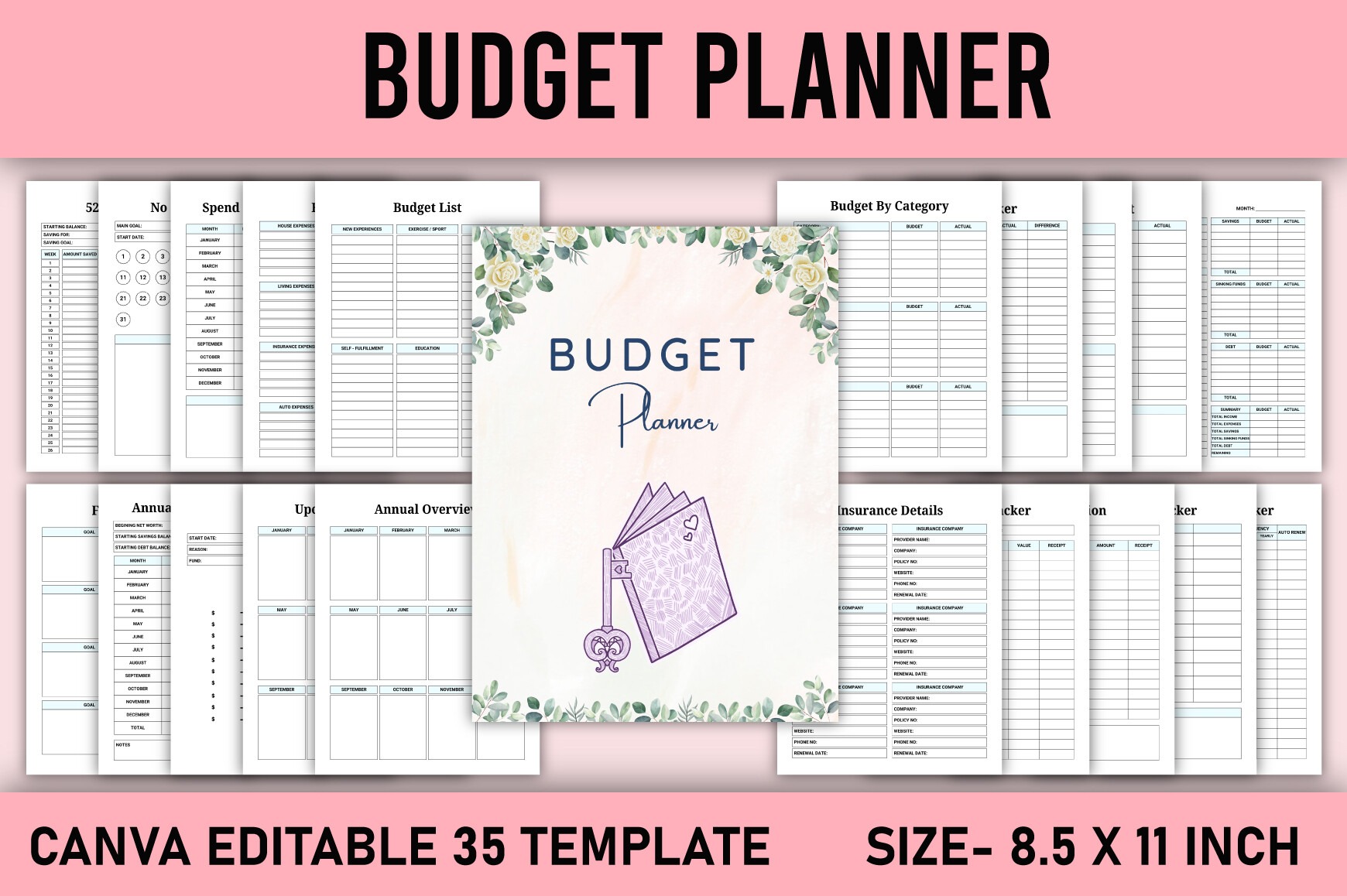
Organize your money with a clean, customizable Budget Planner designed in Canva. Ideal for personal finance, families, or creators publishing on KDP. Edit colors, fonts, and pages in minutes, then export a ready-to-upload PDF. US Letter size with no-bleed pages for easy printing and KDP compliance.
Key Features
- All-in-one budgeting system: weekly, monthly, and annual planning
- Track income, expenses, bills, subscriptions, savings, and taxes
- KDP-ready PDF (8.5×11 in, no bleed, CMYK, 300 DPI)
- Fully editable in Canva—change colors, fonts, and layouts
- Export as PDF, JPG, or PNG for print or digital use
- Clear, functional layouts for fast data entry and review
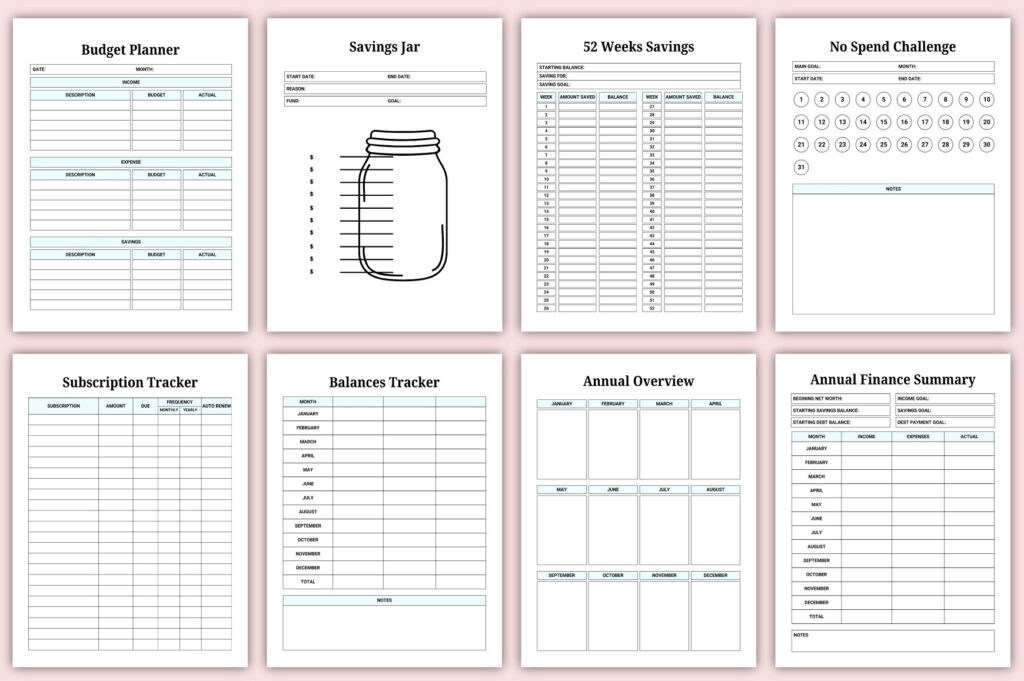
- Includes savings challenges and financial goals pages
- US Letter formatting for easy home or pro printing
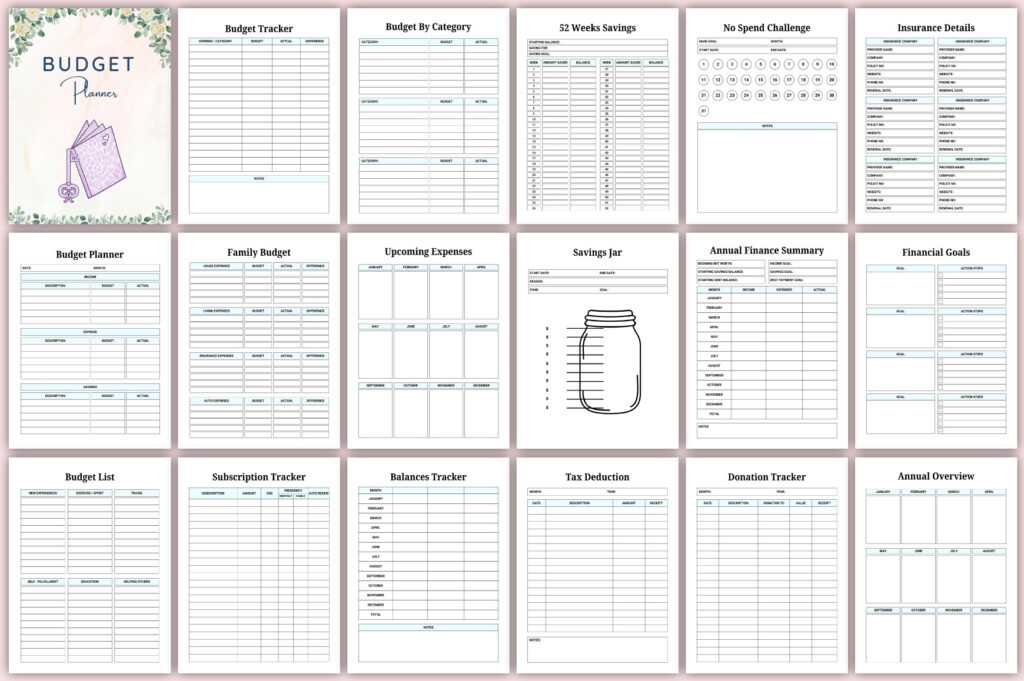
- 35 streamlined pages you can duplicate, rearrange, or remove
What’s Included
- Editable Canva template link (35 pages, US Letter 8.5×11 in, no bleed)
- Ready-to-use files: PDF, JPG, and PNG (300 DPI, CMYK)
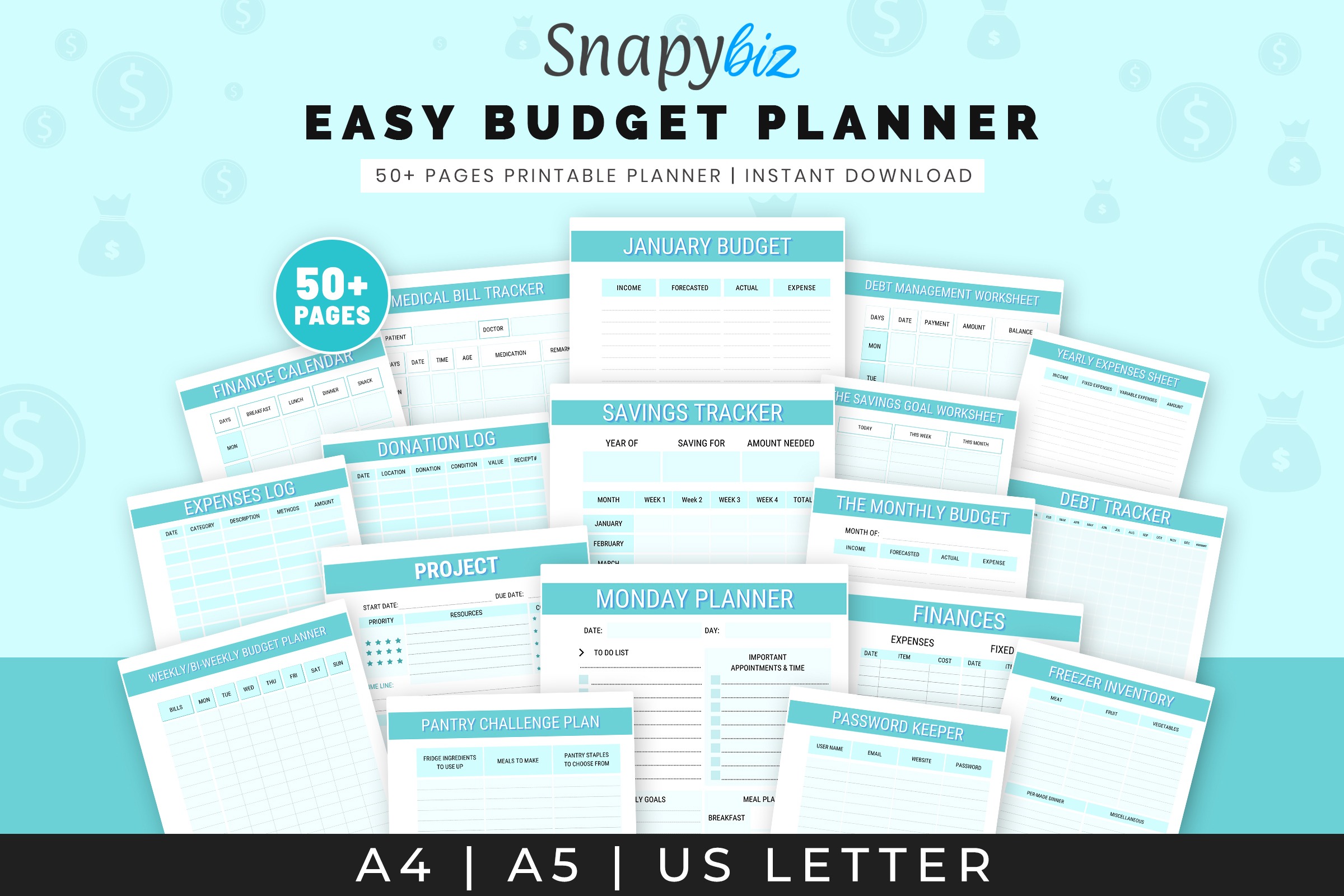
- Budget pages covering planning (weekly/monthly/annual), trackers (income, expenses, bills, subscriptions, balances, savings with 52-week), goals, tax deduction, donations, insurance, bank accounts, overviews and summaries, calendar, upcoming expenses, wishlist, to-do, and notes
How It Works
- Open the included Canva link (free account works).
- Customize text, colors, fonts, and pages to fit your needs.
- Download as PDF (no bleed, CMYK, 300 DPI) or JPG/PNG.
- Print at home/pro shop or upload the PDF interior to KDP.
Important Notes
- Digital product only—no physical item shipped.
- Requires a free Canva account to edit.
- Verify KDP trim, margins, and bleed settings before publishing.
- Colors may vary by monitor, printer, and paper stock.
Frequently Asked Questions
Do I need Canva Pro?
No. The template works with a free Canva account.
Can I change fonts, colors, and pages?
Yes. Edit all elements in Canva and duplicate or delete pages as needed.
Is it ready for KDP?
Yes. A no-bleed, US Letter PDF is included. Always confirm KDP specs before uploading.
Can I print it at home?
Yes. Export as PDF (300 DPI) and print on US Letter paper.
License & Usage Rights
Personal and commercial use allowed for finished end products (e.g., printed planners or KDP publications). You may not resell, share, or redistribute the template or source files as-is, or claim the original design as your own.