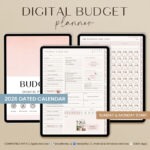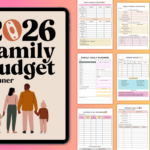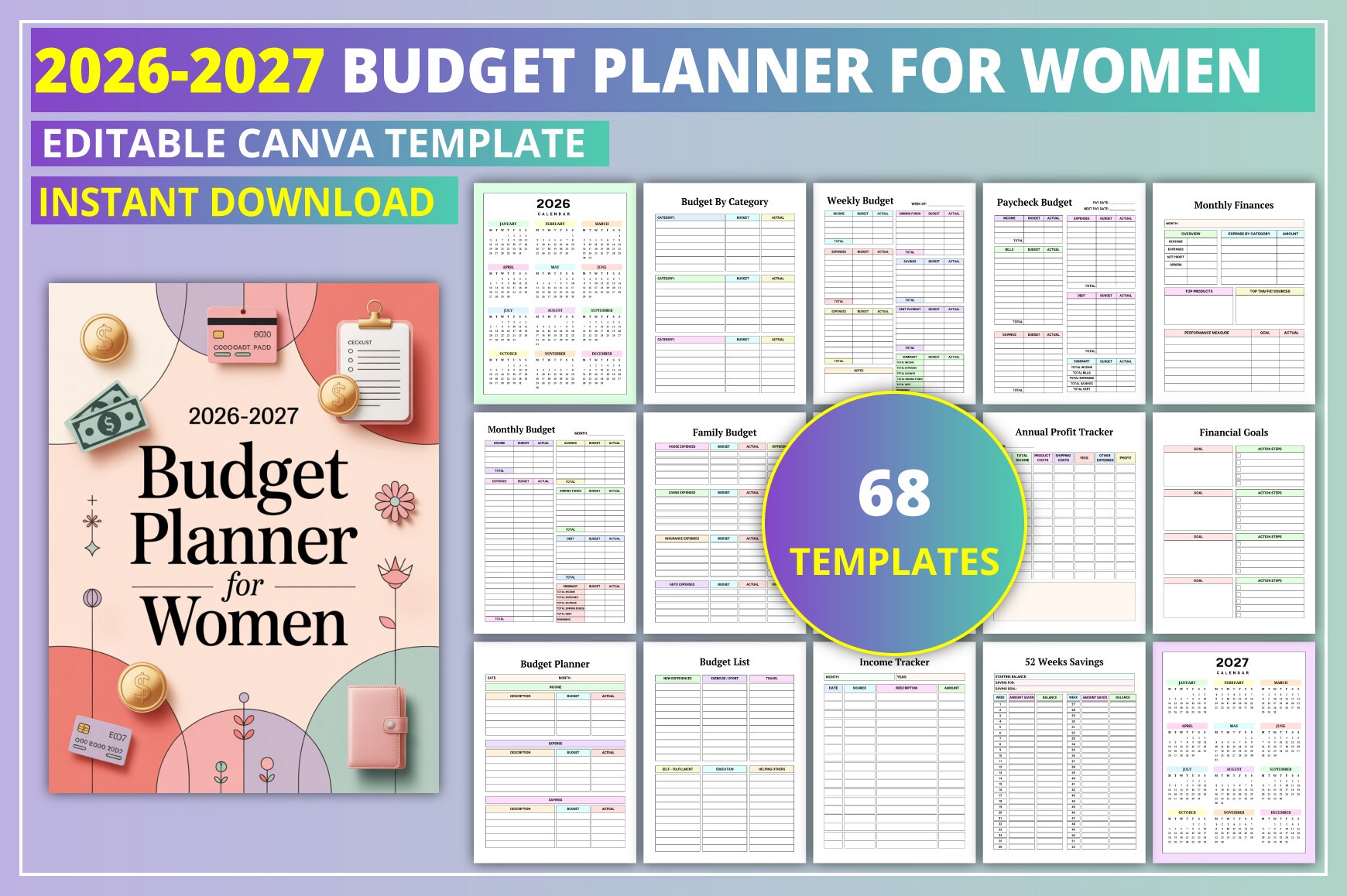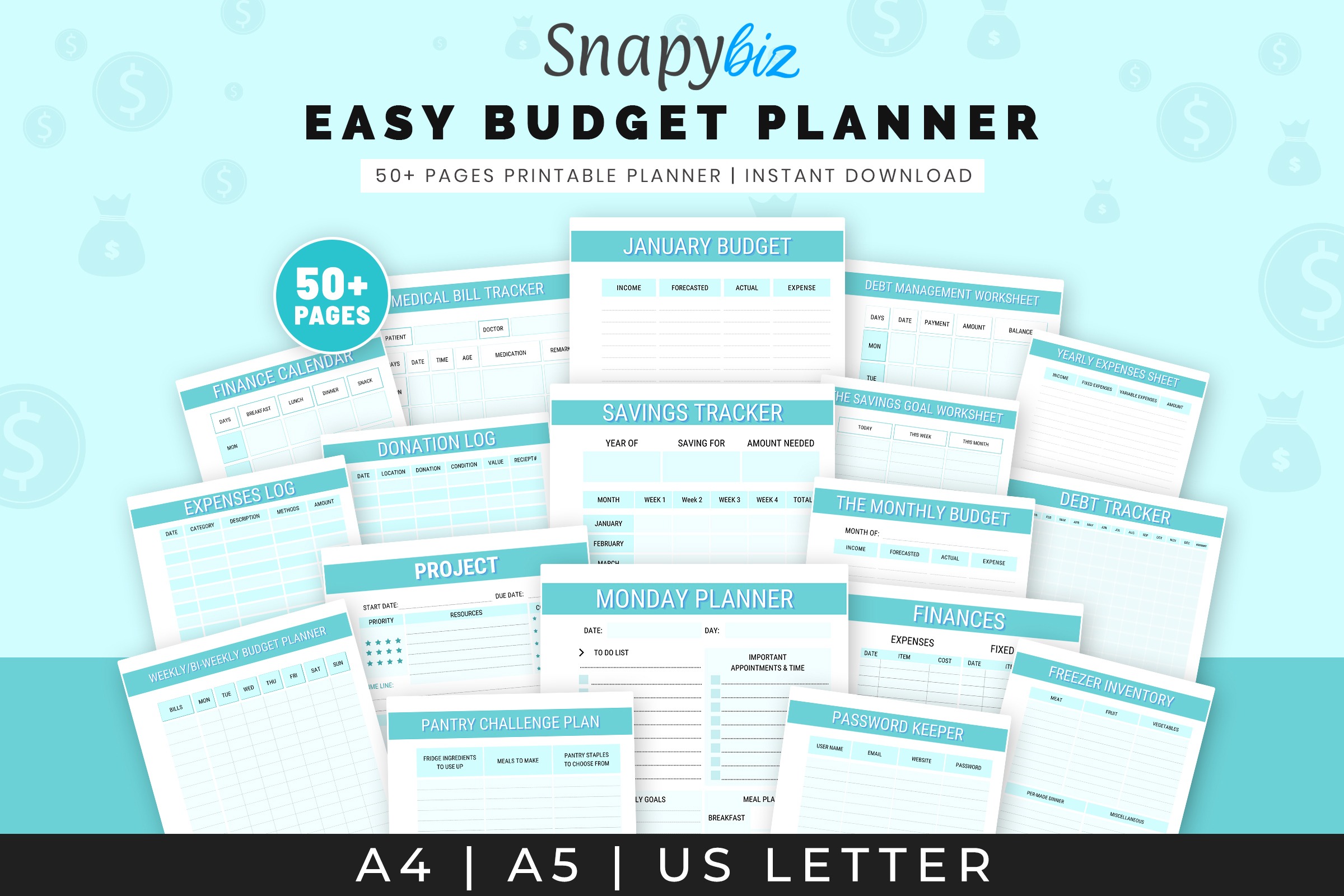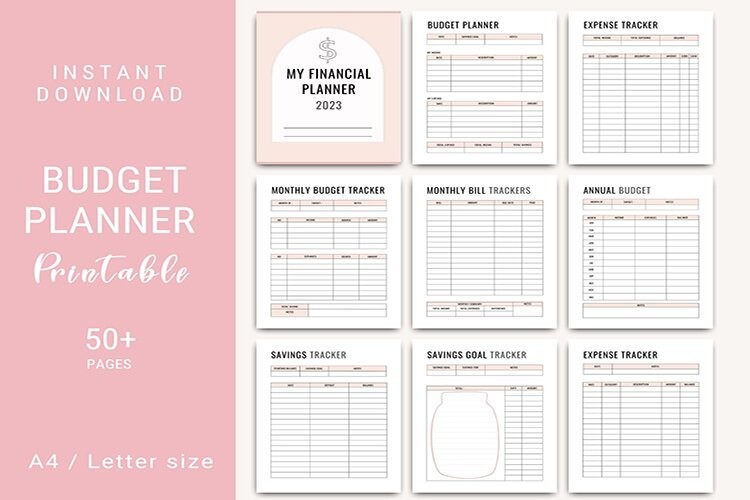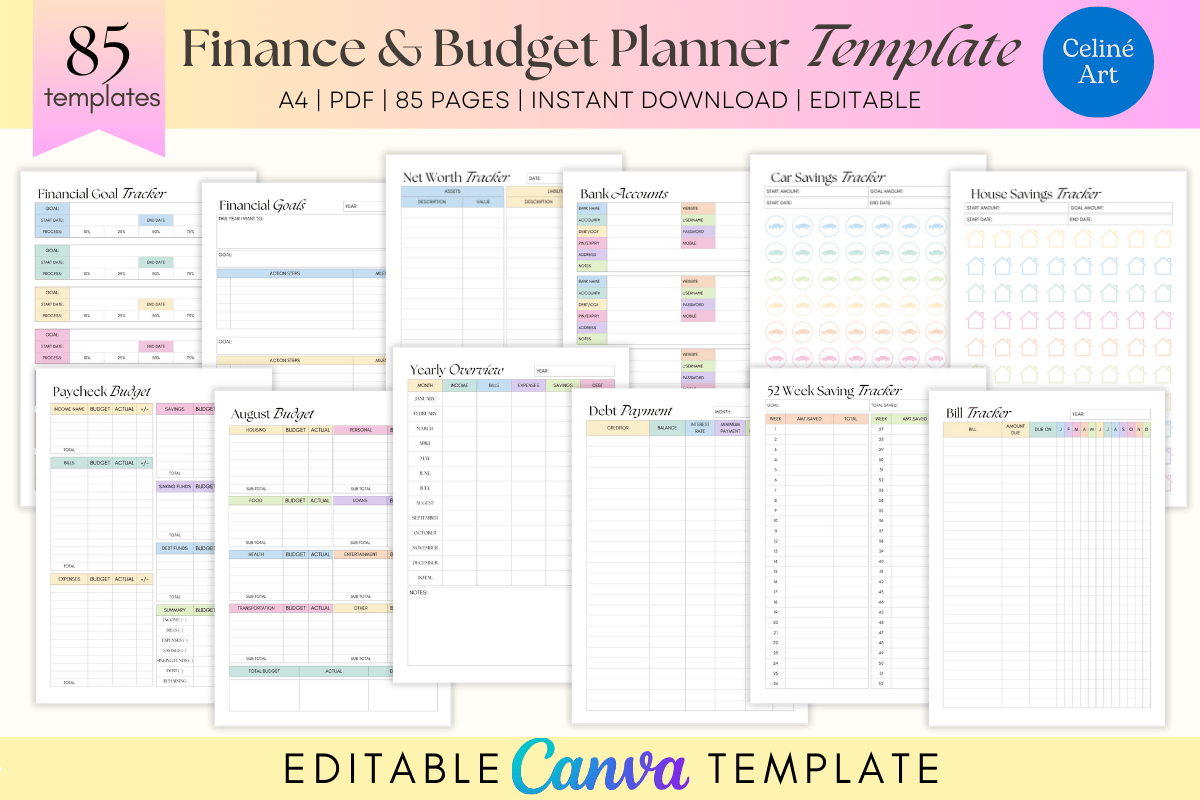
Take control of your money with an editable finance planner built in Canva. Ideal for beginners and seasoned budgeters, it organizes monthly budgets, expenses, debt payoff, and savings in one place. Customize fonts, colors, and layouts, then print or use digitally. Instant access—no design skills needed.
Key Features
- Fully editable in Canva—change colors, fonts, and layouts
- Monthly, paycheck, and yearly budgeting in one system
- Track expenses, bills, subscriptions, debt, and sinking funds
- Set and monitor savings goals, including a 52‑week challenge
- Log net worth, investments, retirement, and donations
- Store key info: bank accounts, passwords, and credit cards
- Plan seasonal spending with holiday and gift budgets
- Print-friendly pages or use digitally on your computer or tablet
- Clean layouts that make numbers easy to understand
- Instant download—start organizing today
What’s Included
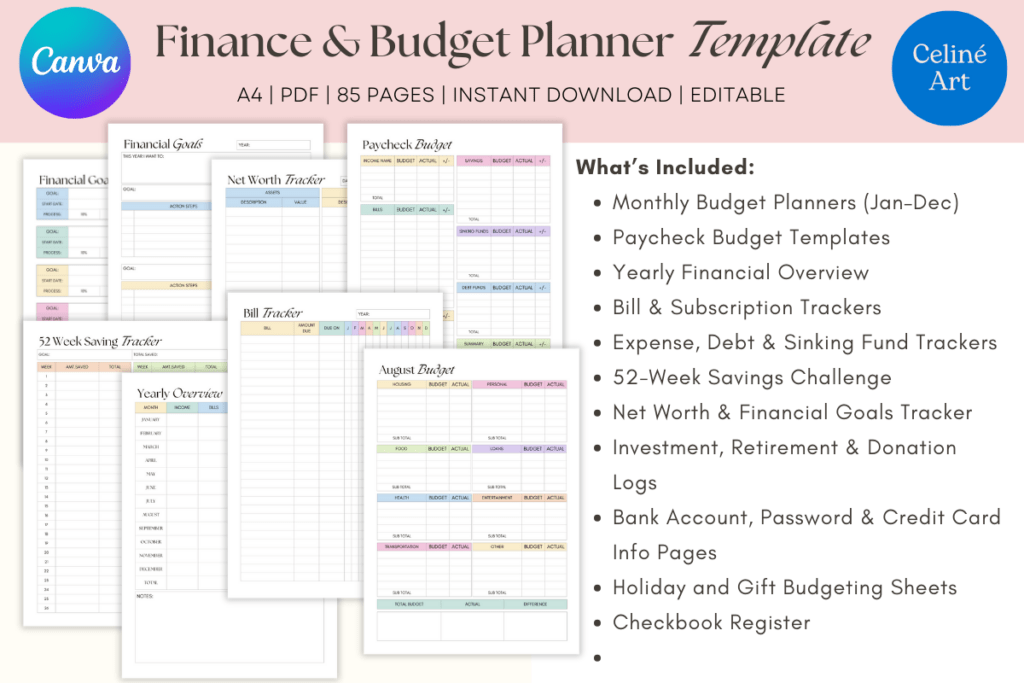
- 12 Monthly Budget planners + Paycheck budgets
- Yearly financial overview
- Trackers: expenses, debt, sinking funds, bills, subscriptions
- 52‑Week savings challenge + financial goals
- Logs: net worth, investments, retirement, donations
- Info pages: bank accounts, passwords, credit cards
- Holiday & gift budget sheets + checkbook register
- Share link to the Canva template and quick-start instructions
How It Works
- Purchase and download the PDF with your Canva link.
- Open the link and create or sign in to a free Canva account.
- Click Use Template to add it to your Canva.
- Customize text, colors, and layouts as you like.
- Export to PDF to print or use digitally on your device.
Important Notes
- Digital product only—no physical item shipped.
- Works with a free Canva account.
- Final print colors may vary by printer and paper.
Frequently Asked Questions
Do I need Canva Pro?
No. The template works with a free Canva account.
Can I change fonts and colors?
Yes. Every page is fully editable in Canva.
Can I use it digitally instead of printing?
Yes. Export to PDF and use on your computer or tablet.
Can I sell finished planners I create?
Yes. You may sell exported end products (like PDFs). You may not resell, share, or distribute the Canva template itself.
License & Usage Rights
Commercial license for end products is included. You may edit the template and sell/export finished planners (e.g., PDFs) for personal or client use. You may not resell, share, or redistribute the Canva template or claim it as your own.