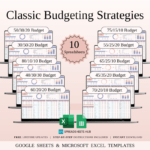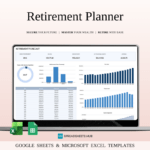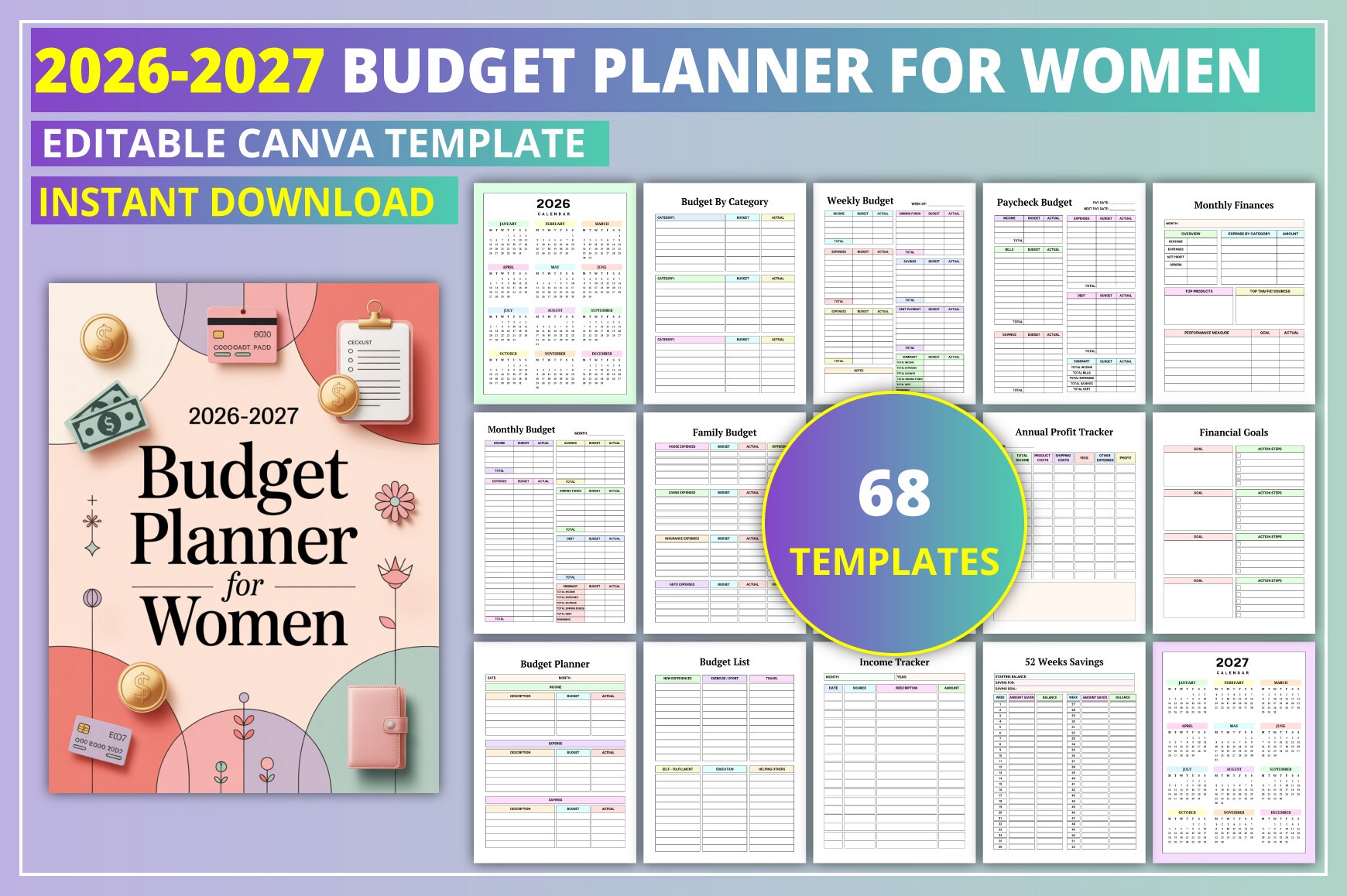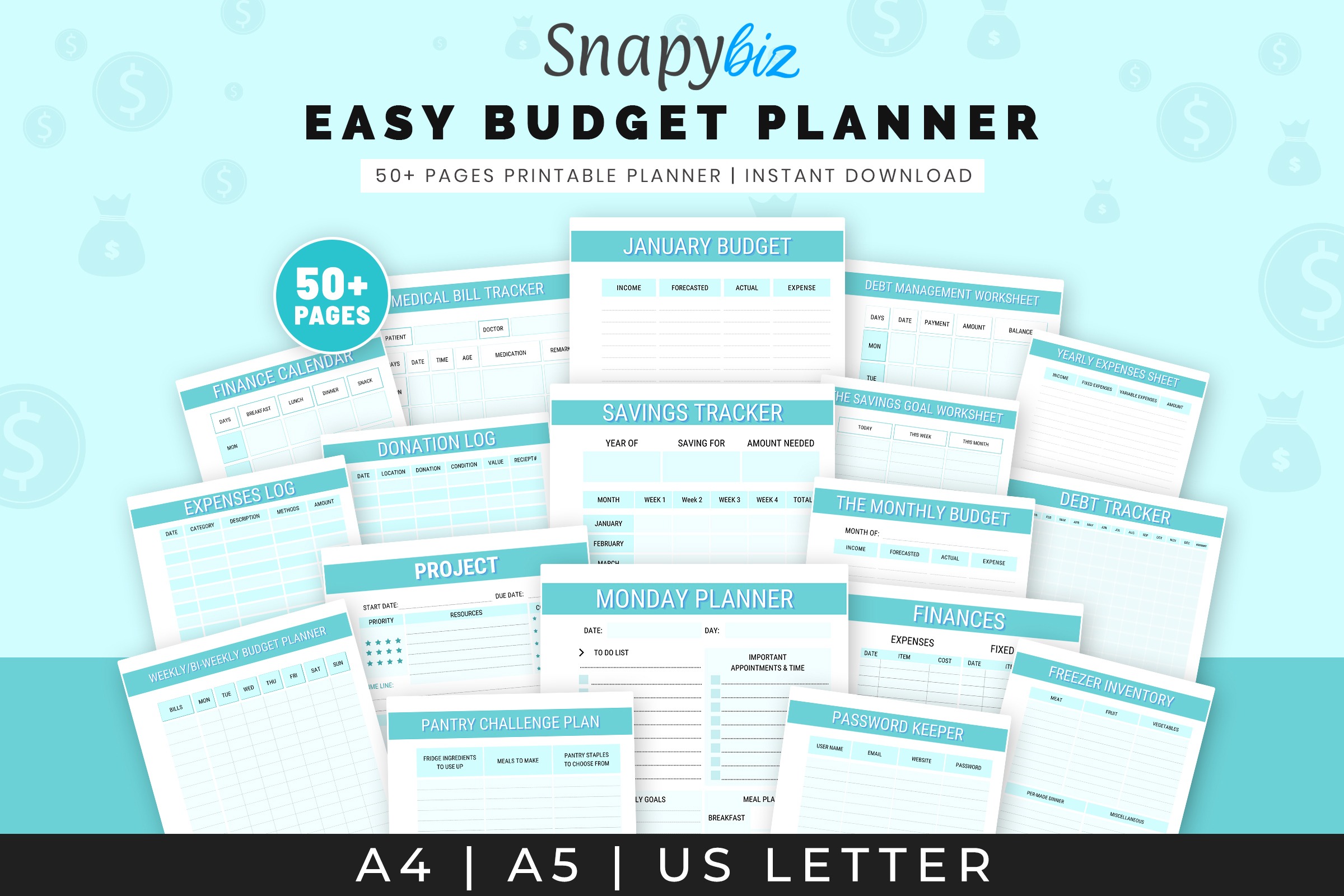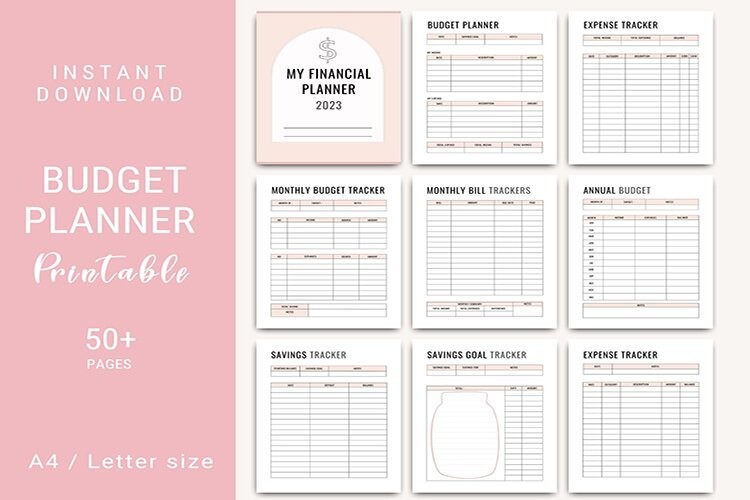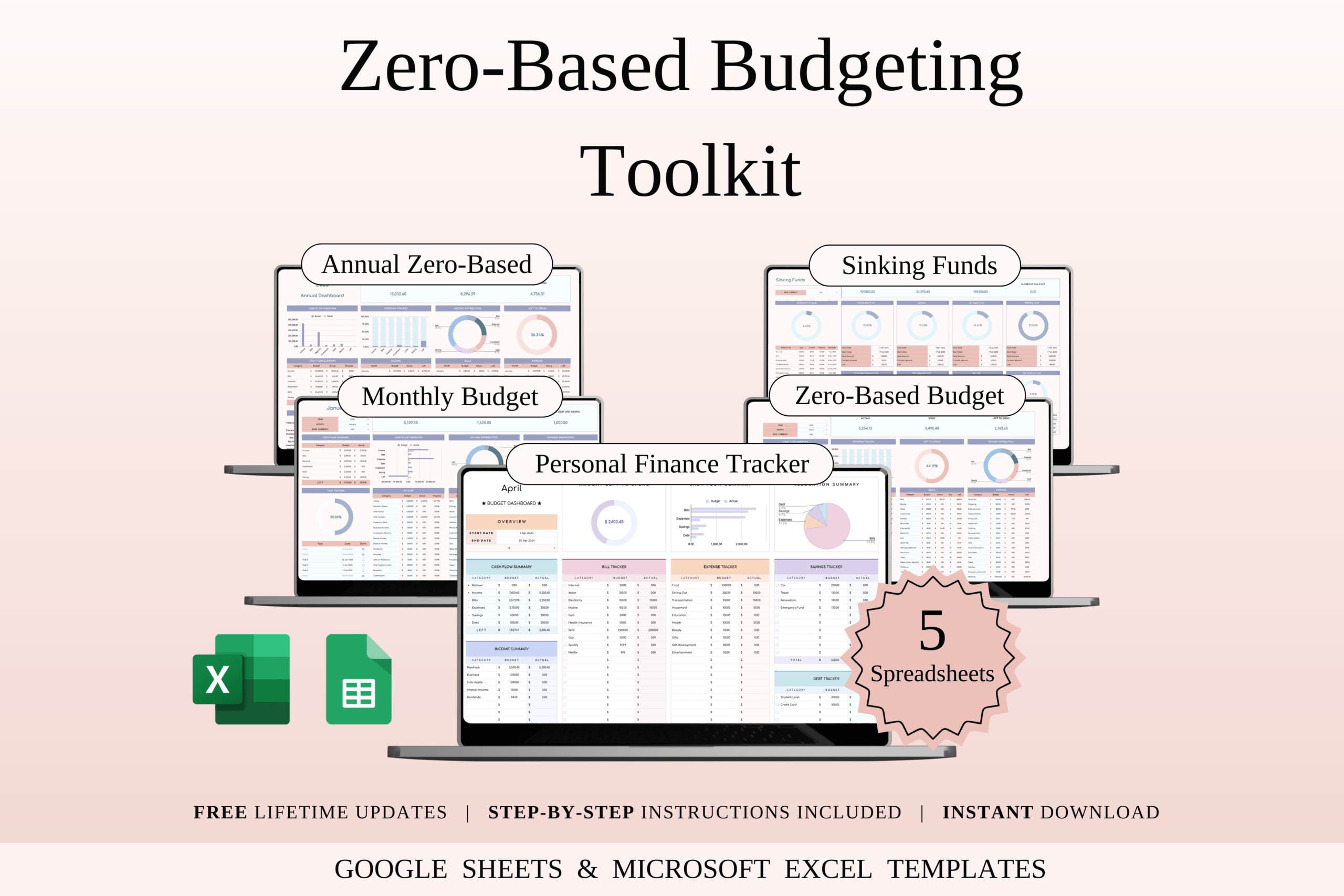
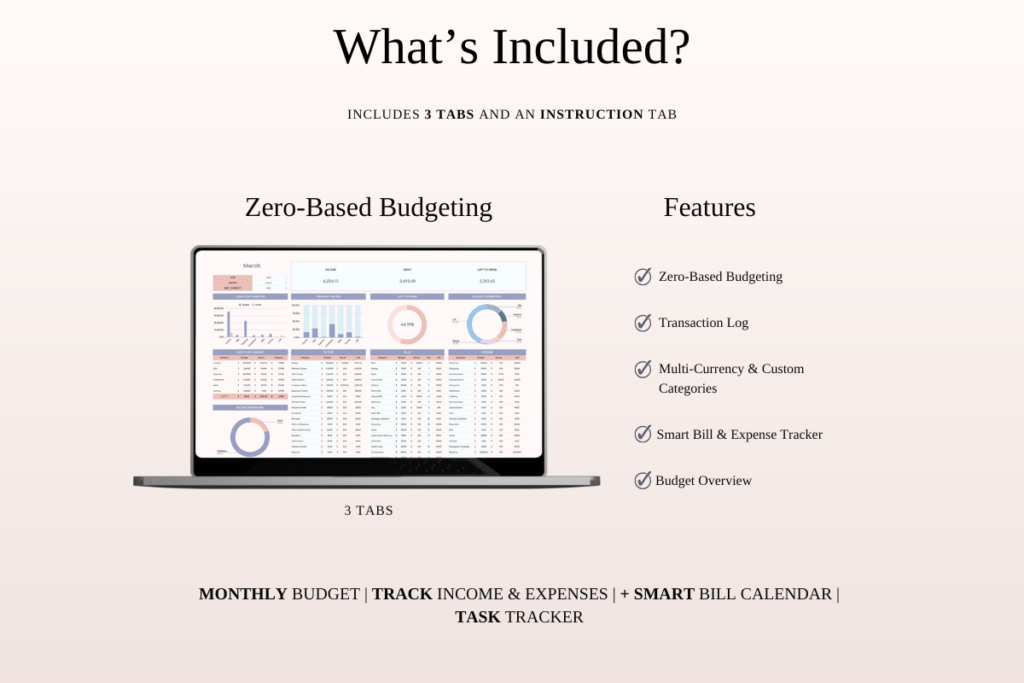
Take control of your money with a zero-based budgeting system that assigns every dollar a job. This bundle is ideal for beginners and seasoned budgeters who want clear, structured tracking. Use it in Excel or Google Sheets to plan monthly and annual budgets, sinking funds, and more. Start with the guided samples, then switch to the blank versions when you’re ready.
Key Features
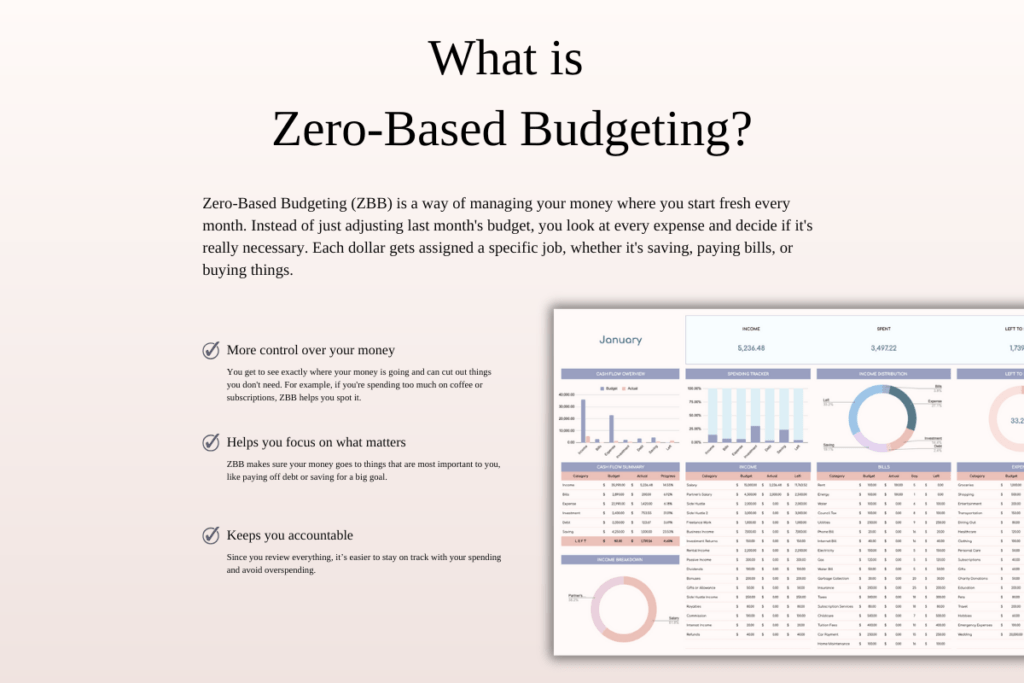
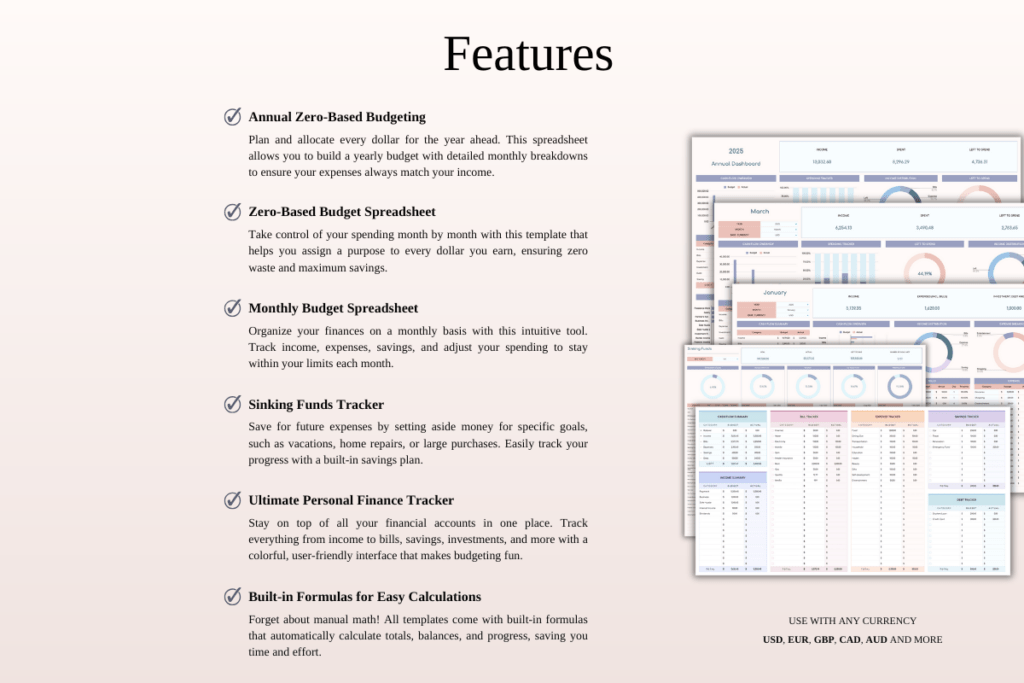
- Zero-based budgeting method for precise money management
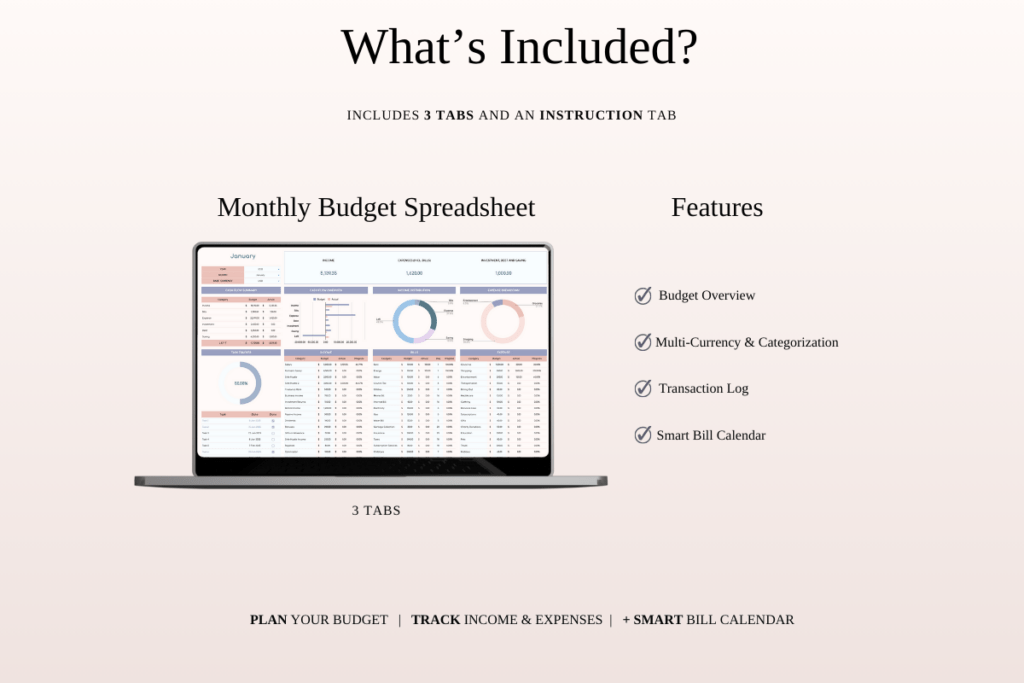
- Annual and monthly budget tracking in one toolkit
- No formulas to build—just enter your numbers
- Includes sample files with mock data for quick learning
- Works in Microsoft Excel and Google Sheets
- Clear, organized layouts with step-by-step instructions
- Sinking funds tracker for upcoming expenses and goals
- Visual dashboard option (Rainbow theme) for at-a-glance insights
- Compatible with Mac, PC, phones, and tablets
What’s Included
- 5 core spreadsheets: Annual Zero-Based Budget, Zero-Based Monthly Budget, Monthly Budget, Sinking Funds Tracker, Ultimate Personal Finance Tracker (Rainbow Theme)
- 20 total files: 5 blank Google Sheets + 5 sample Google Sheets, 5 blank Excel + 5 sample Excel
- Step-by-step instructions and access link PDF
- Editable in Google Sheets and Microsoft Excel
How It Works
- Purchase and download your files.
- Open the included PDF to access the Google Sheets links, then Make a copy to your Drive.
- Download the Excel versions if you prefer working in Excel.
- Open your chosen spreadsheet, enter your income and expenses, and start budgeting.
Important Notes
- Digital product only; no physical item will be shipped.
- All sales are final due to the nature of digital downloads.
- Colors may vary slightly by screen and device.
- Best editing experience on a desktop or laptop. Google account required for Google Sheets; Microsoft Excel required for Excel.
Frequently Asked Questions
Do I need Excel to use this?
No. You can use either Google Sheets (free with a Google account) or Microsoft Excel.
Can I use this on my phone or tablet?
Yes, it’s compatible with mobile devices, though a desktop or laptop offers the best editing experience.
Are the templates easy for beginners?
Yes. Use the sample files with mock data to learn the flow—no formulas to build. Then switch to the blank versions.
License & Usage Rights
For personal or commercial use in managing your own finances or business. Redistribution, reselling, sharing, or claiming the templates as your own is not permitted.